
What is OpenHuman
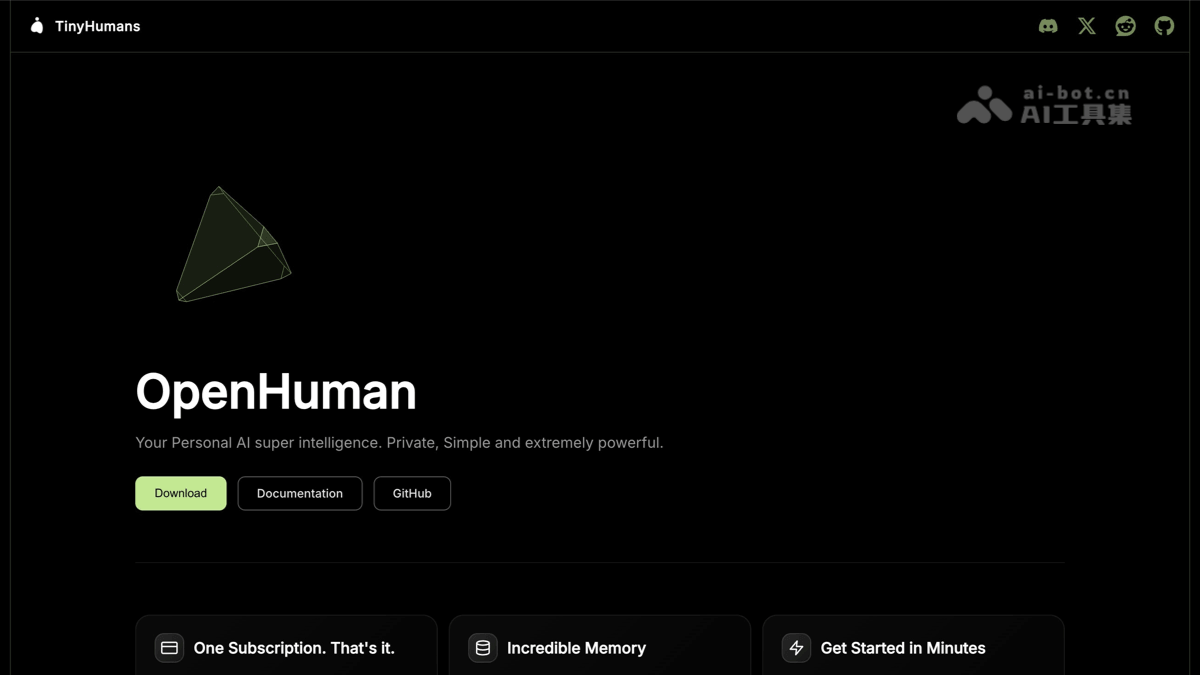
OpenHuman is an open-source personal AI super intelligence assistant launched by the tinyhumansai team, positioned as "Your Personal AI super intelligence," focusing on being private, simple, and extremely powerful. It is not a traditional chatbot, but a desktop-level AI Agent that can proactively perceive the user's work context. By automatically syncing data from 118+ third-party apps every 20 minutes, it builds local persistent memory, enabling the AI to truly "understand you." The project is built with Rust + TypeScript + Tauri and supports macOS, Linux, and Windows platforms.
OpenHuman's main features
-
Desktop mascot interaction: A desktop AI assistant with a visual persona, supporting voice input (STT) and ElevenLabs voice output (TTS). The mascot can perform real-time lip sync and can join Google Meet as a participant and record meetings in real time.
-
One-click integration with 118+ third-party apps: Quickly connect to mainstream tools such as Gmail, Notion, GitHub, Slack, Linear, Jira, Stripe, Calendar, and Drive via OAuth, with no need to write any connection code.
-
Automatic sync every 20 minutes (Auto-fetch): The core engine traverses all active connections every 20 minutes and automatically pulls the latest data into the local memory system, so that by the next morning the Agent already has all of the previous day's context.
-
Memory Tree hierarchical persistent memory: Normalizes synced data into Markdown chunks of ≤3k tokens, then scores and folds them into a hierarchical summary tree stored in local SQLite, enabling long-term memory across sessions.
-
Native Obsidian Vault compatibility: Synced data is also output as Obsidian-readable
.mdfiles, allowing users to browse and edit the AI-maintained knowledge network in Obsidian Graph View. -
TokenJuice intelligent token compression: Automatically compresses data before it enters the LLM (HTML to Markdown, shortening long URLs, removing non-ASCII characters, etc.), reducing API call costs and latency by up to 80%.
-
Built-in model routing (Model Routing): Automatically assigns lightweight models, strong reasoning models, or vision models based on task type, covering multiple model capabilities with one subscription and eliminating the need to manage multiple API Keys.
-
Complete toolchain out of the box: Built-in web search, web scraping (Web Scraper), and a code toolset (file system, Git, Lint, Test, Grep), usable without installing additional plugins.
-
Local-first and privacy protection: All workflow data is stored locally with encryption, supports fully offline operation through local models via Ollama, and data is not uploaded to the cloud.
-
Optional agentmemory shared backend: Can be configured to share the same persistent memory store with tools such as Claude Code, Cursor, and Codex, enabling knowledge interoperability across tools.
-
Messaging channel integration: Supports inbound/outbound message sending and receiving, connecting to users' existing communication channels, while workflow data is always kept on the local device.
How to use OpenHuman
-
Download and install from the official website: Visit OpenHuman's official website https://tinyhumans.ai/openhuman to download the DMG (macOS) or EXE (Windows) installer for the corresponding platform, then double-click to install and launch.
-
Quick command-line installation (macOS / Linux x64): In the terminal, run
curl -fsSL https://raw.githubusercontent.com/tinyhumansai/openhuman/main/scripts/install.sh | bashAutomatically completes download and installation. -
Quick command-line installation (Windows): Run in PowerShell
irm https://raw.githubusercontent.com/tinyhumansai/openhuman/main/scripts/install.ps1 | iexto complete one-click installation. -
One-click connection to work apps: After opening the app, connect to 118+ third-party tools such as Gmail, Notion, GitHub, Slack, Calendar, and Drive with one-click OAuth; after authorization, data is automatically synced every 20 minutes.
-
Interact with the desktop mascot: Click the mascot image on the desktop to talk to it via voice or text; you can check "Speak replies" to have the AI read replies aloud.
-
View automatically synced memory data: View the context already synced by the Agent in the app, such as emails, tasks, and code repositories; the AI automatically compresses and organizes it into a Memory Tree for use in subsequent conversations.
-
Obsidian knowledge base browsing: Synced data is automatically written to a local Obsidian-compatible Vault. Open Obsidian to visually browse the AI-maintained knowledge network in Graph View, or manually edit
.mdfiles. -
Use the built-in toolset: Directly use out-of-the-box capabilities such as Web search, web scraping, and code tools (file system, Git, Lint, Test, Grep) without installing additional plugins.
-
Connect to local models (optional): If fully offline operation is required, deploy models locally via Ollama and switch to the local model backend in settings to achieve zero cloud dependency.
OpenHuman project address
- Official website address:https://tinyhumans.ai/openhuman
- GitHub repository:https://github.com/tinyhumansai/openhuman
OpenHuman's core advantages
-
UI-first, up and running in minutes: A clean desktop experience with no terminal configuration required; from installation to a usable Agent takes only a few minutes, unlike terminal-first competitors.
-
Context in minutes, not weeks: Traditional Agents need weeks to learn user habits, while OpenHuman can grasp the full compressed context of email, calendar, repositories, documents, and messages through a single sync.
-
One-stop subscription, zero API sprawl: One subscription covers all features, with no need to purchase multiple model API Keys separately.
-
Native compatibility with Obsidian knowledge base: Synced data is automatically written to an Obsidian-compatible Vault, allowing users to browse and edit the AI-maintained knowledge graph in a familiar note-taking interface.
-
Rust + Tauri high-performance architecture: Memory usage is far lower than Electron solutions, built with 69.7% Rust + 26.1% TypeScript.
-
Open source and auditable: Under the GPL-3.0 license, the code is fully transparent, and privacy-sensitive users can audit data flows themselves.
Comparison of OpenHuman with similar competitors
| Comparison dimension | OpenHuman | OpenClaw | Hermes Agent |
|---|---|---|---|
| Open source license | ✅ GPL-3.0 | ✅ MIT | ✅ MIT |
| Ease of onboarding | ✅ UI-first, up and running in minutes | ⚠️ Terminal-first configuration | ⚠️ Terminal-first configuration |
| Usage cost | ✅ Single subscription + TokenJuice compression | ⚠️ Bring your own model API | ⚠️ Bring your own model API |
| Memory capability | 🚀 Memory Tree + Obsidian Vault + optional agentmemory backend | ⚠️ Relies on plugin extensions | ✅ Self-learning observation |
| Third-party integrations | 🚀 118+ apps with one-click OAuth access | ⚠️ Requires manual connection setup | ⚠️ Requires manual connection setup |
| Automatic data sync | ✅ Automatically fetches to local memory every 20 minutes | 🚫 No automatic sync | 🚫 No automatic sync |
| API management | ✅ One account covers all models | 🚫 Bring your own Key | 🚫 Multi-provider management |
| Model routing | ✅ Built-in automatic allocation (lightweight/reasoning/vision) | ⚠️ Manual switching | ⚠️ Manual switching |
| Native toolset | ✅ Code + Search + Scraping + Voice | ✅ Code tools | ✅ Code tools |
| Data privacy | 🚀 Local-first, data does not go to the cloud | Depends on self-hosted configuration | Depends on self-hosted configuration |
OpenHuman use cases
-
Cross-app project context integration: After connecting GitHub, Linear, Jira, and Slack at the same time, let the AI automatically compare code PRs, task boards, and team messages, and summarize the latest project progress in one click, with no need to manually switch between multiple tools.
-
Smart email filtering and summarization: After authorizing Gmail, the AI automatically scans the inbox every 20 minutes, categorizes and summarizes by project or priority, quickly locates important emails that need replies, and filters out low-value information.
-
AI meeting assistant: Let the desktop mascot join Google Meet as a real participant, record meeting content in real time, extract action items, and provide participant background information based on the memory base to assist communication.
-
Intelligent Q&A for code repositories: After syncing GitHub repository data, ask the AI directly about code logic, reasons for historical changes, and controversial points in PR comments. The Agent gives precise answers based on the complete code context.
-
Building a personal Obsidian knowledge base: Automatically compress and archive emails, documents, and chat records into Obsidian-compatible
.mdfiles, visually present the knowledge association network in Graph View, and build a Karpathy-style LLM knowledge base. -
Multi-tool workflow automation: After connecting tools such as Notion, Calendar, Drive, and Stripe, the AI automatically links "calendar events → related documents → corresponding emails → financial records" to form a complete project context chain.