
What is opcode
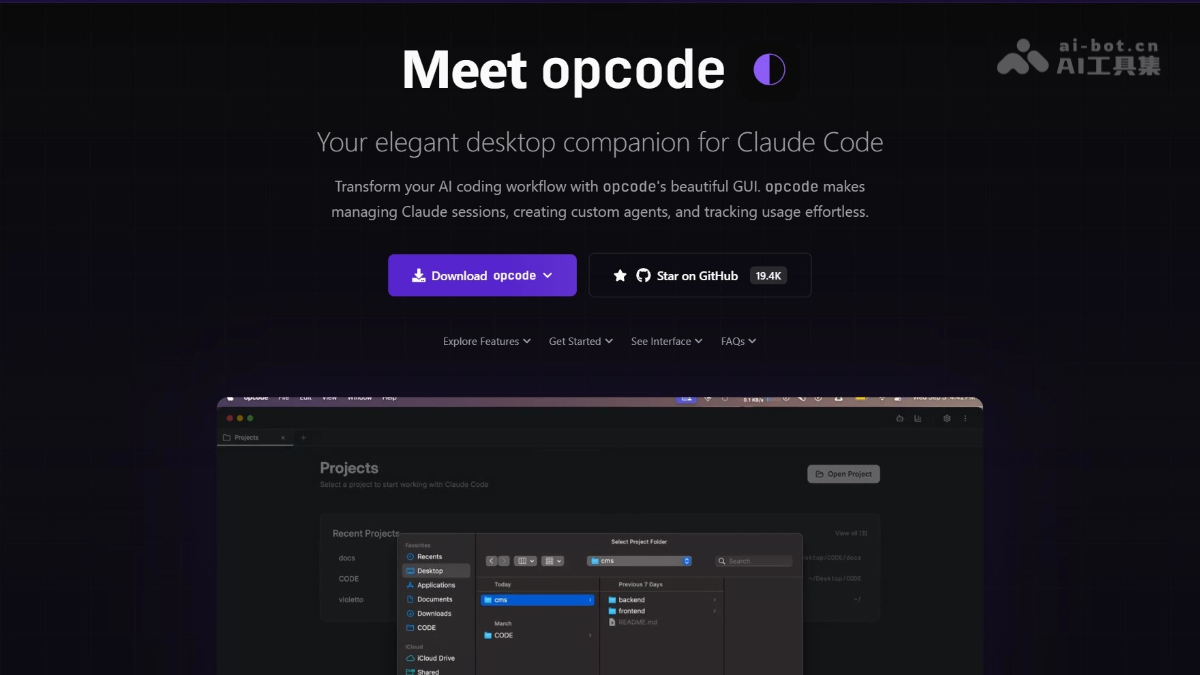
opcode is built forClaude Code an open-source desktop GUI tool that supports transforming complex command-line operations into an intuitive visual experience, greatly improving the user experience. Through opcode, users can more conveniently manage projects and sessions, easily create and run custom AI Agents, and monitor API usage and costs in real time. opcode combines modern front-end technologies with powerful back-end features to provide developers with an efficient and intuitive AI development console.
Main features of opcode
-
Project and session management: The feature can visually browse project directories, view and restore historical sessions, and supports quick search and session information overview.
-
Custom Agent: Supports creating intelligent Agents with customized system prompts and behaviors and running asynchronously in the background, improving operational flexibility.
-
Usage data analysis: Real-time monitoring of Claude API token and cost consumption, with statistics categorized by project, model, and time, providing visual charts.
-
MCP server management: Centrally manage self-built Claude model servers, supporting adding, configuring, and testing connections through the UI.
-
Session timeline and snapshots: Create snapshots within sessions, supporting timeline navigation, rollback, and branching operations, with a built-in comparison tool to view historical changes.
-
CLAUDE.md file editing: Built-in Markdown editor and real-time preview, supporting syntax highlighting and project file scanning.
How to use opcode
-
Install prerequisite dependencies: Ensure that Rust, Bun, Git, and Claude Code CLI are installed on the system.
-
Install platform dependencies: Depending on the operating system (Windows, macOS, or Linux), install the necessary system dependencies to support running opcode.
-
Clone and build opcode: Clone the opcode repository from GitHub, install front-end dependencies, and then build to generate an executable file.
-
Run opcode: Start the application by running the built executable file; opcode automatically detects and loads the local Claude Code configuration.
-
Use opcode: Manage projects, create and run custom Agents, monitor API usage, manage server configurations, and edit CLAUDE.md files through the graphical interface.
opcode project address
- Project website:https://opcode.sh/
- GitHub repository:https://github.com/winfunc/opcode
Application scenarios of opcode
-
Development and code assistance: Developers create custom Agents to quickly obtain code suggestions and improve programming efficiency.
-
Project management and collaboration: Teams efficiently manage multiple projects and maintain work continuity through the tool's project browser and session history features.
-
Data analysis and cost control: Enterprises or individuals use opcode's analysis panel to monitor API usage in real time and optimize cost expenditures.
-
Multi-environment management: Users centrally manage multiple Claude model servers through opcode, simplifying multi-environment switching and configuration.
-
Document management and knowledge sharing: With the tool's built-in Markdown editor, the team can conveniently record and share project documentation.