
What is Mita Echo
Mita Echo is launched by MitaAI voice input method, it can convert speech into clear and usable text within 0.5 seconds, and supports real-time organization into messages, emails, documents, or translations. The tool has built-in intelligent features such as one-click search and issuing commands while speaking, and supports 50+ languages and dialects. Mita Echo strictly protects privacy, implements zero data retention, and history records are only saved on the local device.
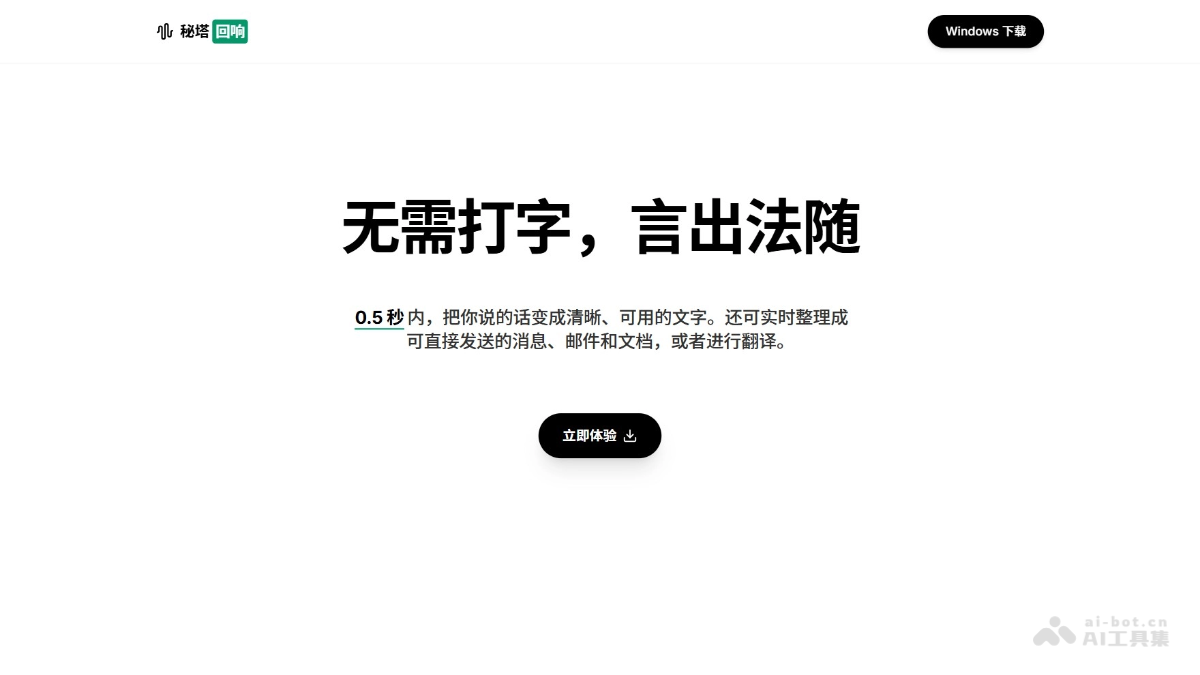
Main features of Mita Echo
-
Lightning-fast speech-to-text: The model can turn what you say into clear, usable text within 0.5 seconds, no typing needed, words become actions.
-
Intelligent content organization: Supports real-time organization of speech into messages, emails, and documents that can be sent directly, or format conversion.
-
Real-time translation: Supports translation while speaking, covering more than 50 languages and dialects, including Cantonese, Shanghainese, Sichuanese, and many other Chinese dialects.
-
One-click search activation: Activate with a shortcut key, search content and get results while speaking.
-
Issue commands while speaking: Automatically distinguishes expression from command, and completes operations such as format conversion and translation while speaking.
How to use Mita Echo
- Download and install: Visit the Mita Echo official website https://metaso.cn/echo to download the client, and complete the installation by following the steps.
- Initial setup: Follow the guide to perform initial setup and configure the basic parameters.
- Shortcut key activation: Activate Mita Echo anywhere on the computer with a shortcut key.
- Start voice input: After activation, speak directly, and the AI can convert speech into text.
- Use advanced features: Issue commands while speaking, such as search, translation, format conversion, etc.
- Send or save: Send the organized content directly, or save it as a local history record.
Application scenarios of Mita Echo
-
Efficient office writing: The tool requires no typing, directly uses voice input for meeting notes, work reports, emails, and other content, greatly improving writing efficiency.
-
Instant messaging communication: Supports real-time organization of speech into message or email formats that can be sent directly, organizing while speaking, making communication faster and smoother.
-
Cross-border multilingual communication: Suitable for multilingual scenarios such as foreign trade communication, foreign language learning, and travel translation, with natural switching and no obstacles.
-
Search for information while writing: Directly search by voice during input, such as "search today's gold price," with no need to switch windows, and search and writing proceed simultaneously.