
What is MCP Universal Toolbox
MCP Universal Toolbox is an AI tool integration platform based on the MCP open protocol launched by 360'sNami AI. The platform integrates nearly a hundred free tools, covering diverse scenarios such as office collaboration, financial analysis, and data scraping. It supports one-click invocation of functions such as map navigation, financial report parsing, and investment strategy generation, completing complex tasks in 10 minutes. The toolbox has a built-in security detection mechanism and integratesDeepSeek、Tongyi Qianwenand 16 other large models. Users can quickly create personalized agents based on tool combinations without programming, such as medical diagnosis assistants and financial strategy robots, driving AI's evolution toward "digital employees".
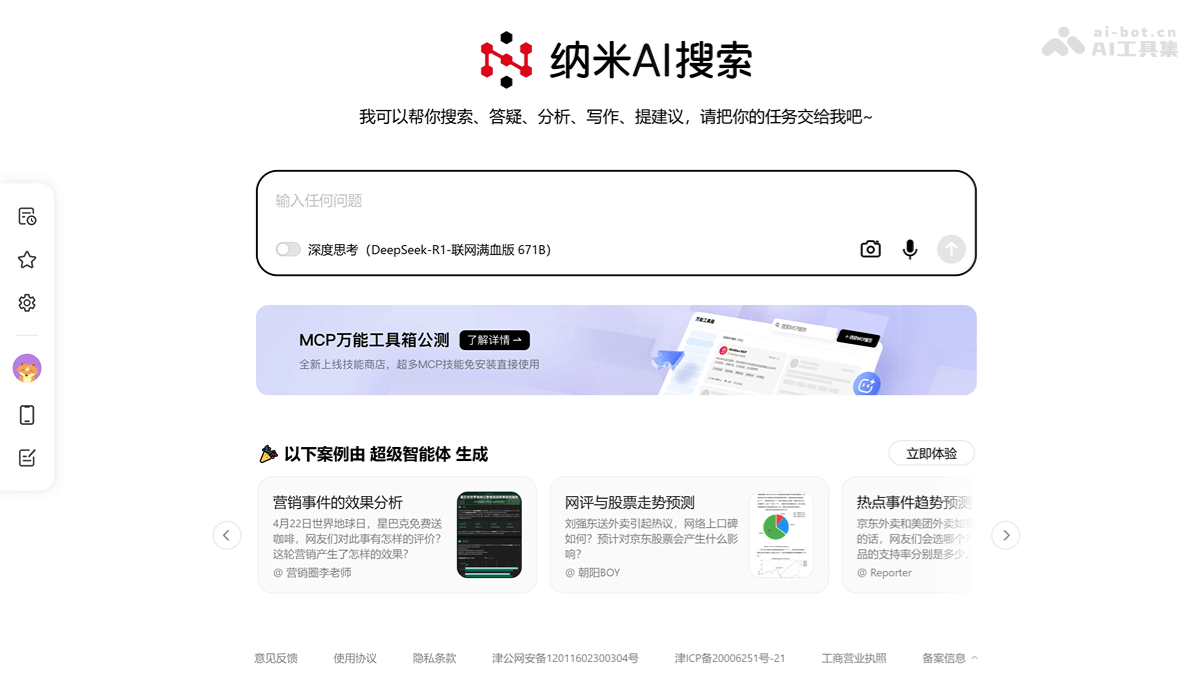
Main features of MCP Universal Toolbox
- Multimodal tool support: Built-in nearly a hundred MCP tools, covering multiple scenarios. Common tools require no API Key and are convenient to use.
- Local browser integration: Built-in browser, supports long-term account saving, solving login and advertising issues.
- Multi-platform support: Compatible with Windows and Mac systems.
- Safety and reliability: Built-in security detection mechanism to ensure safe use.
- Deep research and analysis: Supports complex problem reasoning and multi-source data integration.
- Life and work assistant: Provides practical functions such as schedule management and document generation.
- Image and video generation: Supports AI image design and video generation.
How to use MCP Universal Toolbox
- Visit the official website: Visit theNami AI official websiteand download the corresponding client according to your operating system.
- Install: Complete the installation according to the operating prompts.
- Activate the software:
- Enter the program: After installation is complete, click to enter. On the main interface of the program, click "Agent" to enter.
- Enter activation code: Enter the activation code (you can try the invitation code vivo50).
- Activation successful: After entering the activation code, click confirm to complete activation.
- Agent Plaza:In "Agent -> Agent Plaza", you can find many preset agent examples.
- Generate visual reports: Based on Nami Agent's multimodal tools, generate complex visual reports.
- Task processing: Based on tool combinations, quickly complete complex tasks, such as corporate financial report comparisons and gold investment advice.
Official examples of MCP Universal Toolbox
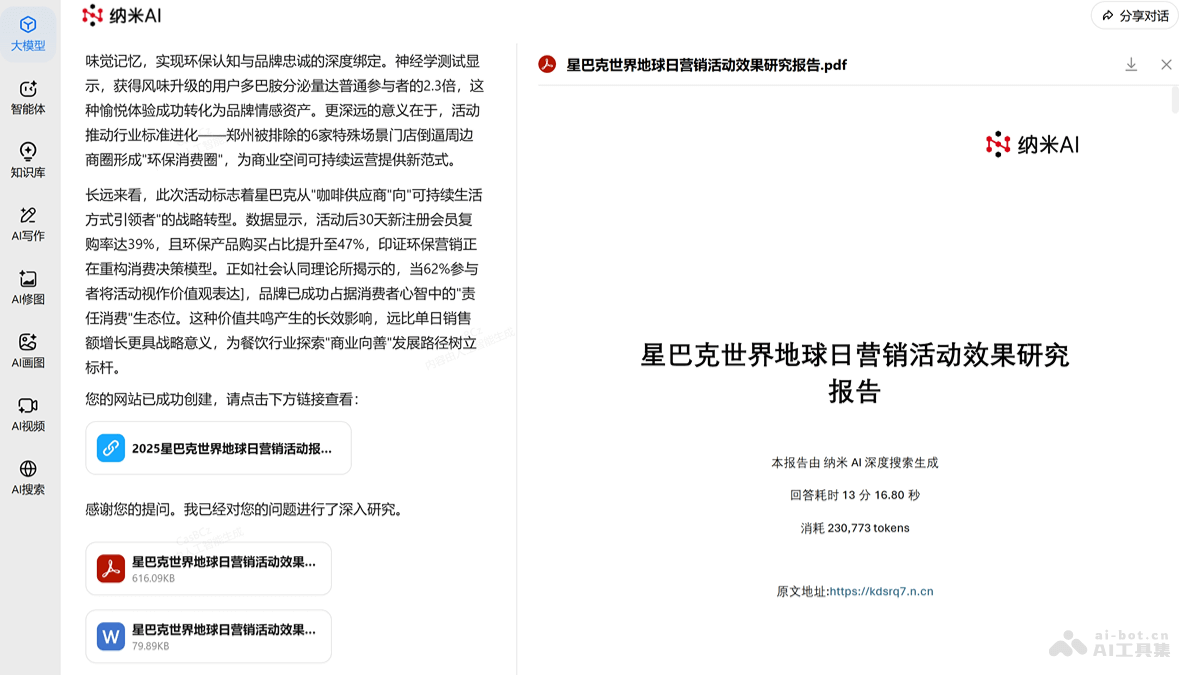
- Prompt: On Earth Day, Starbucks carried out a free coffee giveaway. What evaluations did netizens have about this event? What consumer psychology and social phenomena are reflected behind these evaluations? In addition, from multiple perspectives such as brand communication, sales performance, and customer loyalty, deeply explore what effects Starbucks' round of marketing actually produced, and in what aspects are its successes and shortcomings respectively reflected?
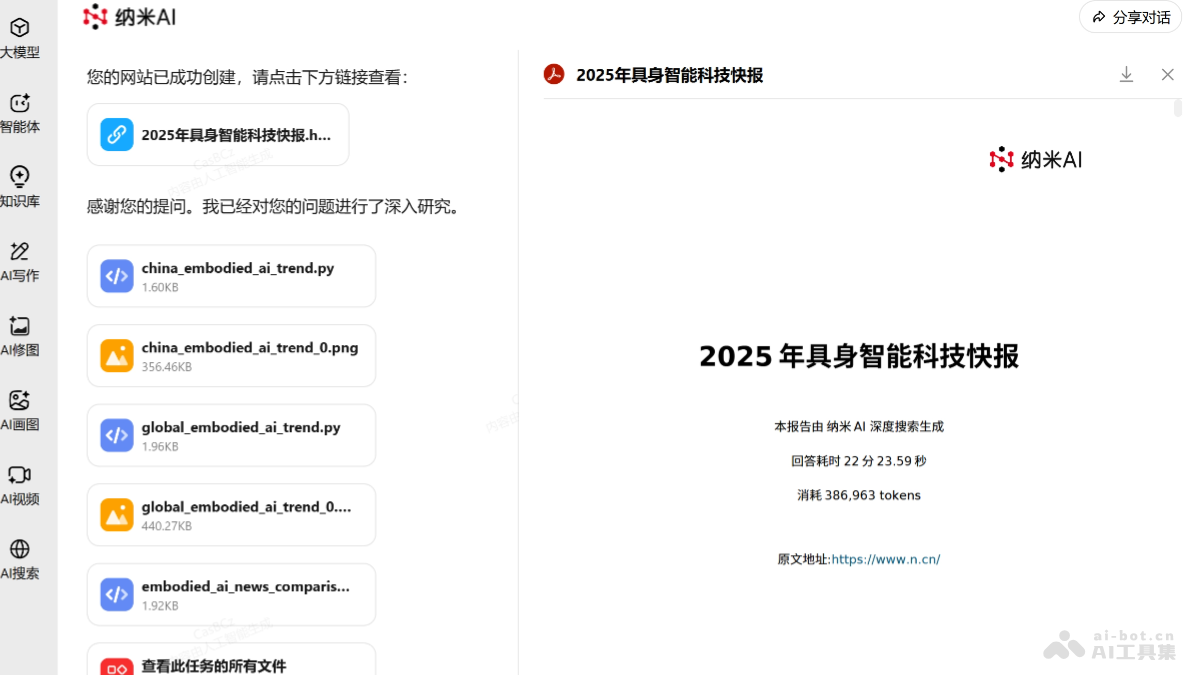
- Prompt: Search for recent domestic and international news related to embodied intelligence, help me compile a technology briefing, and output it in PPT format.
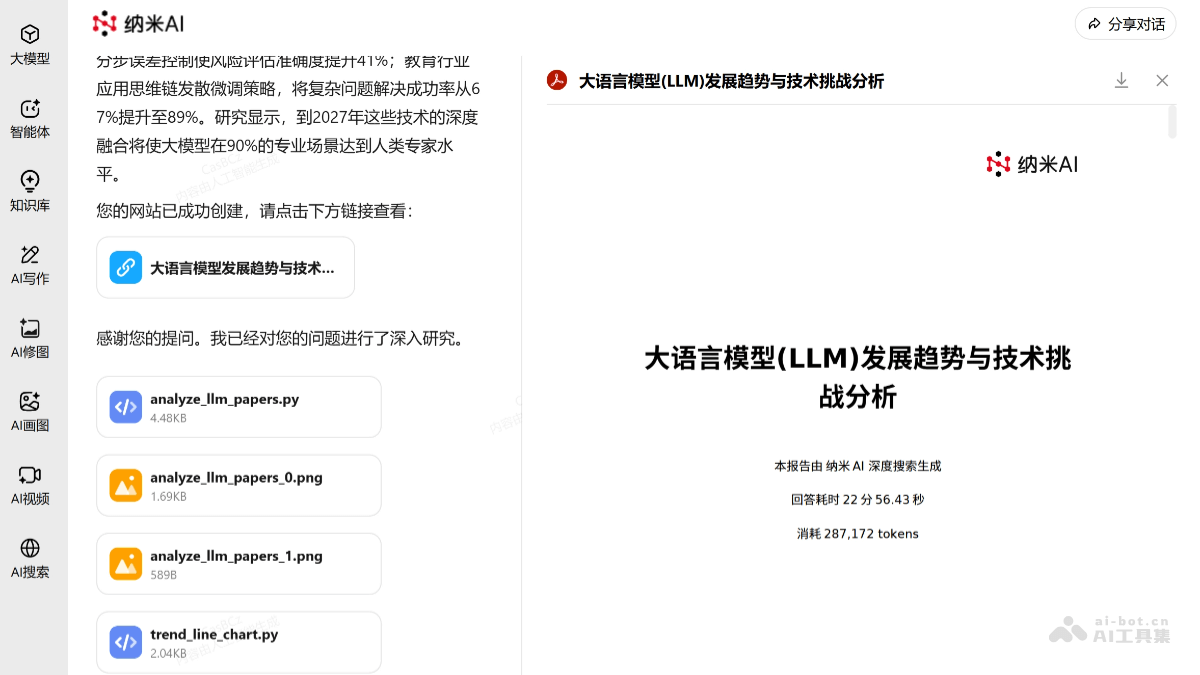
- Prompt: Generate a PPT based on the latest 10 papers on "LLM" on arXiv, focusing on analyzing the future development trends of large models; technical challenges faced.
Application Scenarios of the MCP All-Purpose Toolbox
- Office Automation: Quickly generate meeting minutes, organize documents, assign tasks, and improve work efficiency.
- Financial Analysis: Parse financial reports, generate investment strategies, analyze market trends, and assist financial decision-making.
- Data Processing: Scrape data from web pages and databases, and perform cleaning, organization, and visual analysis.
- Life Services: Provide life assistant functions such as map navigation, weather queries, and schedule management.
- Professional Domain Support: Assist in professional scenarios such as medical diagnosis, educational tutoring, and legal consulting, providing personalized services.