
What Is Loomy
Loomy is a desktop AI personal assistant launched by iFlyteka desktop AI personal assistant launched by iFlytek, developed based on AstronClaw , focused on local office scenarios, supporting custom skills and global ecosystem sharing.It helps users automatically complete office tasks such as file organization and content creation through natural language instructions. Installation takes only 1 minute, and it is easier to use and safer than OpenClaw. Loomy is on standby 24/7 and can independently handle complex multi-step work, suitable for users who need efficient office work.
iFlytek Loomy is currently in beta testing. To get an invitation code, refer to the following methods. The number of invitation codes is limited, first come, first served.
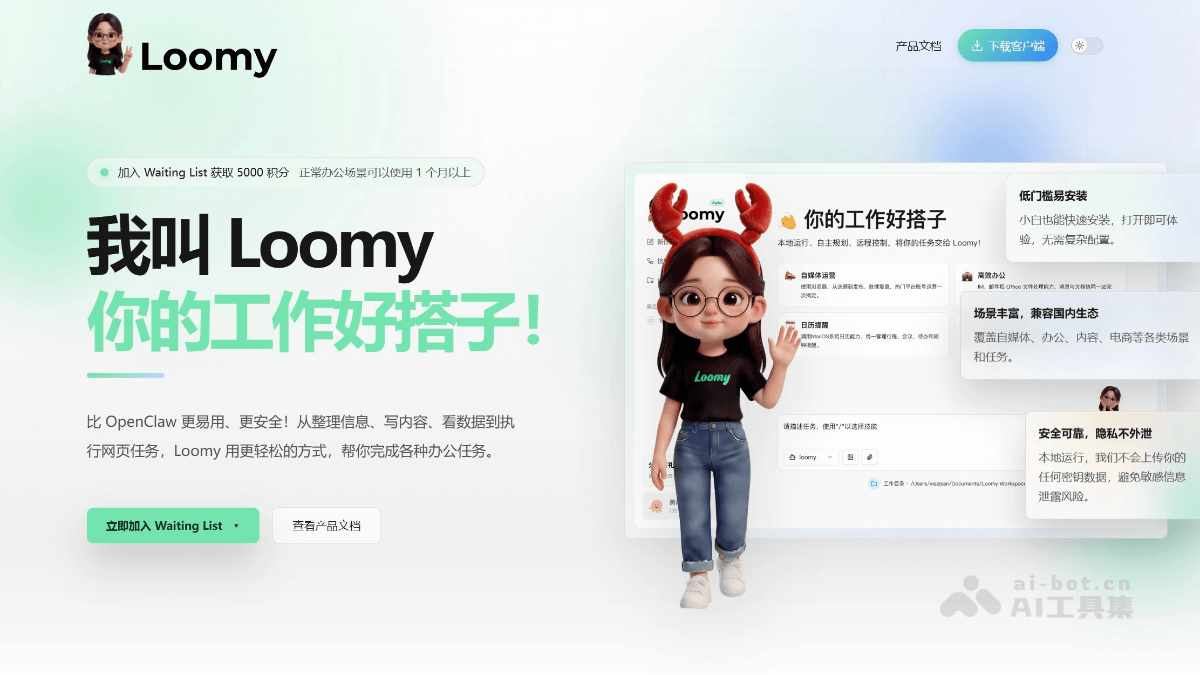
How to Get a Loomy Invitation Code
- Method 1:Join the group for mutual assistance and claim it, share invitation codes for free, and unlock priority experience through mutual assistance.

Scan the WeChat QR code to follow, reply with the keyword [Loomy] to join the group,mutual assistance to claim invitation codes
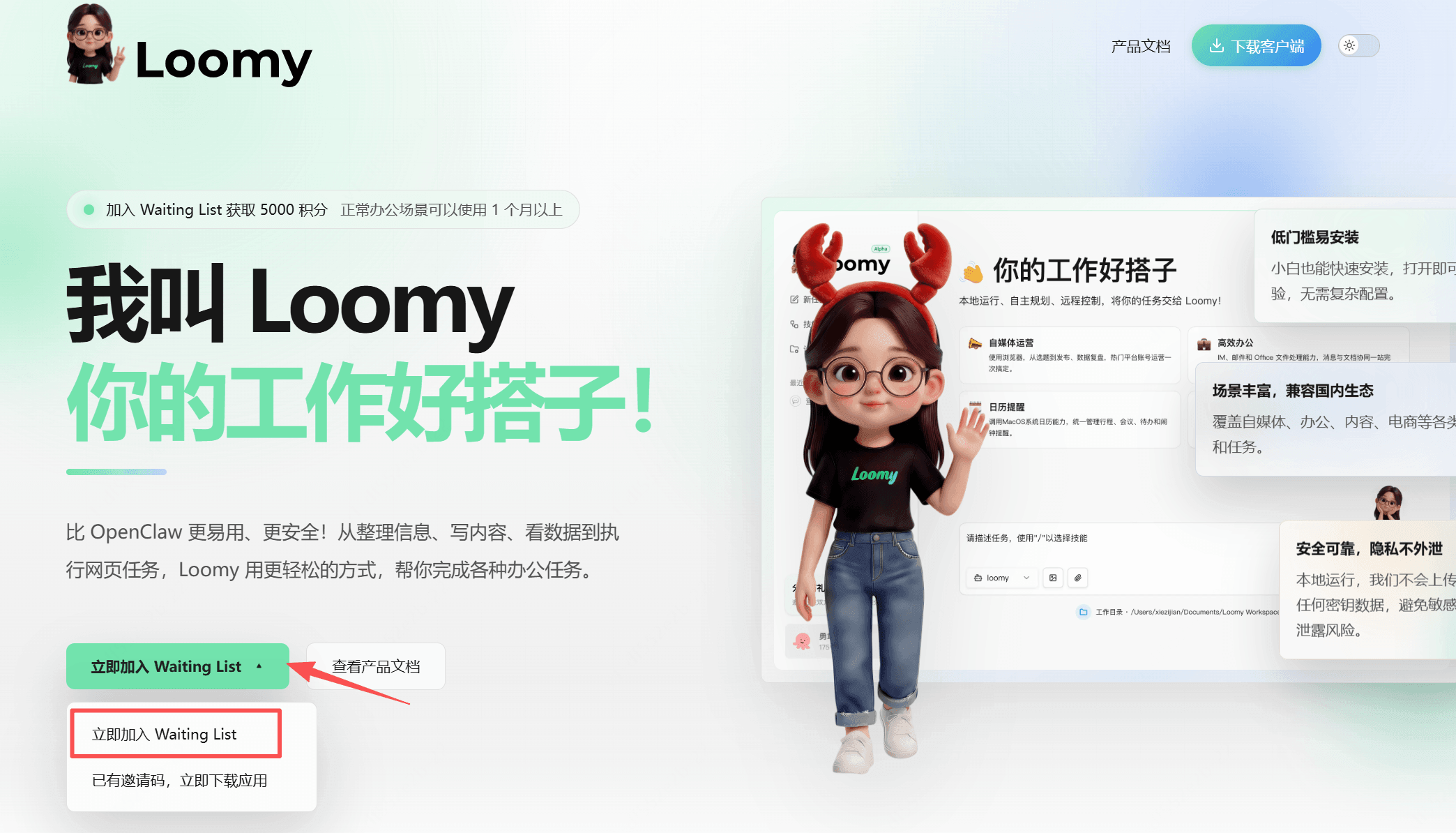
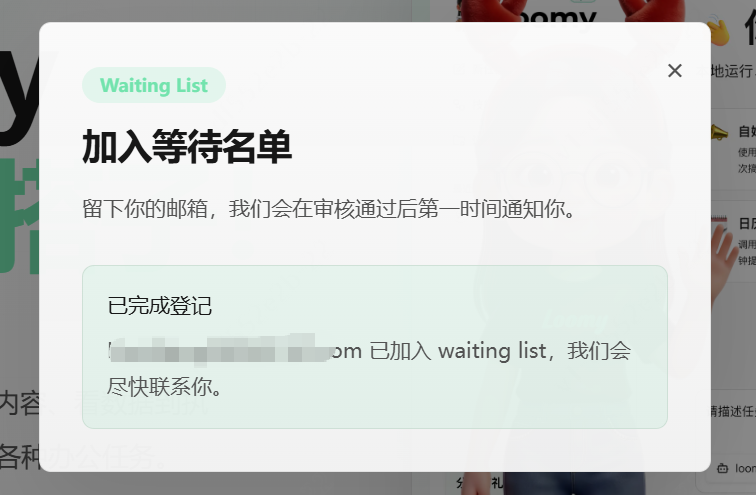
- Method 2:Apply to join via the official website. VisitLoomythe official website, click the "Join Waiting List" button in the lower left corner, fill in a valid email address, submit and wait for review. After the application is approved, it will be sent via email。
- Method 3:Loomy invitation codes can be obtained through social media channels. You can actively interact in the channels and follow the official iFlytek public account or community, where extra invitation codes are sometimes distributed.
What Loomy Can Do
- Global text-selection AI assistant: Select text in any software interface and wake up AI with one click for translation, explanation, rewriting, and continuation. It supports various scenarios such as PDFs, web pages, documents, and code editors. No copy-paste is needed; ask as soon as you select, greatly improving reading and work efficiency.
- Smart screenshot Q&A: After taking a screenshot with a shortcut key, AI automatically recognizes the content in the image and answers related questions. It can recognize complex content such as charts, formulas, code, and interface elements, and supports intelligent interactions such as "What does this image mean?" and "Extract data from the image."
- Multi-turn dialogue and deep thinking: Supports continuous multi-turn dialogue and maintains contextual understanding. It has a built-in deep thinking mode, can handle complex reasoning tasks, supports web search, and obtains real-time information.
- File and knowledge management: Supports uploading documents (PDF, Word, PPT, etc.) for AI parsing and Q&A, can build a personal knowledge base, and enables AI Q&A based on private materials.
- Creation assistance: Copywriting, email drafting, code generation, and meeting minutes organization, supporting multiple writing styles and format requirements.
- System-level integration: Resides on the desktop, does not occupy browser tabs, supports both Windows and Mac platforms, lightweight design, and low resource usage.