

What is Junie
Junie is anAI programming assistantlaunched by JetBrains, helping developers complete programming tasks more efficiently through AI technology. It can understand project context and provide features such as intelligent code completion, multi-line code generation, and unit test generation. Junie supports cross-language development and can convert code to different languages with one click. Junie's core advantage lies in its deep integration with JetBrains IDEs (such as IntelliJ IDEA and PyCharm), combined with a proprietary large language model (LLM), and its context-aware capabilities, enabling it to provide precise code suggestions based on project needs.
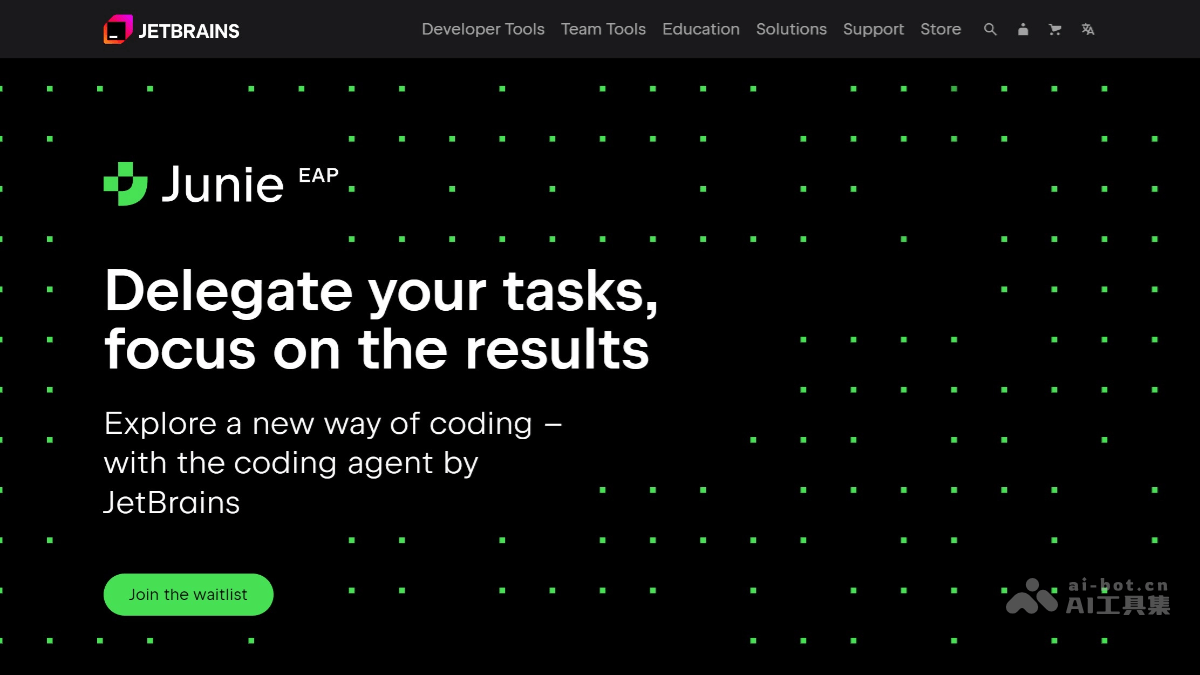
Junie's main features
- Task delegation and automation: Junie can accept tasks assigned by developers and autonomously complete tasks such as code writing, test running, and project inspection. It can understand project context, learn developers' coding styles and preferences, and generate code that better conforms to team standards.
- Code generation and optimization: Junie can generate code snippets according to project requirements, optimize existing code structure, and reduce redundancy and errors. It can run code and tests to ensure the project is in good condition and all tests pass.
- Project structure analysis: Junie analyzes the project structure and technology stack, searches for relevant information, and provides precise code suggestions. It can generate project architecture dependency diagrams to help developers better understand the project.
- Code quality inspection: Based on the powerful features of JetBrains IDEs, Junie performs syntax and semantic checks on generated code to ensure code quality. It can run code coverage reports and add tests as needed to reach target coverage.
- Team collaboration and personalization: Developers can provide project guidelines for Junie through the
.junie/guidelines.mdfile to optimize its performance. Junie adjusts its behavior according to the project guidelines to ensure consistency in code style and practices. - Security and privacy protection: Junie does not use users' code to train models, ensuring the confidentiality and security of the code. It provides settings that require explicit approval for unsafe commands to prevent accidental operations.
How to use Junie
- Install the Junie plugin: Visit Junie'sofficial website, follow the plugin instructions, and it supports a variety of JetBrains IDEs, such as IntelliJ IDEA Ultimate and PyCharm Professional. In the IDE, search for and install the Junie plugin through the plugin marketplace.
- Create a JetBrains account and log in: Register an account on the JetBrains official website. After installation is complete, restart the IDE and log in to Junie using your JetBrains account.
- Configure and use Junie:
- Open the Junie plugin in the right sidebar of the IDE.
- Enter a task description or code requirement, and Junie will generate code or execute tasks based on the context.
- Junie supports multiple features, such as code generation, code refactoring, test generation, documentation generation, and more.
- Follow the terms of use: When using Junie, you must comply with JetBrains' EAP terms of use to ensure that the content entered meets legal requirements.
Junie's application scenarios
- Code generation: Junie can automatically generate code snippets according to developers' instructions and project context. Developers can request the generation of code for specific functions.
- Project management: Junie integrates with JetBrains' project management tool YouTrack, enabling developers to track tasks and issues in the IDE. Project management becomes more efficient, and developers do not need to switch to other tools to update task status.
- Performance Tuning: Junie integrates performance profiling tools, enabling developers to perform application performance analysis in the IDE. Identify and resolve performance bottlenecks, such as CPU-intensive operations or memory leaks.
- Code Review: Junie supports the code review process, helping team members inspect and improve code. Through integrated code review tools, teams can ensure that code meets project standards and best practices.
- Team Collaboration: Through integrated communication tools such as Slack and Telegram, Junie supports real-time collaboration and communication among team members. Keep the team in sync and resolve issues quickly.

