
What is img-cool
img-cool is an open-source AI intelligent drawing tool, integrating text-to-image, AI processing of geometric shapes, mind mapping, and other functions. It supports generating high-quality images through natural language descriptions and can intelligently convert basic geometric shapes into beautiful images. It features a quick prompt function, allowing users to use preset templates or customize and manage prompts to quickly generate content. Developed based on React 18 + TypeScript, it supports multiple drawing functions, such as mind mapping and flowchart drawing, and provides brushes, free drawing, image insertion, and other features. It supports an infinite canvas that can be zoomed and scrolled, features automatic saving and theme modes, and is compatible with mobile devices.
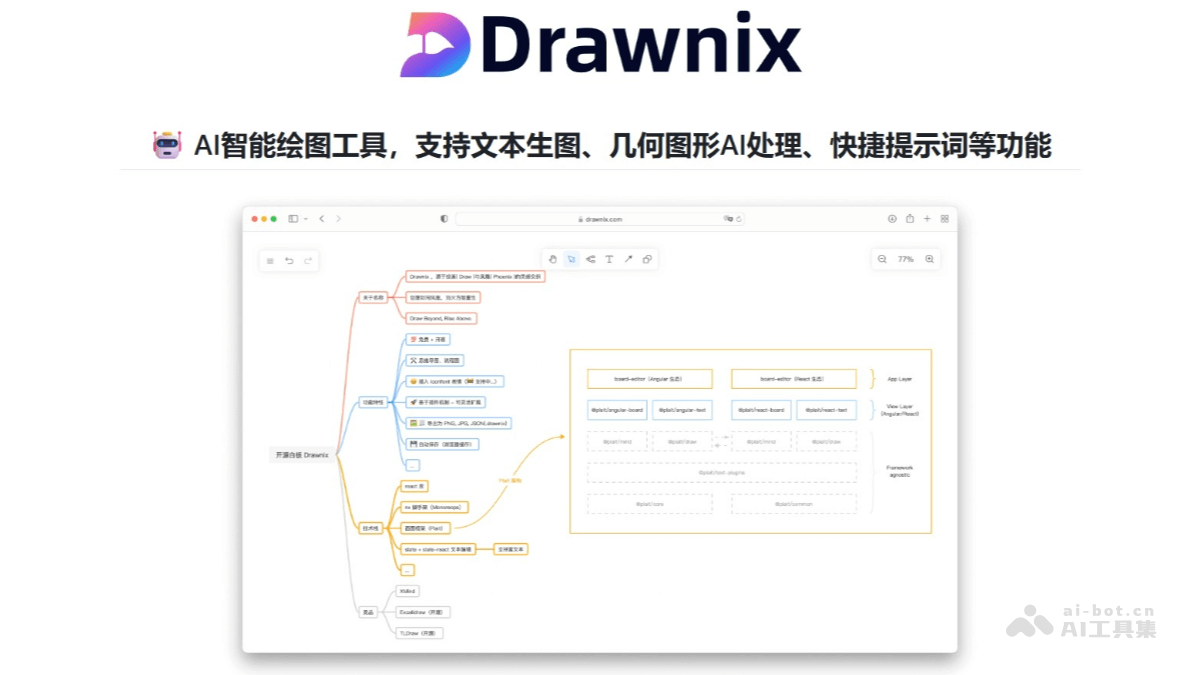
Main features of img-cool
-
AI image generation function: Users can generate images by entering text descriptions, and it supports AI processing of geometric shapes to convert them into more beautiful images.
-
Quick prompt system: It provides preset prompt templates, and users can also customize and manage prompts to quickly generate content.
-
Diverse drawing tools: It supports drawing mind maps and flowcharts, has brush and free drawing functions, provides a variety of geometric shapes, and can also insert images.
-
Convenient export and saving: Users can export their work in PNG and JSON (
.drawnix) formats, and it supports automatic saving, making it easy to restore work progress at any time. -
Good compatibility and adaptability: It supports an infinite canvas that can be freely zoomed and scrolled, features theme modes, is compatible with mobile devices, and also supports functions such as converting mermaid syntax to flowcharts and markdown text to mind maps.
Project address of img-cool
- Github repository:https://github.com/joeseesun/img-cool
- Online address:https://nano.qiaomu.ai/
How to use img-cool
-
Online experience: Visit the online version address and start creating without installation.
-
One-click deployment: Click the "Deploy with Vercel" button on the GitHub page to quickly deploy your own img-cool instance.
-
Local development: Develop and use locally by cloning the project repository, installing dependencies, starting the development server, and other steps.
-
AI image generation: Click the magic wand icon, enter an image description or use a quick prompt, and wait for AI to generate the image.
-
AI processing of geometric shapes: Draw or select a geometric shape, press the Tab key or click the AI processing button, enter a conversion prompt, and view the AI-generated result.
-
Configure API: Enter the AI service API Key in the settings, and after saving, you can use the AI functions.
-
Use quick prompts: Click the ⚡ icon to view preset prompts, or manage custom prompt templates in the settings and apply them to the input box with one click.
Application scenarios of img-cool
-
Creative design: Use text-to-image and AI processing of geometric shapes to quickly generate creative images and graphic designs, providing designers with inspiration and materials.
-
Mind map creation: Through the markdown text to mind map function, complex information can be structured, facilitating knowledge management and project planning.
-
Flowchart drawing: With the Mermaid syntax-to-flowchart feature, clearly present business processes, workflows, or algorithm logic.
-
Drawing and Painting: Use brushes and free drawing features to create hand-drawn style works, suitable for painting enthusiasts and illustrators.
-
Education and Learning: Teachers can create instructional diagrams, and students can draw mind maps to organize knowledge and improve learning efficiency.
-
Project Planning and Management: Teams can use flowchart and mind map features to plan project progress, sort out task assignments, and improve collaboration efficiency.