
What is ima App
ima App is an AI knowledge base application launched by Tencent, providing users with an efficient knowledge management and intelligent office experience. Based onTencent Hunyuan large modelandDeepSeek-R1model, it features online search, intelligent Q&A, knowledge base management, and note creation. You can create and manage personal knowledge bases through the ima App, support adding images and files, and share knowledge bases with other users. The App provides intelligent writing assistance to help users quickly generate articles, papers, and other content, and supports adding notes to the knowledge base for easy reference and organization at any time.
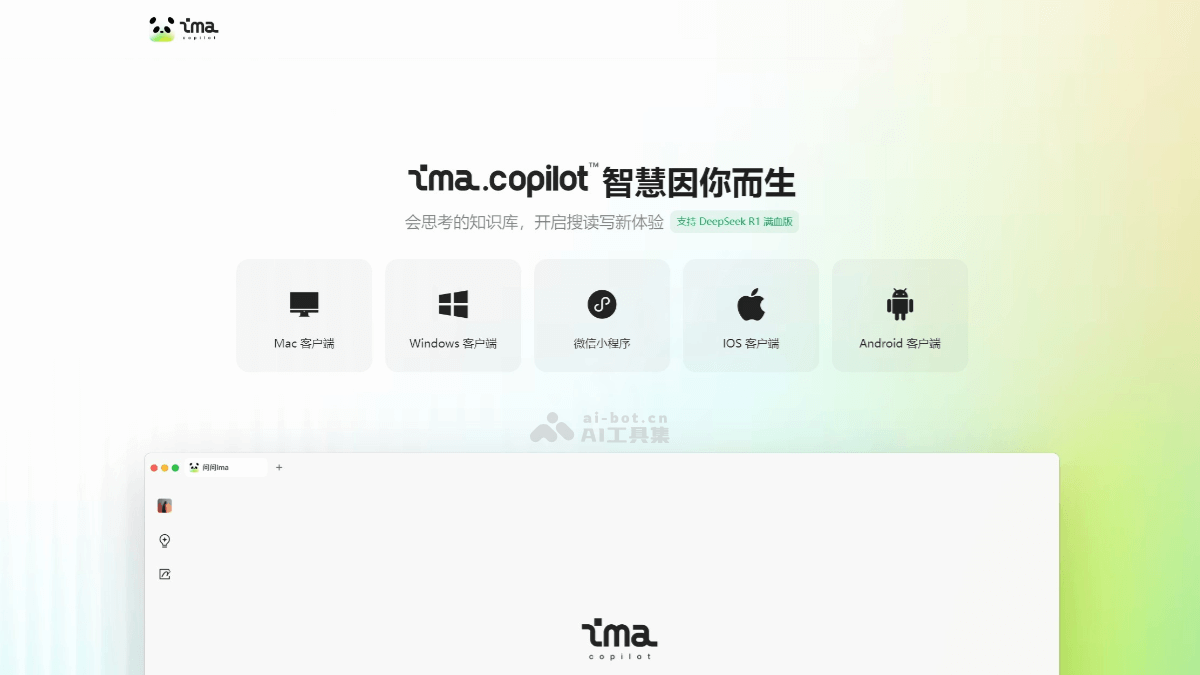
Main features of ima App
- Online search and intelligent Q&A: Based on the Tencent Hunyuan large model and DeepSeek-R1 model, users can perform online searches to quickly obtain accurate answers, with support for multi-turn conversations and answers to complex questions.
- Knowledge base management: Users can create personal knowledge bases and shared knowledge bases, support adding images, files, web links, and other content, and can set member permissions and content permissions for convenient team collaboration and knowledge sharing.
- Intelligent writing assistance: Supports generating articles, papers, summaries, and other content based on user input, provides intelligent writing suggestions and polishing features, and helps users complete writing tasks efficiently.
- Note-taking feature: Users can quickly record notes and organize them into the knowledge base, with support for multiple formats such as text and images, making it easy to reference and organize at any time.
- Multi-device synchronization: Supports desktop, mini program, and mobile App, allowing seamless switching across different devices to manage the knowledge base and create content anytime and anywhere.
- Cloud storage expansion: Provides 2GB of free cloud storage space, making it convenient for users to store and back up files and ensuring data security.
How to use ima App
- Download and installation: Visit the ima official website and choose the corresponding version to download according to your device. After installation is complete, log in by scanning the QR code with WeChat.
- Basic settings
- Default model selection: You can switch the default model to DeepSeek-R1in the settings to obtain more powerful AI capabilities.
- Quick invocation: On Mac systems, press and hold
cmd + 空格键, and on Windows systems pressctrl + 空格键to quickly bring up the question window. - AI text selection feature: Supports use within ima or globally, allowing you to select text in a browser or other applications to invoke AI features for operations such as translation and interpretation.
- Online search and intelligent Q&A
- Enter a question in the search box to obtain information from the entire web or precise answers based on your personal knowledge base.
- Supports uploading files (such as PDF, Word, images, etc.), and the AI will interpret and answer based on the file content.
- Knowledge base management
- Create a knowledge base: Click "New Knowledge Base" and choose a personal or shared knowledge base.
- Add content: Supports uploading files, web links, or importing articles from WeChat official accounts.
- Permission management: Shared knowledge bases can set member permissions and content permissions for convenient team collaboration.
Application scenarios of ima App
- Team collaboration and knowledge sharing: Supports creating shared knowledge bases, where team members can set different permissions, facilitating collaboration and knowledge accumulation.
- Intelligent writing assistance: Supports multiple writing modes such as papers, essays, and copywriting. Users can specify word count, style, etc., according to their needs to generate high-quality content.
- Study note organization: Users can quickly add content they read or search to their notes, making it convenient for review and organization.
- Itinerary planning and information inquiry: Helps users plan itineraries, find attraction information, and more.
- Personal knowledge management: Users can organize web pages, notes, and more from their daily browsing into a knowledge base, forming a personal "second brain" to access valuable information at any time.