
What Is HyperFrames
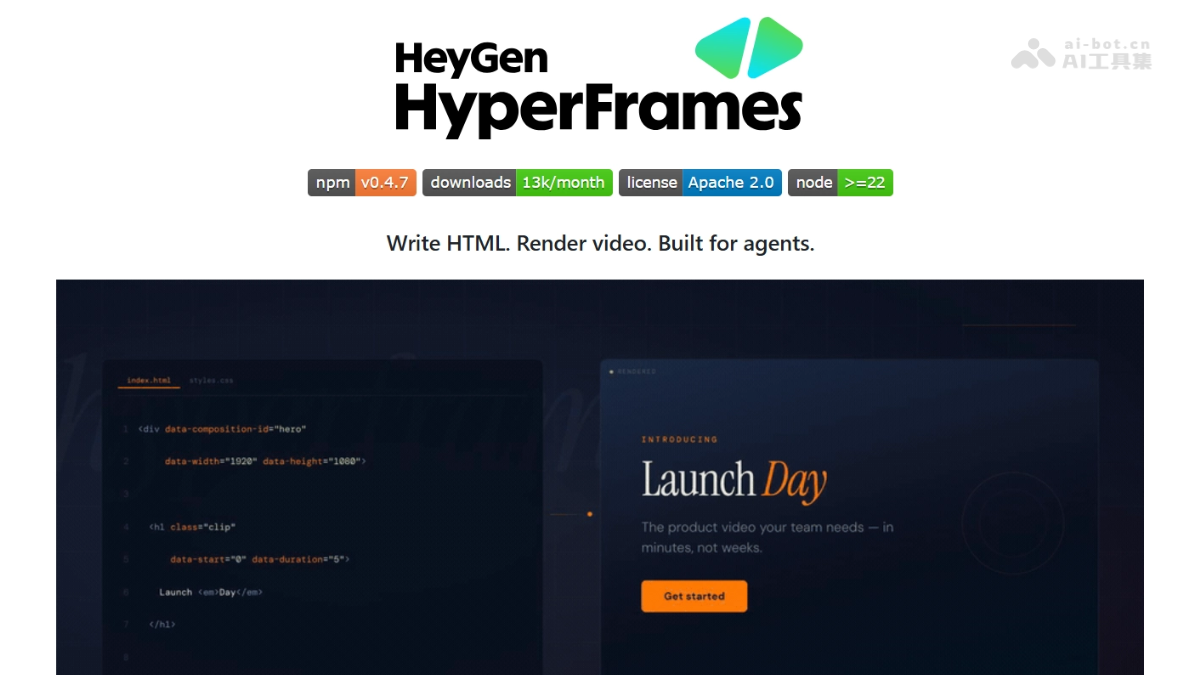
HyperFrames is anHeyGenopen-source AI-native video rendering framework that adopts the "Write HTML, Render video" philosophy and is designed for AI Agents and developers. The framework defines videos as HTML files, manages timelines, tracks, and metadata through data-* attributes, supports GSAP, Lottie, CSS, and Three.js animations, and outputs MP4 through deterministic browser rendering. HyperFrames provides a non-interactive CLI and a Skills system, supportingClaude Code、Cursorand other AI tools to call directly, enabling an automated pipeline from script to finished video.
HyperFrames' Main Features
-
HTML-Native Description: Uses standard HTML + data-* attributes to define video timelines and tracks, with no need to learn a proprietary DSL.
-
AI Agent First: The CLI is non-interactive by design and supports parameter-driven operation, adapting to AI programming tools such as Codex, Claude Code, and Cursor.
-
Deterministic Rendering: The same input guarantees the same output, supporting batch generation, automated testing, and CI/CD integration.
-
Multi-Animation Engine Support: Compatible with GSAP, Lottie, and CSS animations, and can integrate runtimes such as Three.js, without locking users into a single animation system.
-
Skills System: Through
npx skills addto install HyperFrames skills, AI Agents can automatically master framework-specific patterns. -
Component-Based Production: Provides 50+ preset transitions, social media components, data charts, and visual effects, supporting
hyperframes addone-click installation. -
Website-to-Video: Supports capturing URLs and converting them into videos, enabling a complete automated pipeline from website to video.
HyperFrames' Technical Principles
- HTML-Native Description Layer: HyperFrames defines videos as standard HTML documents, through
data-*attributes (such asdata-start、data-duration、data-track-index) directly declare timelines, track hierarchies, and metadata on DOM elements, allowing developers to describe complex video composition structures without learning a proprietary DSL. - Browser Capture Rendering Pipeline: The framework's underlying rendering path uses "webpage screenshots + video encoding": Puppeteer drives a headless browser to precisely seek to each frame according to the timeline, captures the page state frame by frame, and uses FFmpeg to mix and encode the image sequence and audio track into a deterministically output MP4 file, ensuring pixel-identical output for the same input.
- Frame Adapter Animation Runtime: The core adopts the Frame Adapter design pattern, providing a unified frame adaptation interface. Runtimes such as GSAP, Lottie, CSS Transitions, and Three.js can all connect to this layer, with HyperFrames uniformly scheduling the timeline and rendering loop, enabling mixed arrangement and synchronization of multiple animation systems.
- AI Agent Skills System: Through the Skills mechanism (
npx skills add), framework-specific authoring patterns and CLI command specifications are injected into AI Agents, enabling tools such as Claude Code and Cursor to master HyperFrames composition syntax, GSAP animation paradigms, and rendering parameters, directly transforming natural language requirements into executable HTML video projects.
How to Use HyperFrames
-
Use Through an AI Agent (Recommended): Execute
npx skills add heygen-com/hyperframesto install the skill, then in tools such as Claude Code use/hyperframescommands to describe video requirements, such as "Create a 10-second product introduction video, including a fade-in title and background music." -
Manually Initialize a Project: Execute
npx hyperframes init my-videoCreate a project, usenpx hyperframes previewreal-time preview,npx hyperframes renderrender to MP4. -
Add components: via
npx hyperframes add [组件名]install transitions or effects, such asflash-through-white、instagram-follow、data-chart。
Key information and usage requirements of HyperFrames
-
Development team:HeyGen
-
Open source license:Apache 2.0
-
Environment requirements:Node.js >= 22,FFmpeg
-
GitHub address:https://github.com/heygen-com/hyperframes
-
Latest version: v0.4.4 (continuous high-frequency updates)
-
Community size:2.9k Stars,226 Forks
Core advantages of HyperFrames
-
Zero learning cost: Developers and AI are already familiar with HTML/CSS/JS, with no need to master complex editing software timeline operations.
-
Automation-friendly: Plain text output and deterministic rendering, suitable for unattended batch video production and version management.
-
AI-native integration: The Skills system enables AI Agents to have video creation capabilities, supporting automatic video generation from PDF, CSV, and web pages.
-
Flexible and controllable: Code iteration replaces repeated drag-and-drop modifications in traditional editing, supporting real-time preview and precise adjustments.
Project address of HyperFrames
- GitHub repository:https://github.com/heygen-com/hyperframes
Comparison of HyperFrames with similar competitors
| Comparison dimension | HyperFrames | Remotion | Motion Canvas |
|---|---|---|---|
| Core positioning | An HTML-native video rendering framework for AI Agents, using HTML to describe video timelines | A React component-based video generation framework that treats videos as React applications rendered frame by frame | A TypeScript animated video library focused on infographics and explainer-style vector animations |
| Technical foundation | HTML + CSS + JS, Puppeteer screenshots + FFmpeg encoding | React + Webpack + Babel + FFmpeg | TypeScript + Canvas API + Vite real-time preview |
| Development language | Standard HTML/CSS/JS, data-* attributes manage time tracks | React/TypeScript/JSX, requires mastery of hooks and componentization | TypeScript/JSX, uses generator functions to describe animation sequences |
| AI Agent support | Native design: Skills system, non-interactive CLI, supports direct invocation by Claude Code/Cursor/Codex | Supports LLMs generating Remotion component code, but is not designed specifically for Agent workflows | No dedicated Agent integration layer; developers need to manually write animation logic |
| Rendering method | Deterministic frame-by-frame rendering, ensuring the same input produces the same output, suitable for CI/CD integration | React component server-side rendering, supporting Lambda deployment and parameterized generation | Frame control based on generator functions, Vite real-time preview, export video |
| Animation system | GSAP, Lottie, CSS animations, Three.js, not locked to a single engine | CSS animations + useCurrentFrame/useVideoConfig hooks, dependent on the React ecosystem | Dedicated 2D renderer, yield keyword controls the timeline, supports audio synchronization |
| Learning curve | Low: developers are already familiar with HTML, no need to learn a proprietary DSL | Medium: requires mastery of React and video configuration concepts, with frontend barriers | Medium: requires understanding generator functions and the Canvas animation model |
| Applicable scenarios | Batch video generation, social media automation, website-to-video, AI Agent pipelines | Data-driven video, personalized marketing, SaaS templates, dynamic content | Instructional animation, technical demos, infographics, narrated explainer videos |
HyperFrames Use Cases
- Marketing Content Automation: Enterprises can use HyperFrames to generate product introductions, social media short videos, and TikTok-style content in batches, enabling automated production of marketing assets.
- Data Visualization Presentation: Users can directly convert data files such as CSV into dynamic chart race videos, greatly lowering the barrier to creating data visualization content.
- Website Demo Recording: The system automatically captures web page visuals and generates product introduction or software tutorial videos, simplifying the creation process for website demo content.
- AI Agent Workflow Integration: Developers can integrate HyperFrames into CI/CD pipelines to build end-to-end AI Agent workflows from content understanding to video generation.
- Programmatic Ad Creative: Ad teams can programmatically generate differentiated creative assets in batches based on preset templates, improving the efficiency of A/B testing for ad campaigns.