
What is Hunyuan Image 2.0
Hunyuan Image 2.0 (Hunyuan Image 2.0) is the industry's first millisecond-level response real-timeAI image generationlarge model launched by Tencent. Hunyuan Image 2.0 supports multiple interaction methods such as text, voice, and sketches. After the user inputs instructions, images can be generated synchronously, and the process is smooth without lag. The model is based on a single-dual-stream DiT architecture, and the generated images have an ultra-realistic texture, with rich details, and lighting, shadows, textures, etc. can be accurately presented. Hunyuan Image 2.0 generates images much faster than mainstream models and can achieve "drawing while typing." Hunyuan Image 2.0 has multi-semantic understanding capabilities and can accurately understand complex instructions to generate corresponding images, bringing creators an efficient and flexible creative experience.
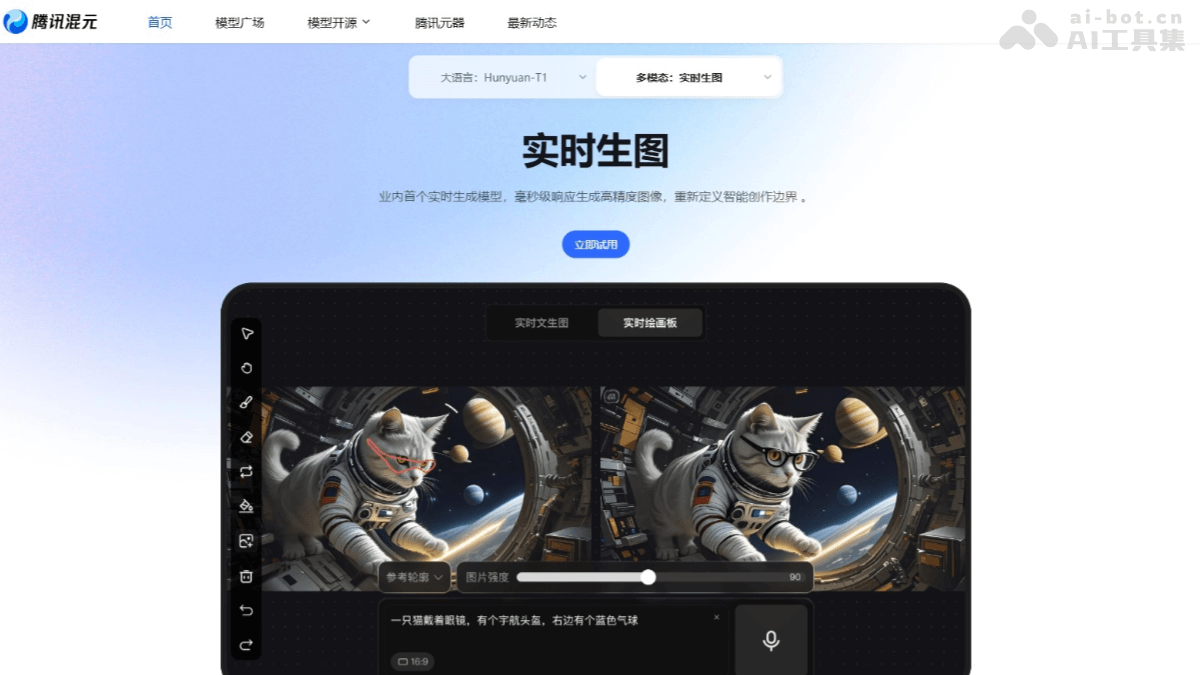
Main features of Hunyuan Image 2.0
- Real-time generation: Supports text, voice, and sketch input, generates images quickly, and can adjust in real time.
- High-quality images: Generated images have a strong realistic texture, rich details, and diverse styles.
- Intelligent understanding: Accurately understands complex text instructions and generates corresponding images.
- Real-time drawing board: After drawing line art, synchronously generates coloring and details, and supports local adjustments.
- Image optimization: Automatically optimizes the composition, lighting, and shadows of generated images.
Technical principles of Hunyuan Image 2.0
- Single-dual-stream DiT architecture: Based on the single-dual-stream DiT (Diffusion in Time) architecture, significantly improving the efficiency of image generation. By optimizing the time and space complexity in the diffusion process, image generation is faster while maintaining high-quality generation results.
- Ultra-high compression ratio image codec: The Tencent Hunyuan team's self-developed ultra-high compression ratio image codec greatly reduces the length of the image encoding sequence. It speeds up image generation and reduces information loss during the generation process. By specifically optimizing the information bottleneck layer and strengthening adversarial training, the model generates richer details while maintaining fast generation, ensuring that image quality is not affected.
- Multimodal large language model (MLLM): A multimodal large language model (MLLM) is introduced as the text encoder. Compared with traditional text encoders (such as CLIP, T5, etc.), MLLM performs deeper semantic parsing based on massive cross-modal pretraining and a model architecture with a larger parameter count.
- Reinforcement learning post-training: Based on a slow-thinking reward model, general post-training and aesthetic post-training are used to effectively improve the realism of image generation and better meet real-world needs.
- Self-developed adversarial distillation scheme: On the basis of the post-trained model, based on a latent space consistency model, training directly maps any point on the denoising trajectory to samples generated along the trajectory, achieving high-quality generation with few steps.
Official examples of Hunyuan Image 2.0
Character photography style:
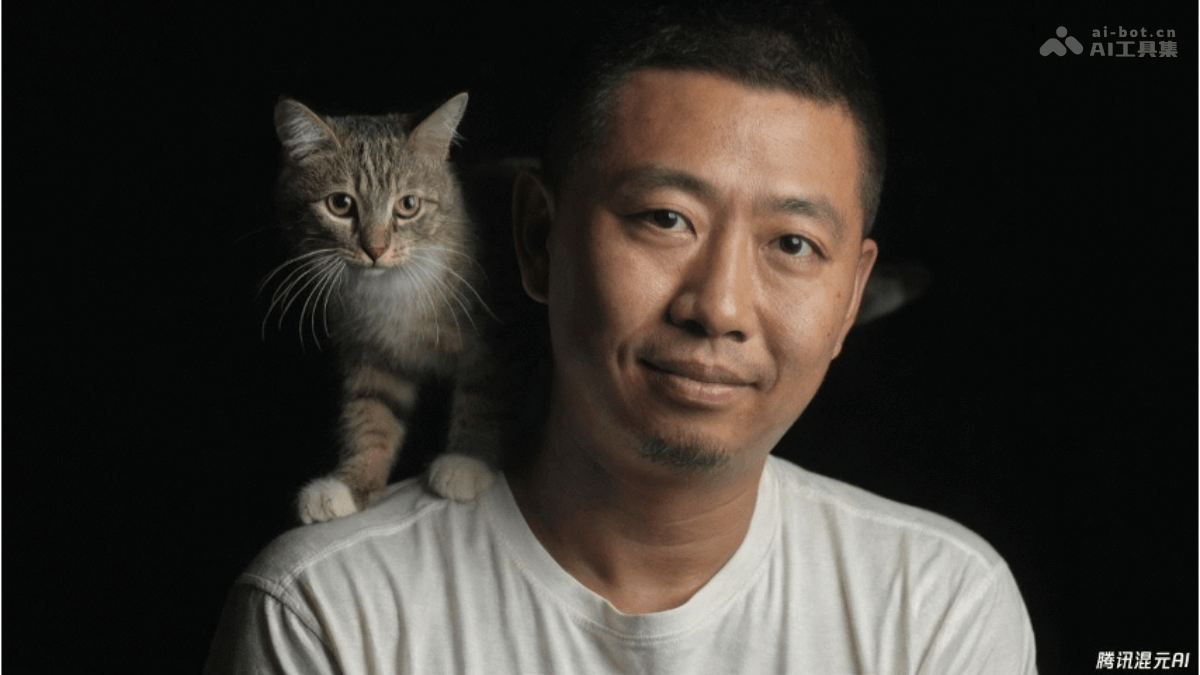
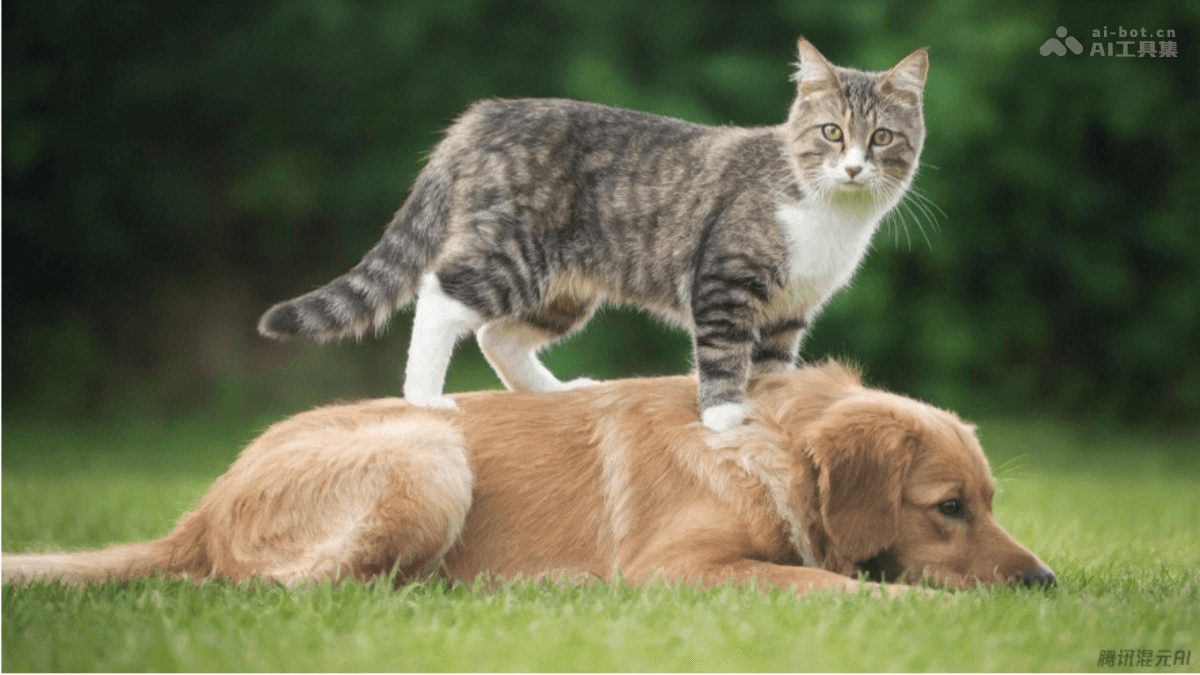
Animal close-up:
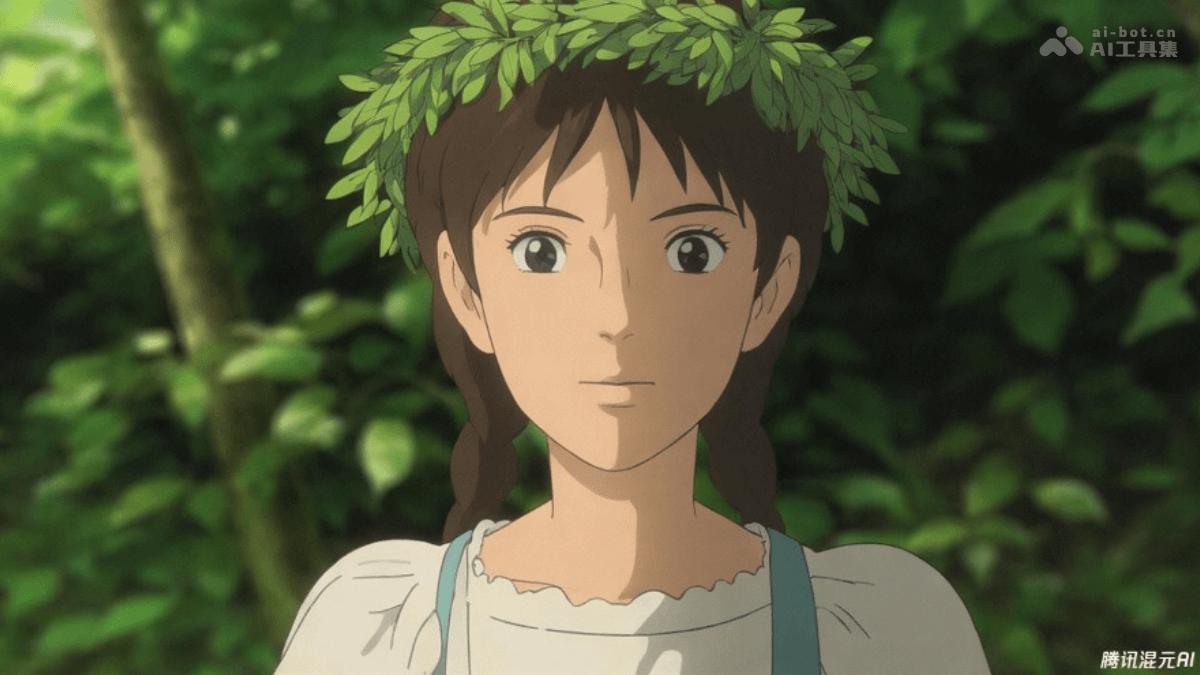
Anime style:
How to use Hunyuan Image 2.0
- Visit the official website: Visit theTencent Hunyuanofficial website and complete registration and login as prompted.
- Click to try: Click Try Now to enter the usage interface.
- Generate images from text input: Enter descriptive text (Prompt) in the input box and click the generate button. The image will be generated and displayed on the screen in real time.
- Generate images from voice input: Click the voice input button and start speaking to describe the desired image. The system automatically transcribes the speech into text and generates the image in real time.
- Generate images from an uploaded reference image: Upload a reference image, enter descriptive text in the input box, and click the generate button. The image will be generated and displayed on the screen in real time.
- Real-time drawing board feature: Draw line art on the left side of the real-time drawing board, enter a text description on the right side, and click the generate button. The image will be generated and displayed on the screen in real time. Adjust layer strength, make local adjustments, and perform other operations to further optimize the generated image.
Application scenarios of Hunyuan Image 2.0
- Creative design: Quickly generate design assets, illustrations, and artworks.
- Advertising and marketing: Create advertising images, brand identity designs, and social media visuals.
- Education: Generate teaching illustrations, online course materials, and visuals for popular science content.
- Games and entertainment: Assist with game art, film and television production, and VR/AR content creation.
- Personal creation: Record inspiration, generate materials for personal projects, and create images for social sharing.