
In today's digital age, artificial intelligence technology is changing our lives and the way we work at an unprecedented pace. As a currently popular and powerful language model, GPT-5's strong text generation capabilities have attracted countless users. Faced with high membership fees, many users are deterred. This article will introduce more than 6 methods to use GPT-5 for free without a membership.
Flowith
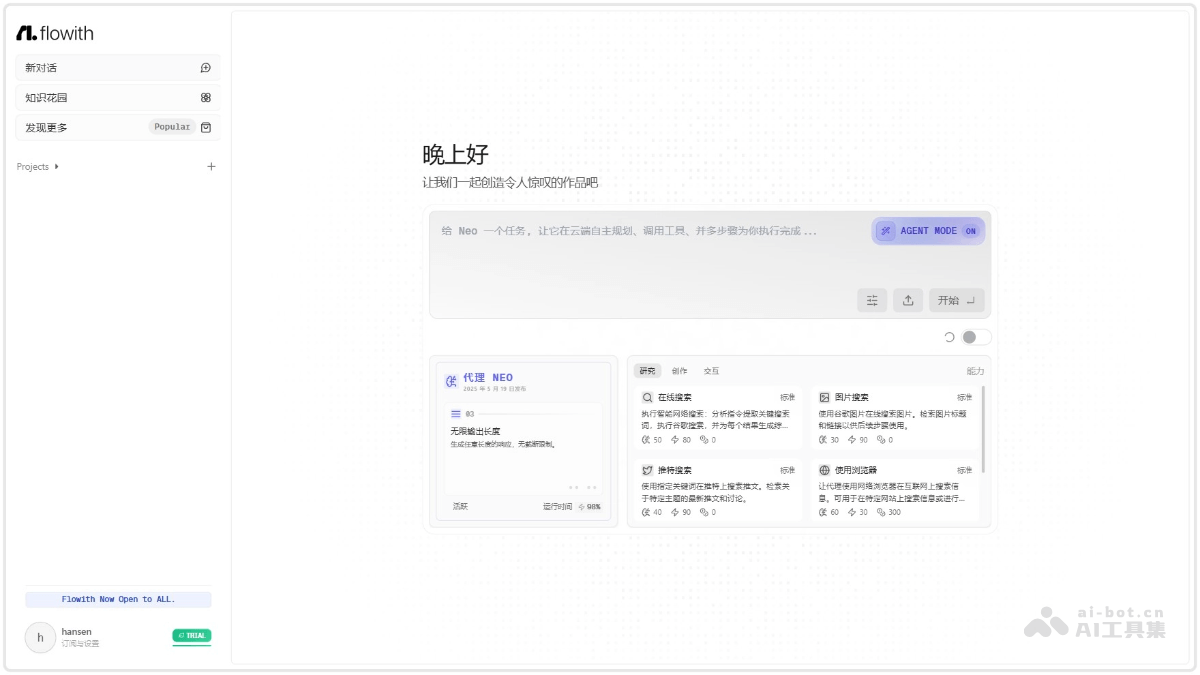
Flowith is an innovative AI productivity tool that uses node-based interaction and an infinite canvas design, supporting multithreaded task processing and multimodal content generation. It integrates a variety of advanced AI models, such as GPT-5, Claude 3, etc., and users can choose the most suitable model according to their needs. Core features include content creation, prompt debugging, collaboration, Oracle mode, and a multithreaded interface. Users can interact with multiple AI models simultaneously on the canvas, improving work efficiency.
✍️Steps
-
Visit the official website: Log in to Flowith official website.
-
Select a mode: After entering the platform, select a suitable mode, such as Flow Mode, Oracle Mode, or Agent Neo mode.
-
Model selection: In the model selection interface, find and select the GPT-5 model. Flowith provides a multi-model comparison mode, including GPT-5.
-
Start using: After selecting the model, you can conduct multithreaded conversations on the canvas and use GPT-5's powerful capabilities to complete various tasks.
OpenRouter
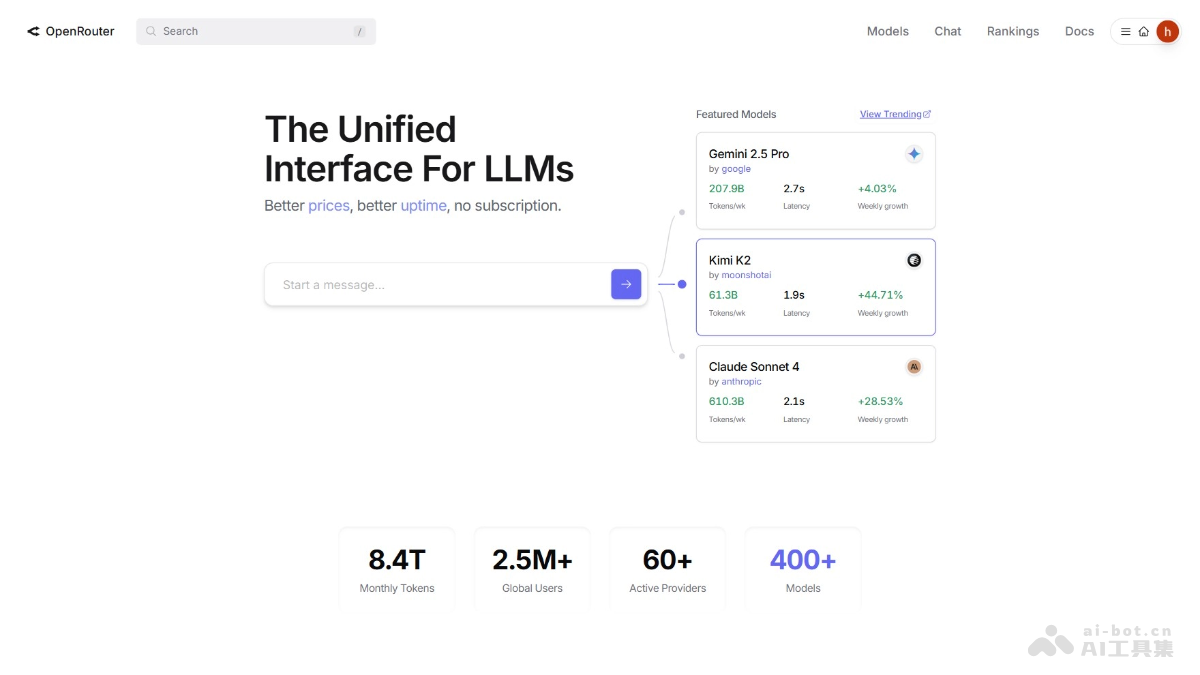
OpenRouter is an AI model aggregation platform that supports more than 400 models, including GPT-5. Through a unified API interface, users can switch between different models without modifying code, only needing to change the base URL. When using GPT-5, OpenRouter provides model variants such as "openai/gpt-5-pro" for users to choose from. OpenRouter has automatic failover functionality, which can automatically route to available providers during peak loads, ensuring service availability.
✍️Steps
- Register and obtain an API Key: VisitOpenRouterofficial website (https://openrouter.ai/),注册免费账户。登录后,在个人设置中找到“Keys”选项,创建一个新的API密钥。
- Call the GPT-5 model: OpenRouter's API design is compatible with OpenAI, and you only need to adjust the base URL.
- Configure environment variables (optional): If using command-line tools, you can configure the API Key through environment variables, then specify the model and base URL in the configuration file.
- Notes: OpenRouter provides multiple GPT-5 model variants, such as
openai/gpt-5-pro、openai/gpt-5-mini, etc. When calling the API, ensure that the network environment can access OpenRouter's services. If you encounter problems, you can check OpenRouter's official documentation or community support.
Poe
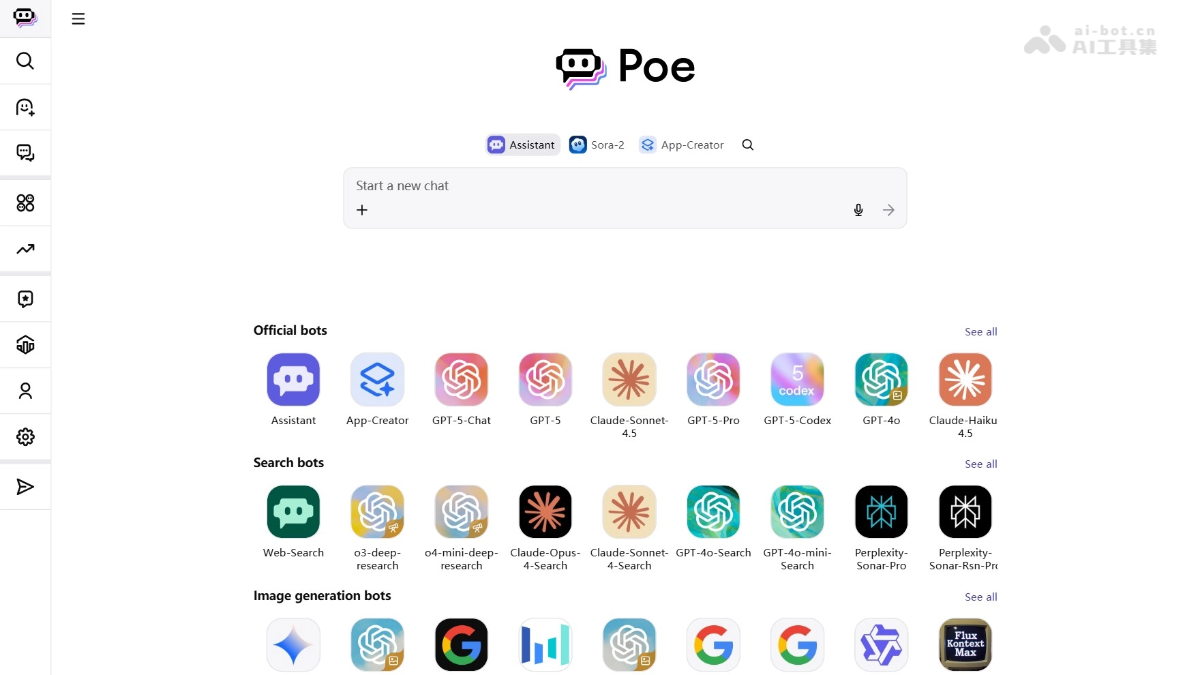
Poe is an AI platform developed by Quora that allows users to access multiple leading AI models in one interface. Poe supports multiple models including GPT-5. Users can switch between different models to meet different needs, such as using GPT-5 for complex conversations and content creation, or using Claude Opus for creative writing. Poe's multi-model integration and flexible switching functionality make it the "Swiss Army knife" of AI tools, suitable for various scenarios, including education, content creation, and programming assistance.
✍️Steps
- Register and log in: Visit Poe official website. Register and log in using a Google or Apple account.
- Select the GPT-5 model: After logging in, click "Your Bot" in the left menu, find the GPT-5 model and click to use it.
- Enter a prompt: Enter your question or instruction in the dialog box, and GPT-5 will generate a response based on the input.
- Adjust reasoning depth (optional): If you need to adjust GPT-5's reasoning depth, you can add after the prompt
--reasoning_effortparameter, options includeHigh、Medium、Low、Minimal。 - Usage limits: Free users have 3000 credits available per day, and each use of GPT-5 consumes a certain number of credits.
AskManyAI
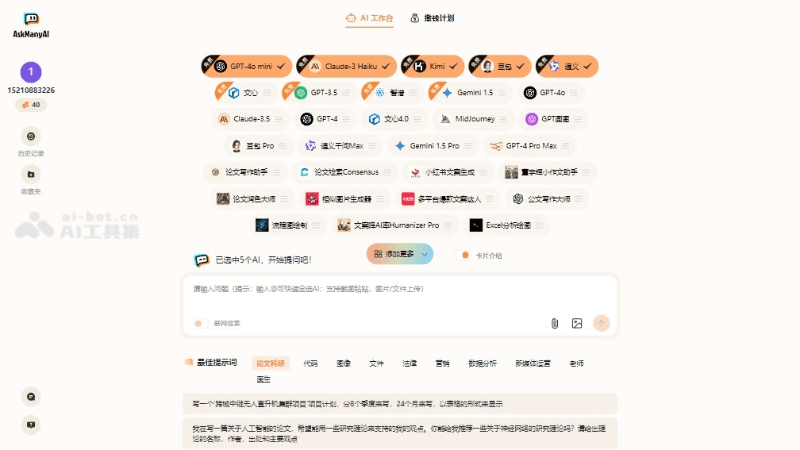
AskManyAI is a one-stop AI large model aggregation platform that supports multiple top AI models, including GPT-5, Claude, Gemini, Kimi, etc. Users can call multiple models simultaneously to answer questions, compare the style, logic, and professionalism of different models, and make more informed judgments. AskManyAI supports multimodal interaction, such as image and document upload and parsing, as well as AI drawing integration and other functions. Its model versions are also updated in real time, ensuring users always experience the most cutting-edge capabilities.
✍️Operation steps
-
Visit the official website: Open AskManyAI official website and enter the homepage.
-
Register and log in: Register and log in to your account.
-
Select a model: Select a supported AI model in the interaction interface.
-
Enter a question: Enter your question or instruction.
-
Upload files(optional): If needed, upload relevant files or images.
-
Get the answer: After submission, AskManyAI will provide an answer using the selected model.
胜算云
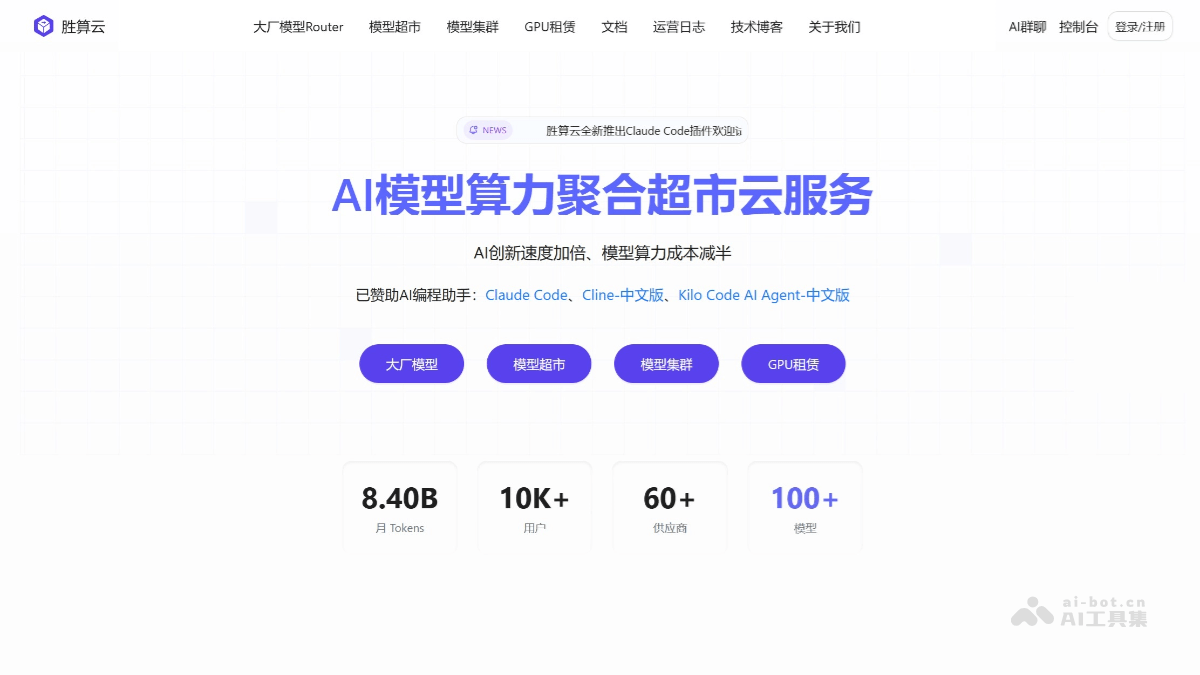
胜算云is the world's first AI model computing power aggregation supermarket cloud service. By aggregating fragmented global computing power resources and building a standardized service network, it reduces computing power costs by more than 50%. 胜算云 supports pay-per-request billing. Developers only need one Key to conveniently call 100+ mainstream global large models, with full support for multimodal capabilities such as text, images, video, audio, and files. 胜算云 supports the GPT-5 model, including GPT-5-Mini and GPT-5-Nano models, etc.
✍️Operation steps
- Register and obtain an API Key: Visit the 胜算云 official website, register an account, and log in. On the "API Keys" page in the console, generate and copy the API Key.
- Select a model and configure: Enter "Major Vendor Model Router" at the top of 胜算云, view the list of available GPT-5 models, such as GPT-5-Mini, GPT-5-Nano, etc., and copy the required model name. If accessing through CodeX, after running the CodeX configuration script, it will be created in the
~/.codex/config.tomldirectory with the default model configuration file, and you can manually replacemodelwith the required 胜算云 GPT-5 model. - Call the model
-
Direct call: Use an HTTP request to call the GPT-5 model. You need to add to the request header the
Authorizationfield, with the valueBearerplus your API Key. The request body includes parameters such as the model name and messages. -
Call via SDK: If using a supported SDK, such as the OpenAI SDK, you need to first install or upgrade to an SDK version that supports GPT-5, then set the API credentials, and finally call the GPT-5 model according to the SDK's calling method.
-
DeepSider
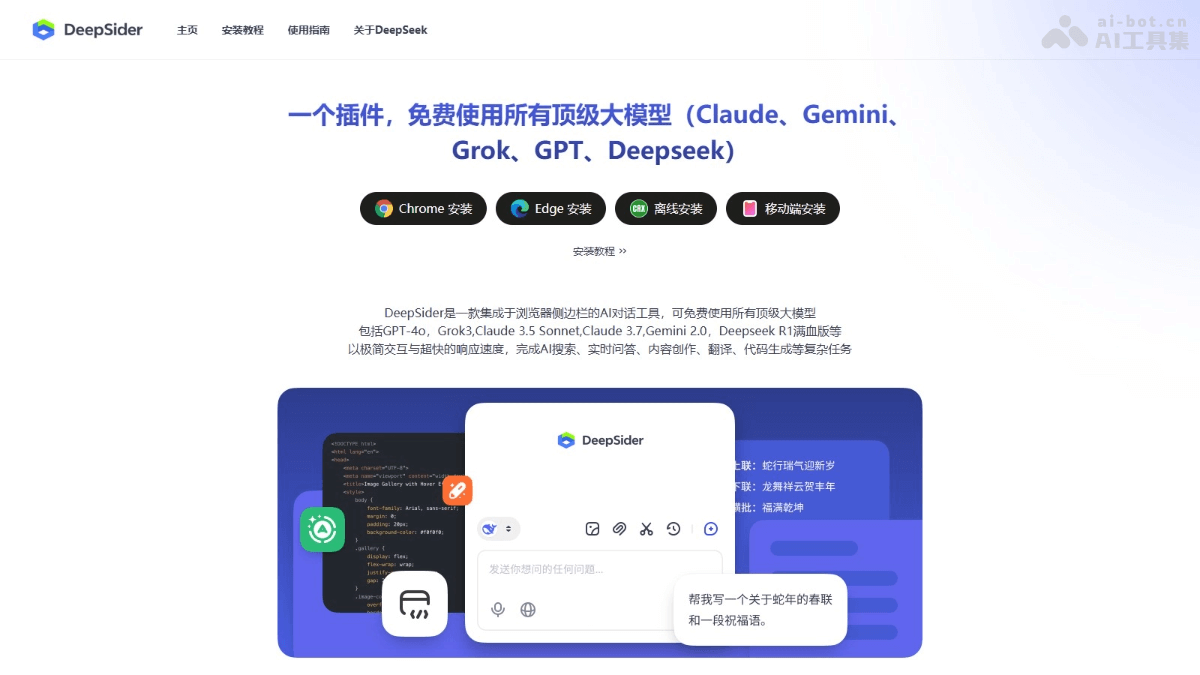
DeepSiderIt is an AI chat tool integrated into the browser sidebar, supporting a variety of top-tier AI models, including the entire GPT-5 series. Users can experience GPT-5's powerful features for free, such as code generation, document parsing, AI drawing, and more. DeepSider also supports other mainstream models, such as Claude 4, Gemini 2.5 Pro, Grok 4, and more, covering five major scenarios including text generation, coding, image design, and data analysis. With DeepSider, users can flexibly switch between different models without switching pages, greatly improving work efficiency.
✍️Steps
-
Install the plugin: Search for "DeepSider" in the extension store of the Edge or Chrome browser, click "Get" or "Add to Chrome", and then confirm adding the extension.
-
Register an account: Click the DeepSider icon in the upper right corner of the browser, select "Register", enter an email address (domestic email addresses are supported) and set a password. After verifying the email address, registration is complete.
-
Switch models: After installation and registration are complete, click the DeepSider icon to open the sidebar, select the GPT-5 model from the model options above the chat box, and you can start using it.
-
Usage limits: DeepSider's free users use a points system. GPT-5 consumes 80 points per use, GPT-5 Mini consumes 10 points per use, and GPT-5 Nano consumes 2 points per use. New users receive 200 points upon registration.