
The article provides a solution for quickly building a personal AI knowledge base by combining AnythingLLM and DeepSeek V3, users can efficiently manage their knowledge base and use AI for intelligent retrieval and Q&A. The article details the specific steps for installation, configuration, document upload, and knowledge retrieval, suitable for beginners to get started quickly.
Webmaster's Recommendation:How to solve DeepSeek server busyness? 16 free full-power R1 alternatives
Why do you need a private AI knowledge base?
Traditional large language models (LLMs) may give irrelevant answers or full of clichés when answering questions, leading to low information retrieval efficiency. Private knowledge base in the AI era, a private knowledge base combined with an excellent LLM can significantly improve the efficiency of knowledge retrieval and summarization. It can be used for enterprise internal knowledge management and is suitable for building a personal knowledge base.
A Solution for Building a Personal AI Knowledge Base
- AnythingLLM: An open-source and free knowledge base management front-end tool that supports services such as knowledge upload, data vectorization, and retrieval-augmented generation (RAG).
- DeepSeekV3: (abbreviated as DS) A large model launched by High-Flyer Quant, with performance comparable to Claude 3.5 and a lower Token price. This solution uses DS as the inference model.
1. Install AnythingLLM
- Download and Installation:
- Download address: Visit AnythingLLM'sofficial website, supports Windows, macOS, and Linux systems.
- After opening the software, you need to set up the LLM (language model) first.
- Set Up LLM:
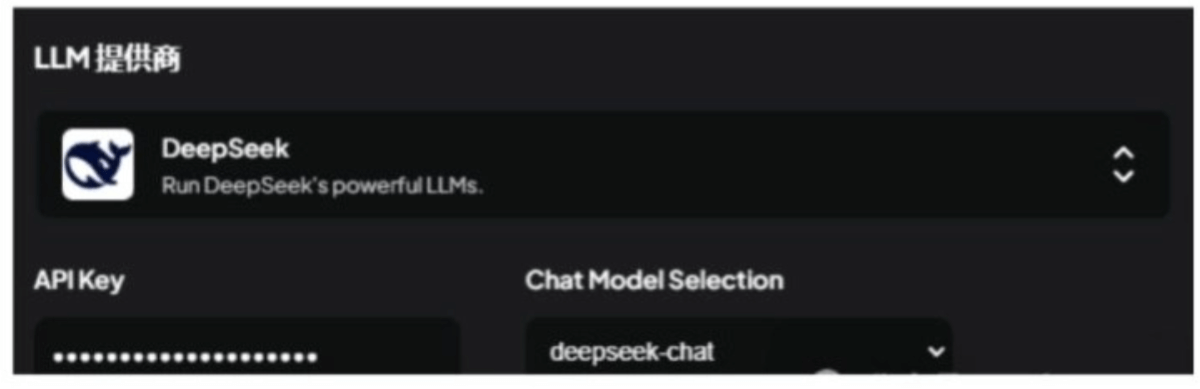
- Select DeepSeek as the LLM provider.
- Model selection chat(i.e., the DeepSeek V3 model).
- Get API Key: You need to register an account on the DeepSeek official website and top up a small fee.
- Basic Configuration:
- Basic configuration can be done in the settings button in the lower-left corner, such as LLM, embedding model, vector database, etc.
- Beginners are advised to keep the default settings.
- Embedding model (Embedding): It is recommended to use bge-m3, which has good support for multiple languages and long texts, but requires running Ollama locally to load. Beginners can skip this step.
2. Upload Documents
- Upload Method:
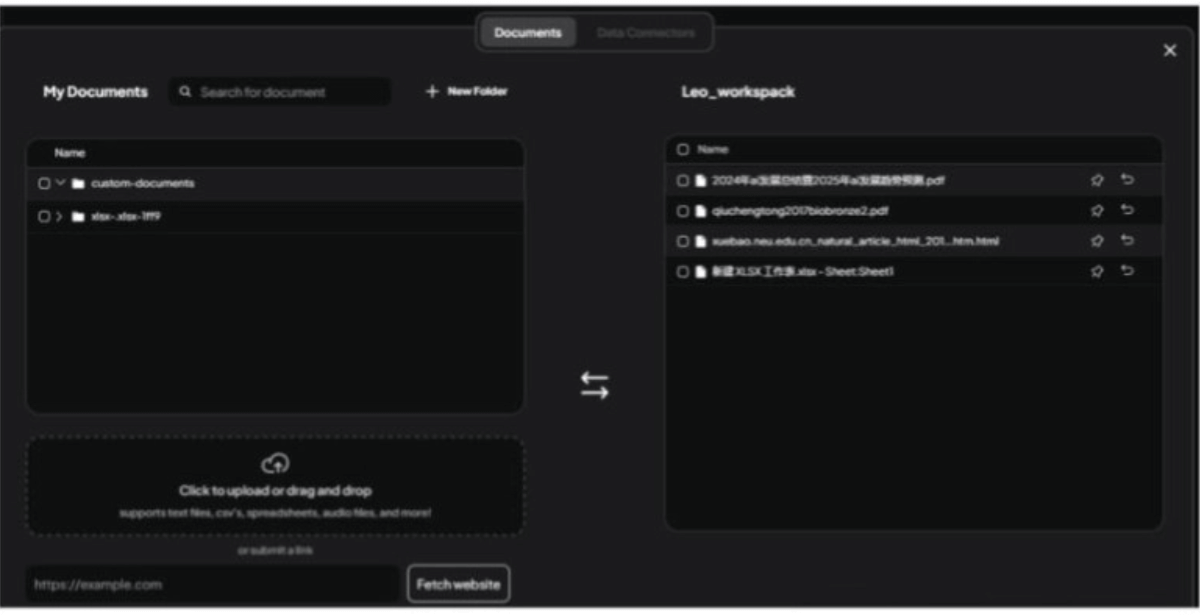
- Click the upload button in the workspace; it supports uploading PDF, CSV, audio files, or scraping web content.
- After uploading, right-click the file and select "Move to Workspace".
- Extended Features:
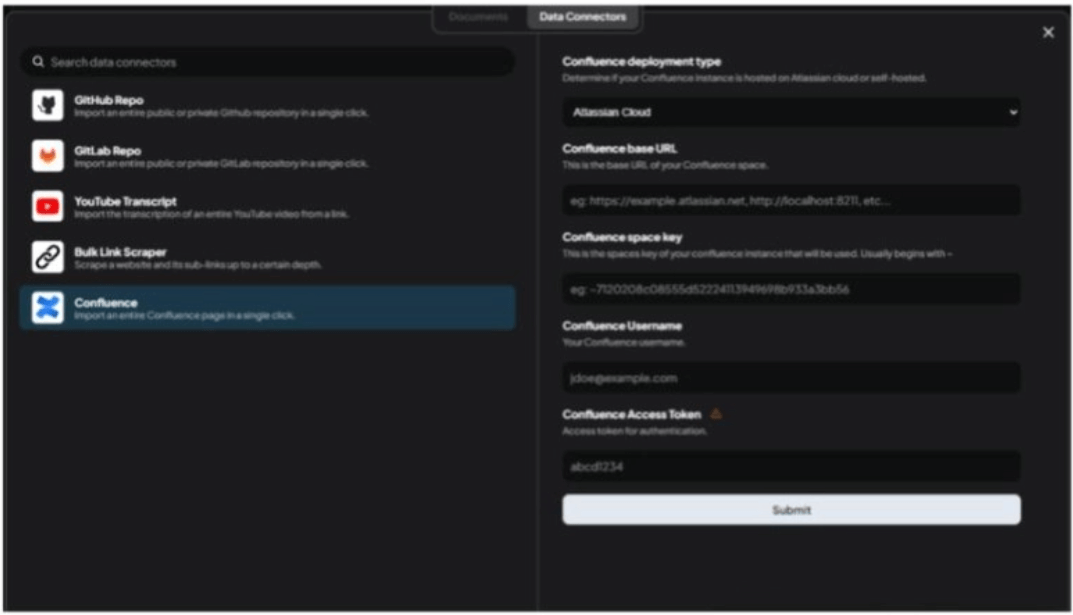
- In DataConnector , you can obtain data from platforms such as YouTube videos (subtitles required), Confluence document libraries, etc.
3. Knowledge Retrieval Q&A
- Start a Conversation:
- In the workspace, click New Thread to start a new conversation.
- After asking a question, the AI will answer based on the content in the knowledge base.
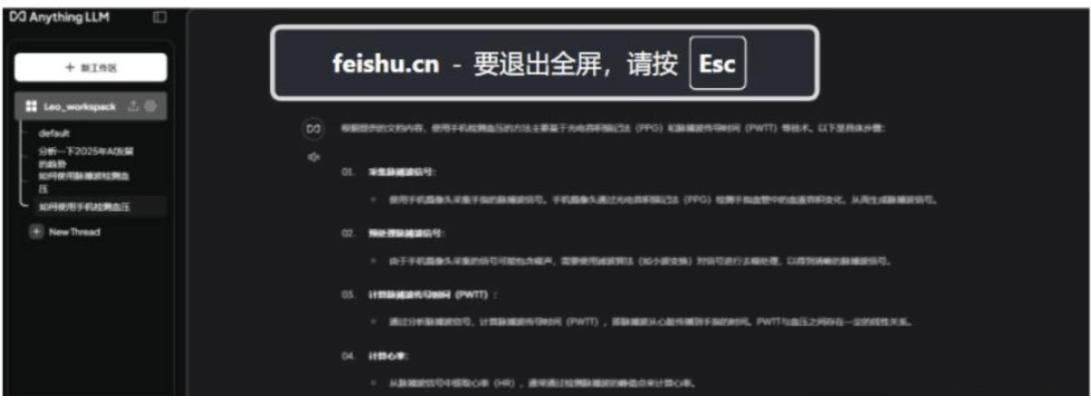
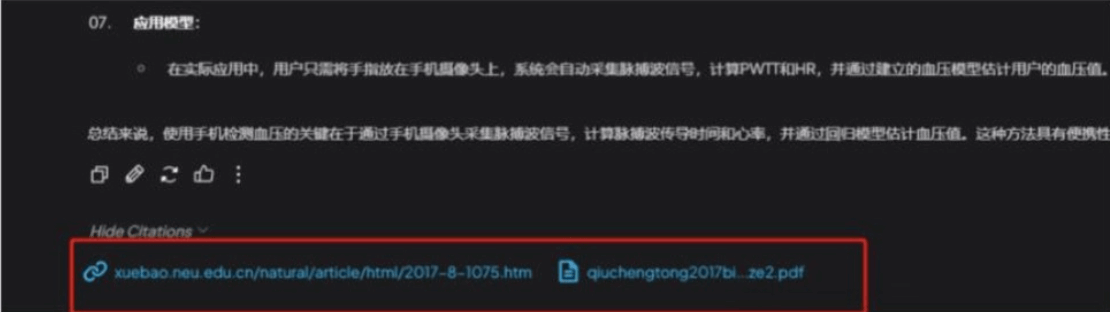
- View Cited Sources:
- If you want to confirm the knowledge sources of the AI's answer, you can click at the bottom of the answer Show Citations to view the cited knowledge.
- Real-time search function:
- The new version of AnythingLLM supports Agent mode, which can integrate with search engines such as Google and Bing to enable real-time search and improve the timeliness of knowledge retrieval.