
Hi everyone~ I'm Sister Orange.
After readingthe previous article, a friend asked: if I'm not in these scenarios, how should I find a Skill I want to use?
Yes, for ordinary users who are not proficient in the Agent context field, when they first want to use a Skill, they generally encounter a scenario: whether there is a ready-made Skill in their own scenario that can solve the current problem—for example, frontend design, image design, document processing, etc.—and they don't know where to look.
Searching online may return many results, making you even more confused. Which Skill is better to use? Which is more recognized by everyone? Is the source reliable? Are there security risks? After finding it, can it be installed directly?
The purpose of today's article is to help you solve: when you want to use a Skill, how should you find a suitable and reliable Skill.
Let me keep you in suspense first—remember this path:
Your need → English keywords → skills.sh initial screening → agentskill.sh / SkillsMP / LobeHub supplementary search → check the source → check the GitHub repository → evaluate before installing.
Let's break it down one by one.
Turn needs into English keywords
The Skill ecosystem is still mainly English content. Searching directly in Chinese usually yields far fewer results.
For example, if you want to find a Skill for "designing frontend pages," don't just search "frontend design"; break the need into words: frontend, web design, ui design, react. The more specific the words, the closer the search results are to the real need.
Look at the Skills.sh website
Skills.sh is Vercel 's open AI Agent skills directory and leaderboard. Developers can use one command to install Skills packaged as Markdown into Claude Code, Cursor, and other mainstream AI coding assistants.
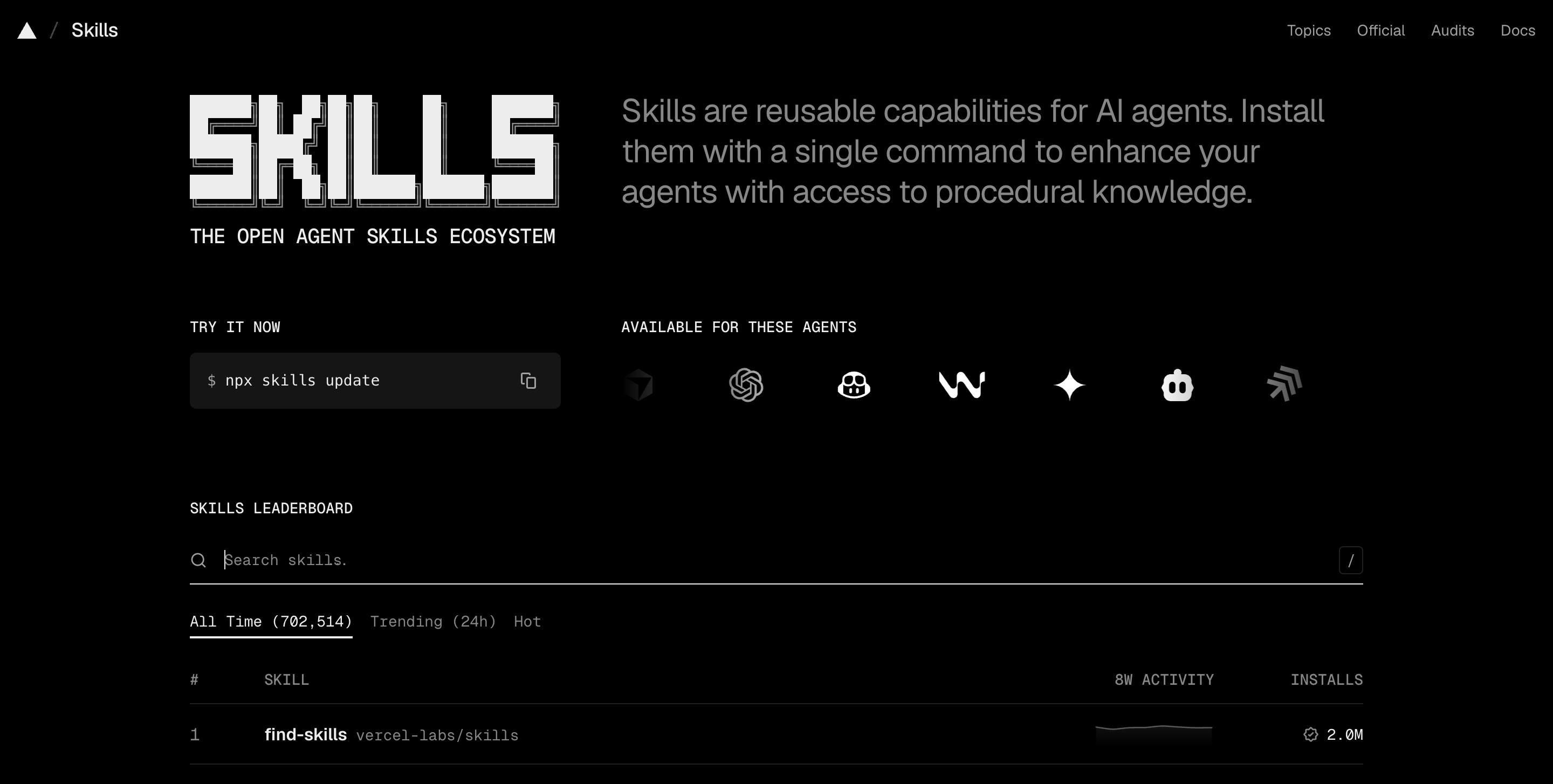
Address:https://www.skills.sh/
Skills.sh has leaderboards, install counts, Trending, and source information, suitable for making an initial judgment: is there a ready-made Skill in a certain direction? Which Skills are used by more people? Which repository do they come from?
What you mainly look at here is "popularity" and "direction," not the final conclusion. A high install count only means the Skill has been tried by more people; it does not mean there is no risk, nor does it mean it is necessarily suitable for your scenario.
Supplementary search and candidates
Skills.sh is suitable for the first round of initial screening, but you may not necessarily find a suitable one in one go.
agentskill.sh / SkillsMP / LobeHub. These three sites can be used as supplementary searches, and each site has a different focus.
01 agentskill.sh: look at security and quality signals
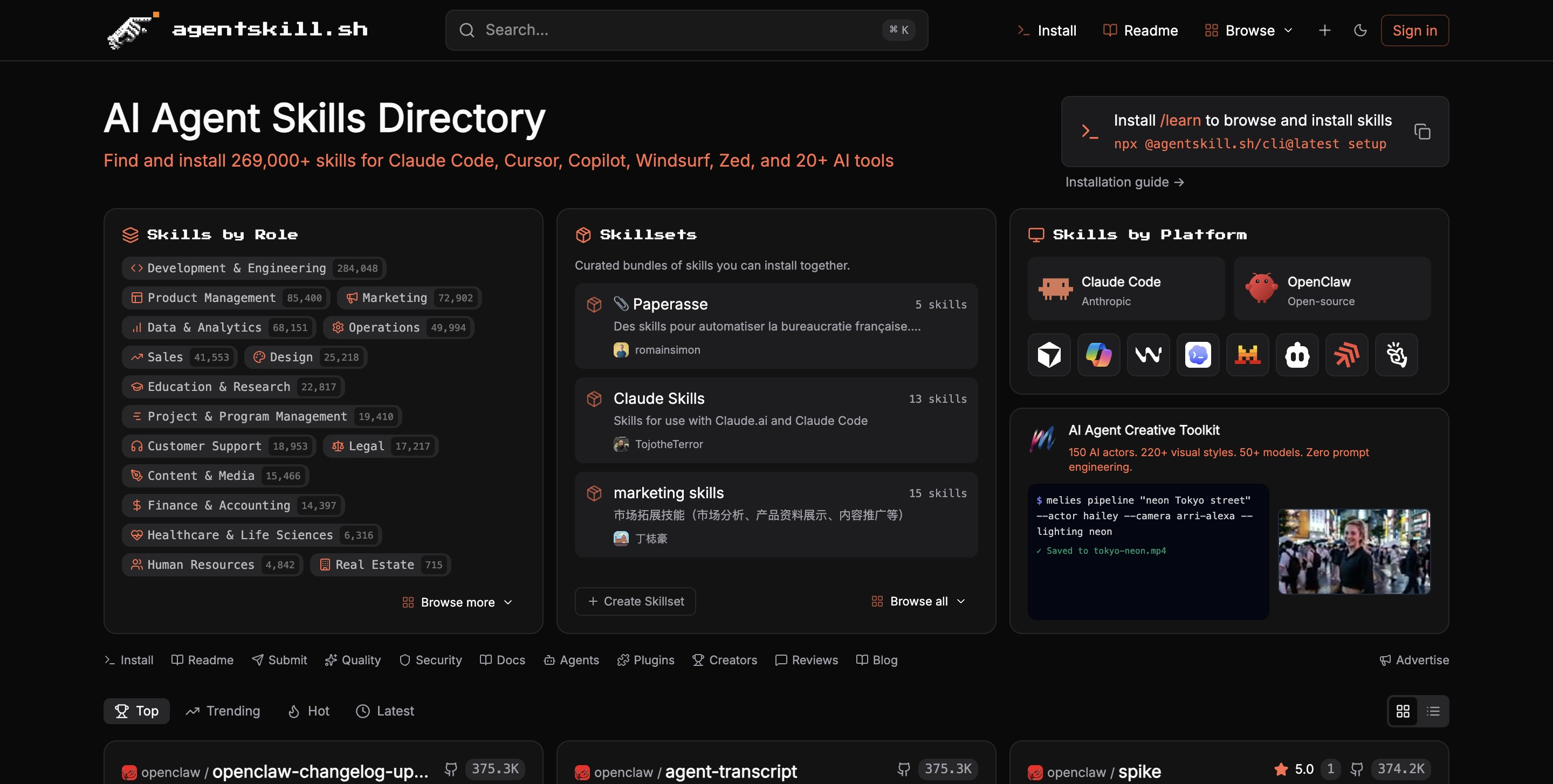
Address:https://agentskill.sh/
It gives Skills security scores and quality scores, and also has a security panel.
The scores have reference value, especially when comparing several similar Skills together.
However, scores can only be a reference. A high security score only means that under this platform's scanning rules, no obvious problems have been found for the time being. Whether to actually use it still requires going back to the source repository and further checking SKILL.md, scripts/, and maintenance status.
02 SkillsMP: do large-scale search
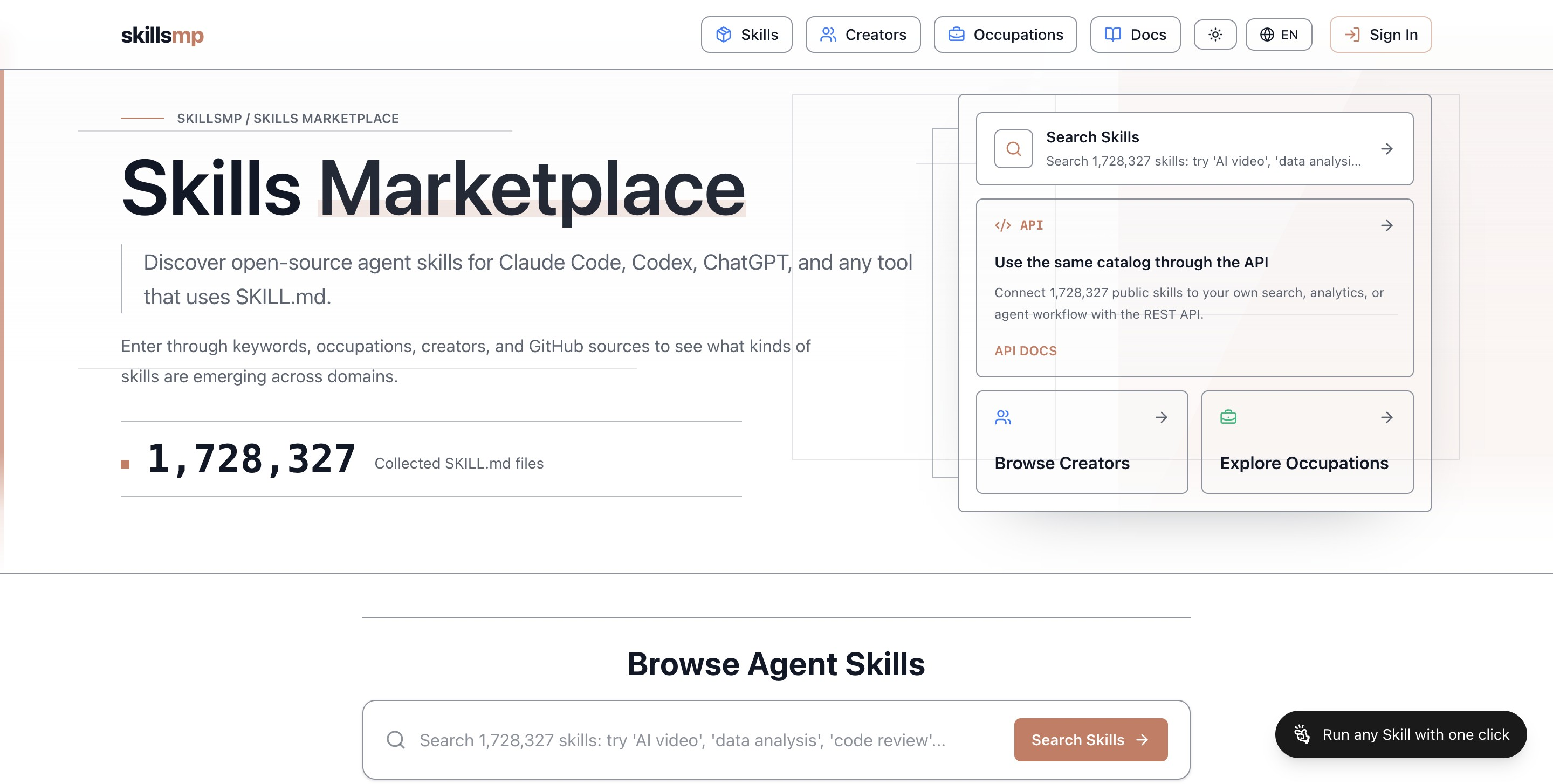
Address:https://skillsmp.com/
SkillsMP is more like a whole-web Skill search engine, where you can search by keyword, occupation, creator, and GitHub source.
The advantage is broad coverage; the cost is that the results are more mixed.
03 LobeHub Skills: suitable for supplementary browsing
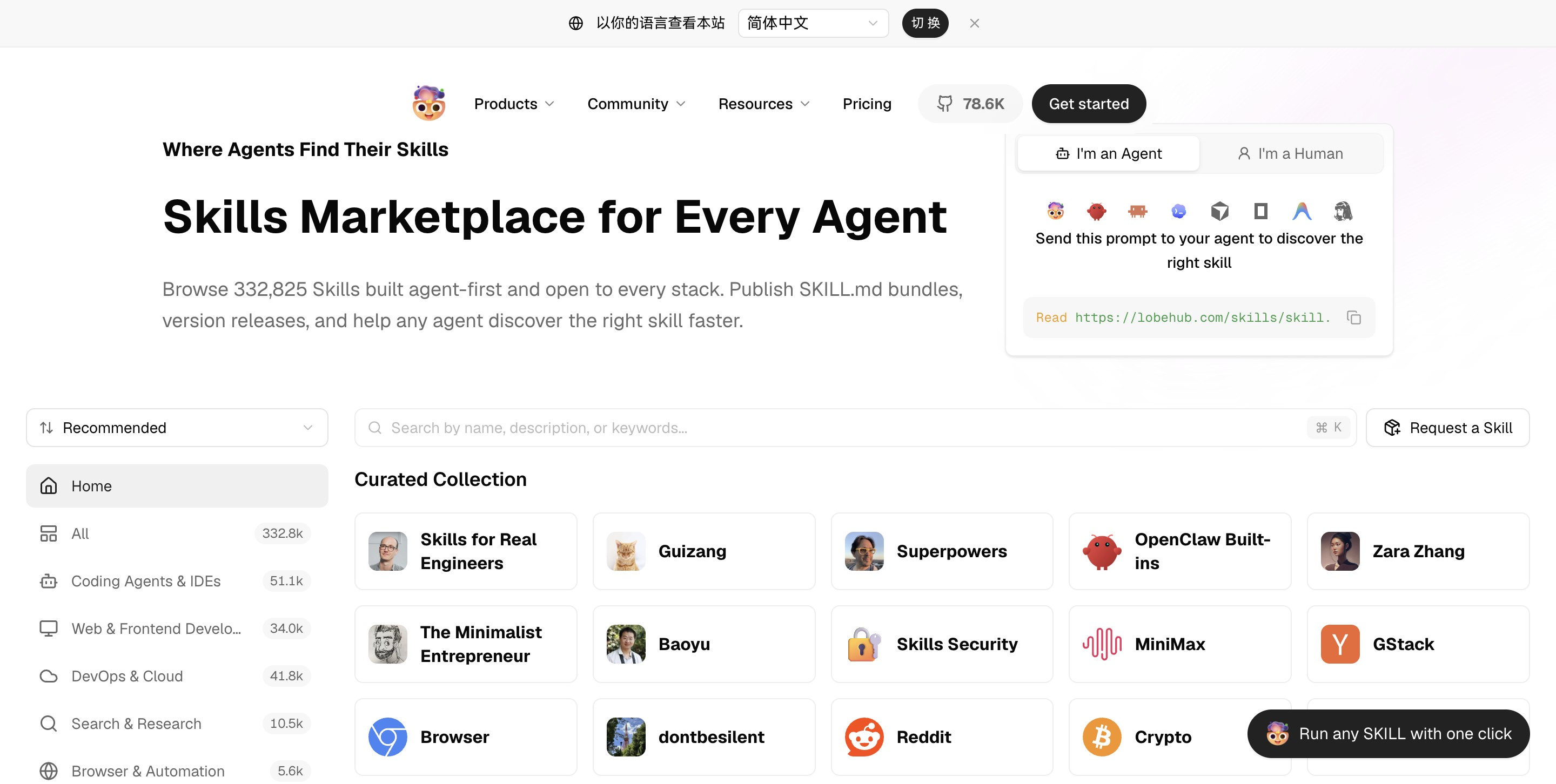
Address:https://lobehub.com/skills
LobeHub Skills' pages are relatively easy to browse, and information such as categories, trends, and recent updates is also fairly clear.
But it is also multi-source aggregation. The fact that a Skill appears on LobeHub does not mean it has been endorsed by LobeHub or some official organization. You still need to look at which GitHub repository it points to.
If you have already found a candidate on skills.sh, take the Skill name and search it on other sites to see the source, ratings, security signals, and similar information;
If you cannot find a suitable one on skills.sh, take the original keywords and continue searching other sites to see whether there is a more suitable Skill.
The common purpose of these sites is to help confirm your choice or find more related Skills.
Judge the source
To judge whether a Skill is reliable, look at the source repository behind it. For example, even for the same search results, one from openai/skills and one from an unfamiliar personal repository will definitely have different credibility.
I generally judge sources in this order:
- Official organization accounts
- Well-known projects / official accounts of large companies
- Community-curated libraries maintained by official organizations
- Community repositories with high install counts and high stars
- Ordinary personal repositories
For general directions, you can first remember the following highly trusted official website resources:
OpenAI Skills : OpenAI's official Skill repository, suitable for looking at official examples and Codex related Skills.
Address:https://github.com/openai/skills
Anthropic Skills : Anthropic's official Skill repository, suitable for looking at standard examples and general Skills.
Address:https://github.com/anthropics/skills
Vercel Agent Skills : Vercel Labs' Skill repository; for content related to frontend, React, and Web design, you can check this first.
Address:https://github.com/vercel-labs/agent-skills
GitHub Awesome Copilot : A community-curated library maintained under GitHub's official organization, suitable for finding Copilot-related agents, instructions, skills, and plugins.
Address:https://github.com/github/awesome-copilot
Before installation, verify the GitHub source files
After finding a Skill that looks suitable, do not rush to install it; click into the GitHub repository and take a look.
Mainly look at three types of information.
First, look at the description。
Focus on SKILL.md and description. SKILL.md will tell you what problem this Skill solves, when it will be triggered, whether it depends on external tools, and whether it has scripts.
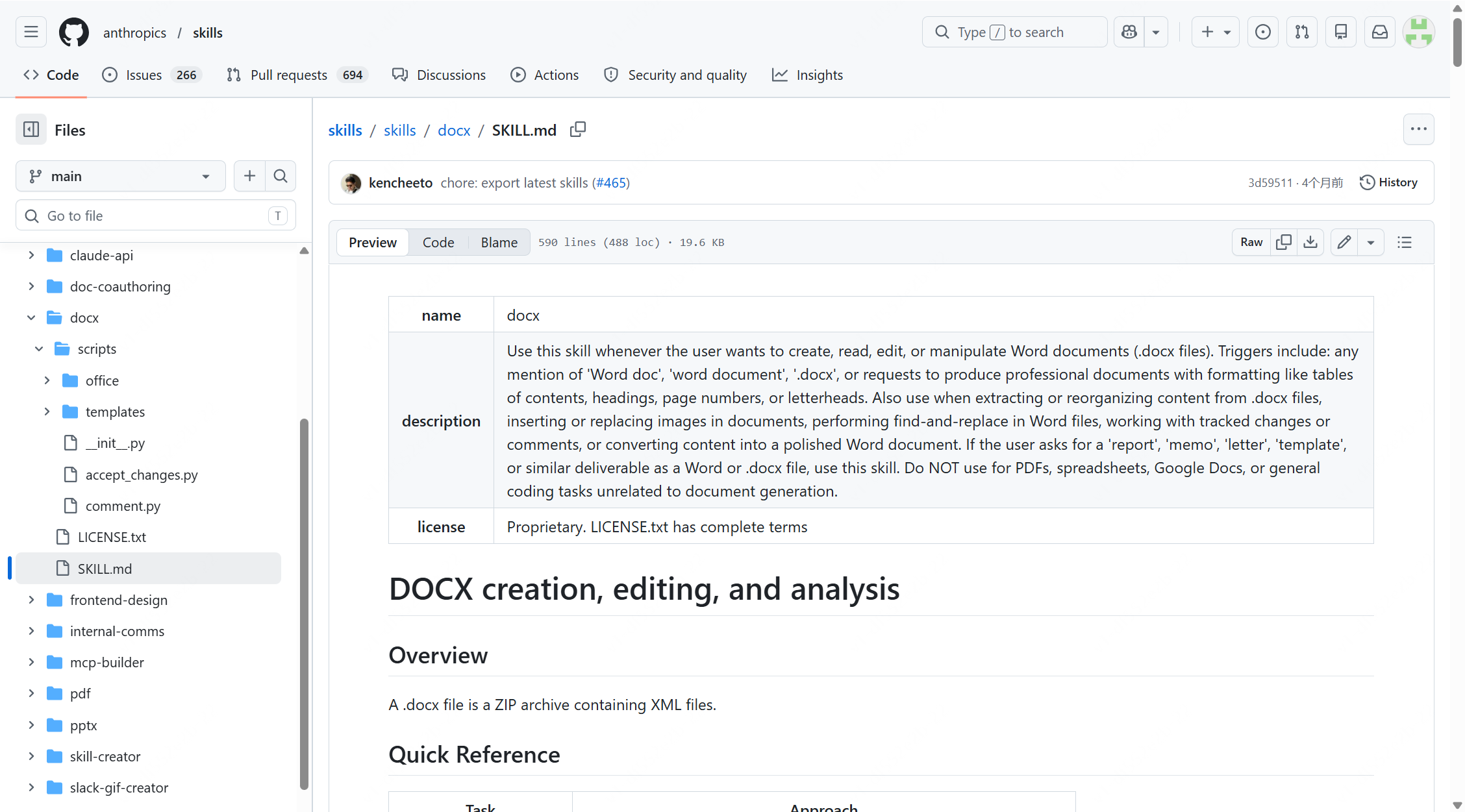
description is also very important; it determines when the Agent will call this Skill.
Second, look at the scripts.
The premise is if there are any; focus on scripts/, which is optional. If a Skill is only explanatory, the risk is relatively low. It is like a work instruction for the Agent to read.
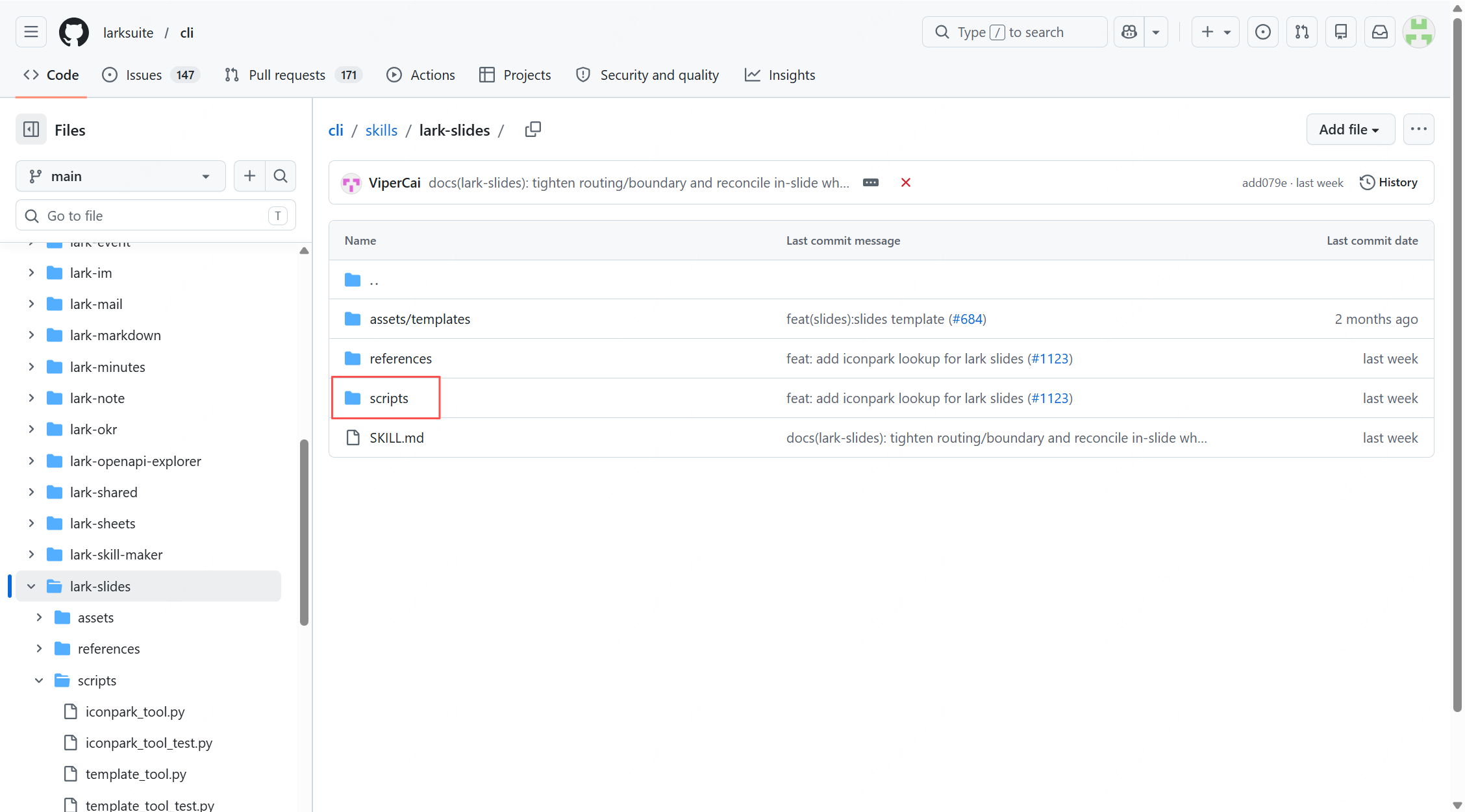
But if you see these things in a Skill, you need to pay attention: for example, it needs to run `bash`、`shell`、`python`、`node` scripts, do browser automation (browser automation), file access (file access), or require credentials such as `API key`、`token`.
These things do not mean the Skill definitely has problems. They only indicate that this Skill may execute code, access files, control the browser, or use account credentials.
Third, look at the maintenance status.
This includes README, the latest update time, and stars / forks / issues.
The README can show whether the author has carefully explained how to use it; the latest update time can show whether it is still being maintained;
In stars, forks, and issues, you can see whether there is real user feedback.
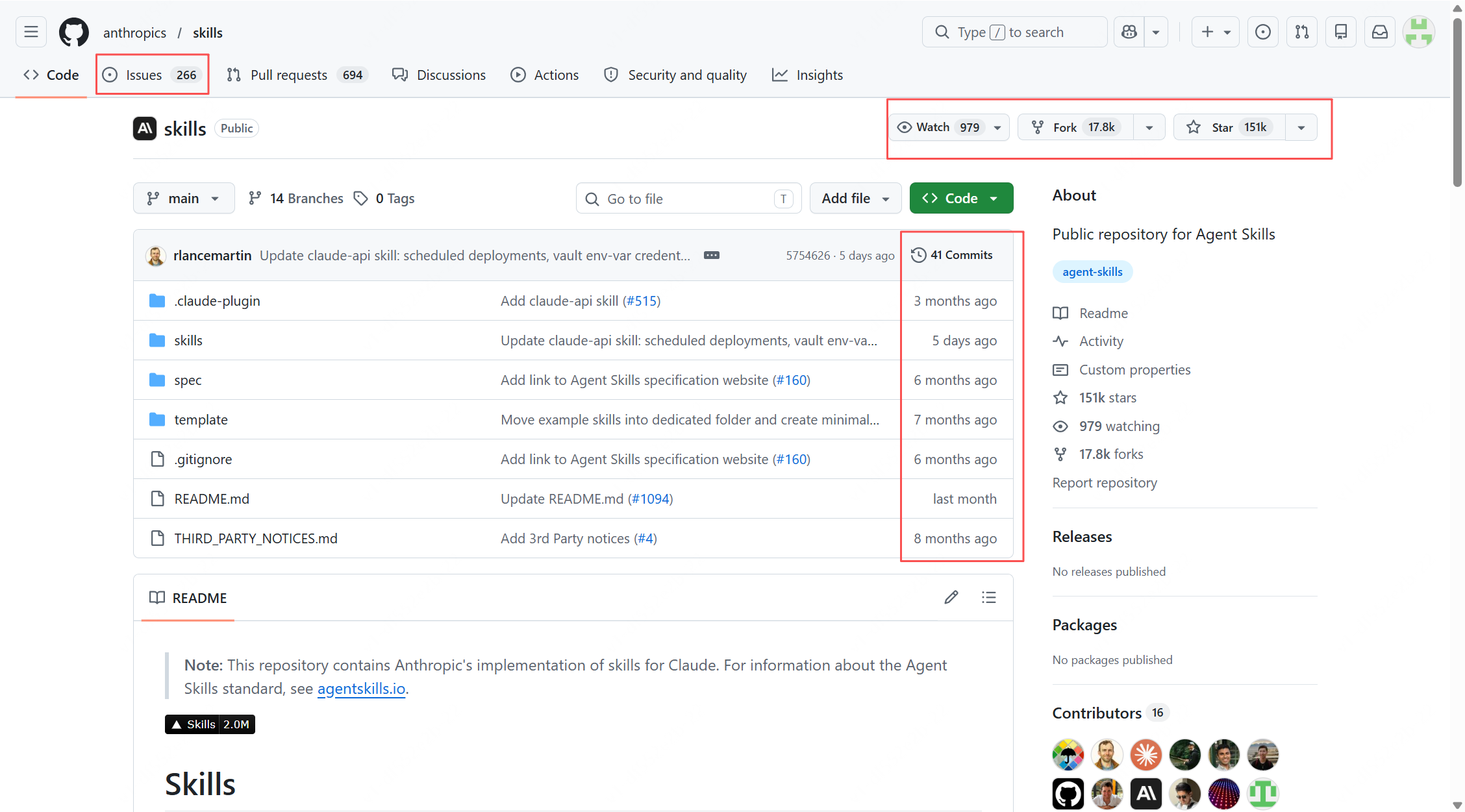
Confirm the source and look at SKILL.md and scripts/ before considering installation. If you cannot understand the scripts, do not install it into important projects for now.
Some insights
Looking back at the end, the matter of finding suitable and reliable Skills may on the surface seem like finding a "plug-in" that can help us write code, do design, and handle documents, but thinking more deeply, it is actually a lesson each of us must make up for in the AI era:how to maintain clear judgment amid information overload.
Install counts, security scores, and star counts—these numbers can help us quickly filter, but the final decision on whether to use something still depends on our own judgment. In an era when everyone can publish tools, the ability to discern what is truly reliable is an increasingly precious skill.
When AI lowers the barrier to "doing" to zero, the wisdom of "choosing" becomes the dividing line.
The patience to carefully select a handy tool may be the most irreplaceable competitive advantage that the AI era leaves to us humans.
Original link:How do you find suitable Skills? I've put together the route, take it and use it