
What is Get Notes
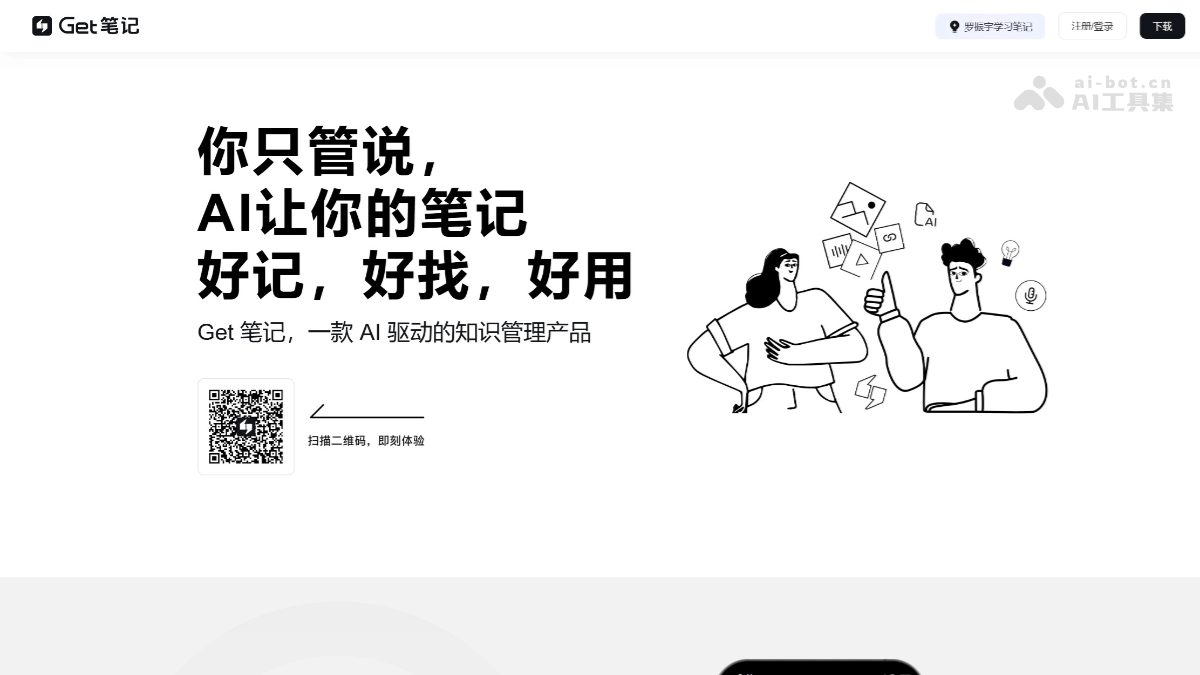
Get Notes is an AI-powered efficient note-taking app launched by the Dedao team. It supports multiple recording methods, including AI voice recording, AI image recording, AI link recording, and traditional text input. Users can quickly record inspiration and information anytime and anywhere through voice, text, images, or links. The AI features are powerful and can automatically performspeech transcription, text polishing, image recognition, and content extraction. Get Notes has intelligent search functionality, allowing users to quickly find note content. It supports multi-device synchronization, and users can seamlessly switch between the mobile app, web version, and WeChat Mini Program.
Main features of Get Notes
- AI voice recording: Users only need to speak their thoughts, and AI automatically converts speech to text and performs intelligent polishing. It supports accurate recognition of 27 dialects, and supports functions such as pause, lock-screen recording, and background operation.
- AI image recording: Take or upload an image, and AI can automatically recognize the text and content in the image, generate detailed notes, and archive the image.
- AI link recording: After adding a link, AI will read the webpage content and generate concise and clear notes.
- Text recording: Provides Quick Note mode and Focus mode. Quick Note mode is suitable for quickly recording inspiration, while Focus mode is suitable for immersive creation.
- AI intelligent organization: The AI engine can automatically capture and classify note content and build a clearly structured knowledge base.
- Smart tags: Supports manual tag addition and smart tag functionality, helping users quickly filter and find notes.
- AI intelligent search: For questions raised by users, AI will prioritize accurate searches based on note content and generate answers, helping users quickly find the information they need.
- Multi-device synchronization: Supports the mobile app (iOS/Android), WeChat Mini Program, and web version (biji.com), with data synchronized in real time across all devices.
- Note appending, sharing, importing, and exporting: Supports importing notes from third-party applications such as the Dedao App. The web version supports exporting all notes as HTML files.
- Security assurance: Strictly protects user privacy and content security.
How to use Get Notes
- Download and installation
- Mobile app: Visit theofficial app store, and choose to download "Get Notes" according to your device model.
- Web version: Visit Get Notes'official websiteto use it.
- WeChat Mini Program: Search for "Get Notes" in WeChat to use it.
- Registration and login: After opening the app or website, click the "Register" or "Log in" button.
- AI voice recording: Open Get Notes and click "New Note". Select "Voice recording", press and hold the microphone to speak, and AI will automatically transcribe the speech into text. You can choose the "Polish" feature to make the text more fluent.
- AI image recording: Click "New Note" and select "Image Record". Take or upload a photo, and AI will automatically recognize the text and content in the image. The generated note will include the image and text content for easy viewing later.
- AI Link Record: Click "New Note" and select "Link Record". Enter a webpage link, and AI will read the webpage content and generate a note. The note will extract the core content of the webpage for quick browsing.
- Text Record: Click "New Note" and select "Text Record". Enter text in the editing box, with support for Quick Note Mode and Focus Mode. Quick Note Mode is suitable for quickly capturing inspiration, while Focus Mode is suitable for immersive creation.
- Smart Organization: AI automatically categorizes note content and builds a knowledge base.
- Smart Search: Enter a question in the search box, and AI will generate an answer based on the note content.
- Tag Management: Manually add tags or use smart tags for quick searching.
- Multi-device Sync: Data syncs in real time across all devices (phone, web, mini program). When you modify a note on any device, other devices will update automatically.
- Note Append: On the note page, click "Append" to add content at any time.
- Note Sharing: Click the "Share" button in the upper right corner of the note to share the note with others.
- Import and Export: Supports importing notes from third-party apps such as Dedao App. The web version supports exporting all notes as HTML files.
Use Cases of Get Notes
- Meeting Notes: In work meetings, use the AI voice recording feature to quickly convert meeting content into text notes, making it easy to organize and review afterward. At the same time, key tasks and time nodes can be added to the notes to ensure work progresses in an orderly manner.
- Project Management: During project progress, project-related materials, ideas, and progress can be recorded in Get Notes. Through smart tags and categorization features, project information can be quickly found and organized, improving work efficiency.
- Class Notes: In class, students can use the AI voice recording feature of Get Notes to quickly record the teacher's explanations. After class, they can organize and supplement the notes to deepen their understanding of the knowledge.
- Material Organization: During learning, various electronic materials and webpage links are often encountered. With the AI Link Record feature of Get Notes, the core content of these materials can be extracted to generate concise and clear notes, making review and reference convenient.
- Inspiration Records: In life, inspiration is often fleeting. With the voice recording or Quick Note Mode of Get Notes, you can record your inspiration and ideas anytime and anywhere, so these valuable moments are no longer lost.