

What is Firebase Studio
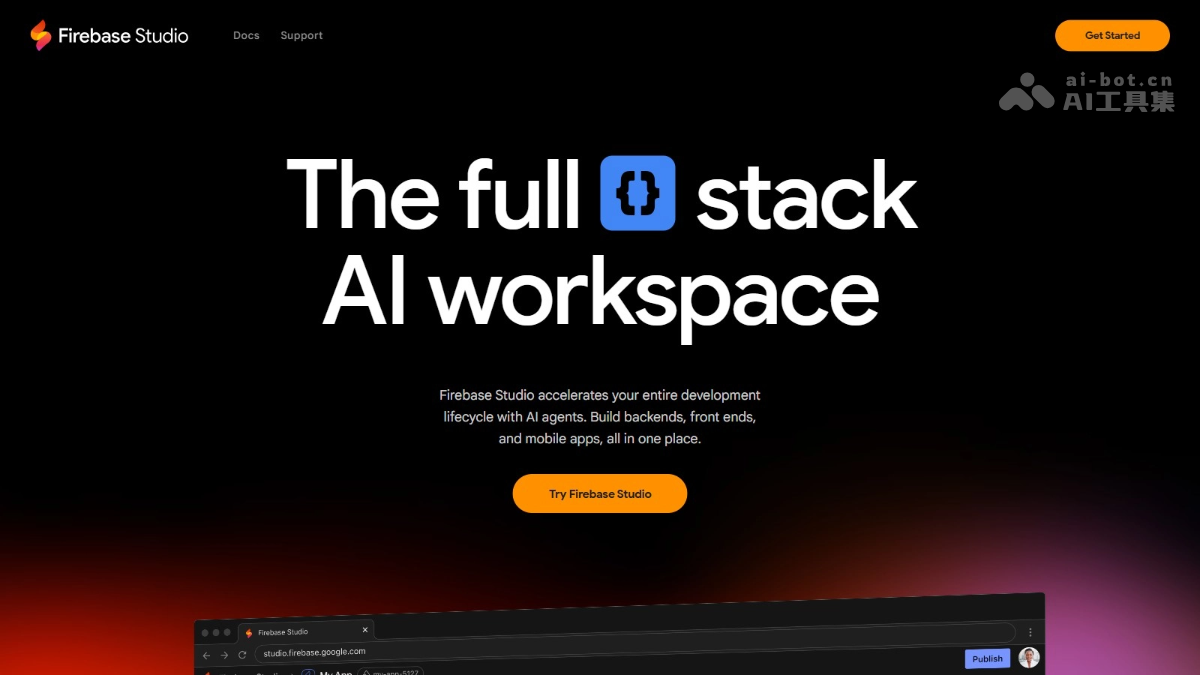
Firebase Studio is launched by GoogleAI programming tool, allowing users to complete the construction, modification, and deployment of full-stack applications in one place. Firebase Studio integrates Project IDX and Firebase's dedicated AI Agent, providing comprehensive development support from backend to frontend, mobile applications, and more. Firebase Studio's core features include AI-assisted code generation, natural language prototyping, a highly customizable development environment, and deep integration with Firebase and Google Cloud. Firebase Studio supports multiple development modes, allowing developers to seamlessly switch between coding and no-code prompts to rapidly iterate applications.
Main features of Firebase Studio
- Import projects from source code control systems or local archives: Supports importing existing projects from local archive files and source code control systems such as GitHub, GitLab, Bitbucket, etc.
- Templates and examples: Provides a rich library of templates and example applications, covering multiple languages (such as Go, Java, .NET, Node.js, Python Flask) and frameworks (such as Next.js, React, Angular, Vue.js, Android, Flutter, etc.), allowing developers to quickly select a template or example application to start a new project, and create custom templates to share.
- Natural language prototyping: With the App Prototyping agent provided by Gemini, generate full-stack web application prototypes using multimodal prompts such as natural language, images, and drawings, enabling rapid iterative development without writing code.
- AI coding assistance: Use AI features provided by Gemini in Firebase across all development interfaces (such as interactive chat, code generation, tool execution, and inline code suggestions) to help write code and documentation, fix bugs, write and run unit tests, manage dependencies, etc.
- Highly customizable development environment:
- Based on Code OSS: Firebase Studio is built on the popular Code OSS project and runs on a full virtual machine (VM) powered by Google Cloud, providing a familiar and highly customizable development experience.
- Custom configuration: Nix custom development environments, including system packages, language tools, IDE configuration, application previews, etc., and supports custom template sharing projects and the entire development environment configuration.
- Built-in tools and integrations:
- Preview and emulation: Preview web applications and Android applications directly in the browser, and perform emulation, testing, and debugging based on built-in runtime services and tools.
- Deep integration: Seamless integration with Firebase and Google Cloud services.
How to use Firebase Studio
- Visit the official website: Visit the Firebase Studio official website https://firebase.studio to complete registration and login.
- Import methods:
- Import from code repository: Supports direct import of projects from GitHub, GitLab, or Bitbucket, making it convenient and quick.
- Upload local files: Upload local compressed files (such as .zip format).
- Export function: After project development is complete, export directly from Firebase Studio to GitHub for easy version management and team collaboration.
- Use AI to create prototypes: Use the App Prototyping agent with Gemini to prototype, build, test, iterate, and publish web apps using natural language.
- Choose a template to start building: Firebase Studio offers a variety of templates and sample apps, supporting multiple languages, frameworks, and databases.
Firebase Studio product pricing
- Free users: Each user gets three workspaces for free.
- Google Developer Program users: After joining the Google Developer Program, users can create up to 10 workspaces.
- Google Developer Premium plan users: After subscribing to the Google Developer Premium plan, users get 30 workspaces.
- Additional costs: Some integrations (such as Firebase App Hosting) require linking a Cloud Billing account. If you use Firebase Studio to create a Firebase project and link a billing account to that project, the project is automatically upgraded to the pay-as-you-go Blaze pricing plan. Gemini API usage is upgraded to the paid tier, and you need to pay for paid service usage beyond the free quota.
Firebase Studio use cases
- Rapid prototyping: Independent developers, startup teams, and product managers can quickly generate web app prototypes using natural language and multimodal prompts, validating ideas without coding, and it is suitable for rapid iteration and sharing.
- Full-stack application development: Full-stack developers and development teams can carry out full-stack development from backend to frontend, suitable for the complete development process of complex projects.
- Team collaborative development: Medium-to-large development teams and enterprise users can share development environment configurations, ensuring consistency and efficiency in team development.
- AI-driven development: For developers who want to use AI to improve efficiency, AI features help quickly generate code, fix errors, and write tests and documentation, improving development efficiency and quality.
- Education and training: Helps beginners quickly get started and understand the development process, suitable for teaching and self-learning.

