
What is Cocode
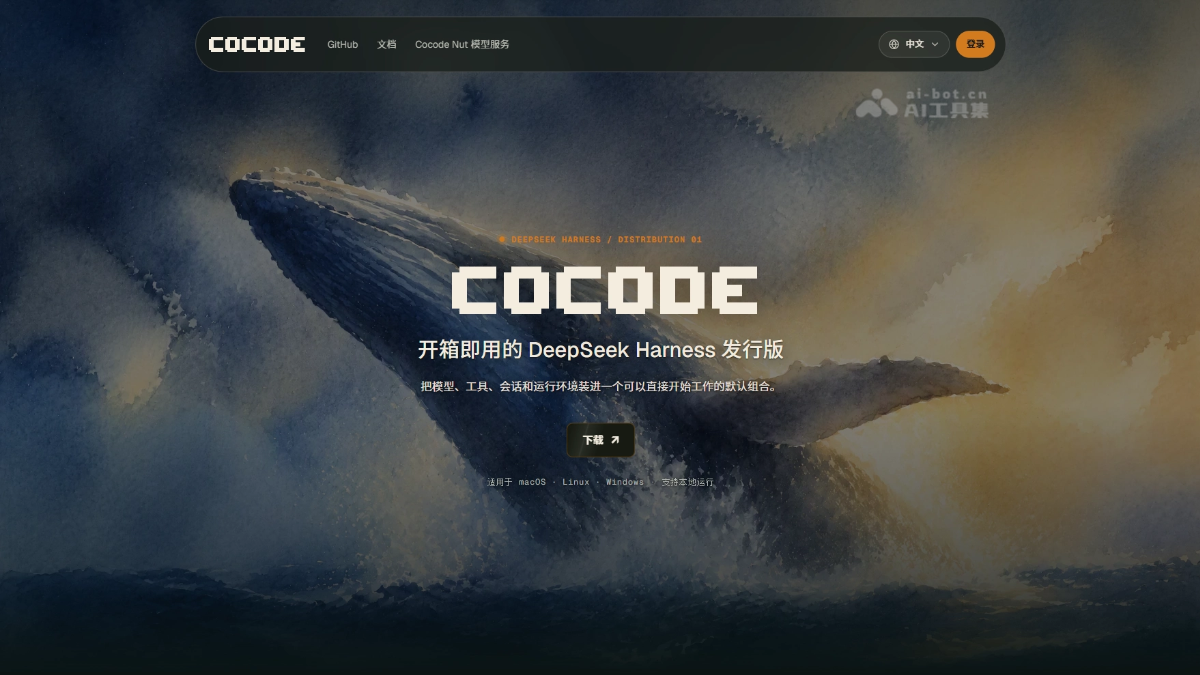
Cocode is an open-source distribution of DeepSeek Harness , offering both a desktop GUI and a terminal TUI entry point. The tool brings files, Git, the terminal, the browser, and the Agent together in one workspace, with sessions synced in real time. Agent capabilities can be freely broken down and reassembled through preset plugins, and critical operations are executed only after confirmation. Cocode supports the Cocode Nut model service or your own API Key, upgrading AI programming from a chat tool to a trustworthy, customizable production workbench.
Cocode's main features
-
Ready-to-use distribution: Cocode is an open-source distribution based on DeepSeek Harness, offering both a desktop GUI and a terminal TUI entry point, so users can start AI-assisted programming directly without configuring plugins from scratch.
-
Integrated workspace: Integrates file browsing, Git version control, the terminal command line, a built-in browser, and Agent sessions into a single interface, eliminating the fragmented experience of switching back and forth between multiple windows.
-
Cross-client session sync: The GUI desktop client and the TUI terminal client share the same Host and session state, so tasks advanced on the desktop can be seamlessly continued via SSH into the terminal without any loss of progress.
-
Deconstructable Agent presets: An Agent's capability composition is configured through preset plugins, with four built-in presets: Standard, PTC, Minimal, and Creator. Users can freely copy and modify the toolset, prompts, and permission switches within them.
-
Safety confirmation mechanism: Before critical operations such as writing files, executing commands, or making network requests, the system automatically pauses and displays the scope of impact, and only continues after user confirmation, ensuring every step is safe and controllable.
-
Diff preview confirmation: All code changes support diff preview, allowing users to review the changes line by line before confirming their application, effectively preventing accidental modifications or overwriting of existing code.
-
Flexible model access: Supports the Cocode Nut subscription service, the official DeepSeek API Key, and any OpenAI-compatible endpoint. The three methods can be switched at any time, and keys are never written to session logs.
-
Open-source and cross-platform: Supports cross-platform source builds for macOS, Windows, and Linux. The current release already provides macOS and Windows installers.
How to use Cocode
- Install: Download the GUI installer for your platform from GitHub Releases, or run
npm install --global @cocode-agency/tuito install the terminal client. - Launch: Open the GUI application, or run
cocode doctorin a real terminal to check the environment, then executecocodeto enter the TUI. - Configure the model: On first launch, choose to sign in to the Cocode Nut subscription, or enter your own DeepSeek-compatible API Key.
- Open a workspace: Open a local code repository as the working directory in the interface, and the Agent will perform operations within this directory.
- Assign a task: Describe your development goal in the session, and the Agent will automatically analyze files, invoke tools, and plan the execution steps.
- Confirm actions: When the Agent needs to modify files, run commands, or access the network, the system pauses and shows the scope of impact, and only continues after you confirm.
- Review changes: View the code diff in the preview panel, and once confirmed, approve the application; all changes will be written to the workspace.
- Continue across clients: When you need to switch environments, use the same
DSH_HOMEand profile from another entry point (GUI or TUI) to connect to the same Host, and the task status will sync automatically.
Cocode's core advantages
- Ready to use out of the box: As a ready-made distribution of the DeepSeek Harness, it comes with the model, tools, skills, and security boundaries preconfigured, so you can start coding right away after downloading and opening it.
- Seamless switching between two clients: The desktop GUI and the terminal TUI share the same Host and session state, so a task advanced on the desktop can be seamlessly continued from the terminal after SSHing to the server.
- Integrated workspace: File browsing, Git, the terminal, the built-in browser, and Agent conversation all live in one interface, with no need to piece together context across multiple windows.
- Agent is transparent and detachable: The Agent's capability composition is exposed as preset plug-ins, with four built-in presets and support for free copying and modification, so you can see and adjust its internal structure just like opening up a chassis.
- Operations are safe and controllable: Key actions such as writing files, executing commands, and accessing the network will first pause and show the scope of impact, and only continue after your confirmation, avoiding accidental operations.
- Changes are reviewed before being applied: All code changes are presented as diffs in the preview panel, and are applied only after confirmation, ensuring you have a clear understanding of every modification.
Cocode's project address
- Project website:https://cocode.agency/
- GitHub repository:https://github.com/cocode-agency/cocode
Comparison of Cocode with similar competitors
| Comparison dimension | Cocode | Cursor |
|---|---|---|
| Product positioning | An open-source distribution of the DeepSeek Harness, emphasizing a "detachable workspace" | A VS Code-based AI-native IDE, emphasizing an "AI-first coding experience" |
| Interface form | Dual entry points of desktop GUI + terminal TUI, with interoperable session state | A complete IDE interface (VS Code fork), with no native TUI |
| Agent architecture | Preset plug-in configuration, with freely detachable/replaceable tools, prompts, and permissions | Built-in Agent capabilities, adjusted through .cursorrules and settings, with a relatively closed architecture |
| Open source | Fully open source under MIT, free to fork, modify, and distribute | Closed-source commercial product; core code is not open. |
| Model support | Nut subscription / DeepSeek Key / any OpenAI-compatible endpoint; switch at any time | Proprietary models + support for custom API Keys, but deeply integrated with Cursor's model routing |
| Workspace concept | Files, Git, terminal, browser, and Agent coexist in one interface, with results kept in the task thread | Editor-centric, assisted by the AI sidebar/Composer, with the file system managed natively through VS Code |
| Safety confirmation mechanism | Before writing files, executing commands, or accessing the networkforce a pause and show the scope of impact, requiring user confirmation | Automatic execution or confirmation can be configured; Yolo mode supports fully automatic execution, with safety boundaries set by the user |
| Remote/server scenarios | TUI supports direct SSH connections, so full functionality is available even without a graphical environment | Requires a remote desktop or VS Code Server; cannot be used in a pure terminal environment |
Cocode application scenarios
- Remote server development and operations: Use TUI SSH to access production servers or containers, and in a non-graphical environment let the Agent analyze logs, modify configurations, and execute deployment scripts. GUI and TUI sessions interoperate, writing code on the desktop and verifying on the server.
- Security-sensitive enterprise intranet development: Cocode supports fully local operation + bring your own API Key, so code never leaves the intranet; critical operations require manual confirmation, making it suitable for finance, government, and enterprise scenarios with strict requirements for data security and operation auditing.
- Refactoring and migration of large codebases: Use decomposable Agent Presets to configure dedicated tool sets and prompt strategies for different modules; the Agent analyzes dependencies across files, makes batch modifications, and runs tests within a unified workspace, with all changes centrally reviewed as diffs before being applied together.
- Custom AI workflow orchestration: Developers can copy and modify Agent Presets based on open-source code, define dedicated tool combinations, safety boundaries, and scheduling logic, and create customized coding Agents that fit their team's standards.