
What is Chatterfly
Chatterfly is Tencent's AI-native voice assistant, positioned as an expression assistance tool. The tool focuses on voice input and all-scenario AI typing, and can automatically polish dictated content into finished drafts such as emails, work replies, meeting minutes, and marketing copy. It supports VibeCoding prompt optimization and AI instruction execution, and can automatically memorize a personal vocabulary and learn the user's expression habits. The tool adapts to weak network, noisy, soft voice, and other environments, and provides Windows and macOS clients.
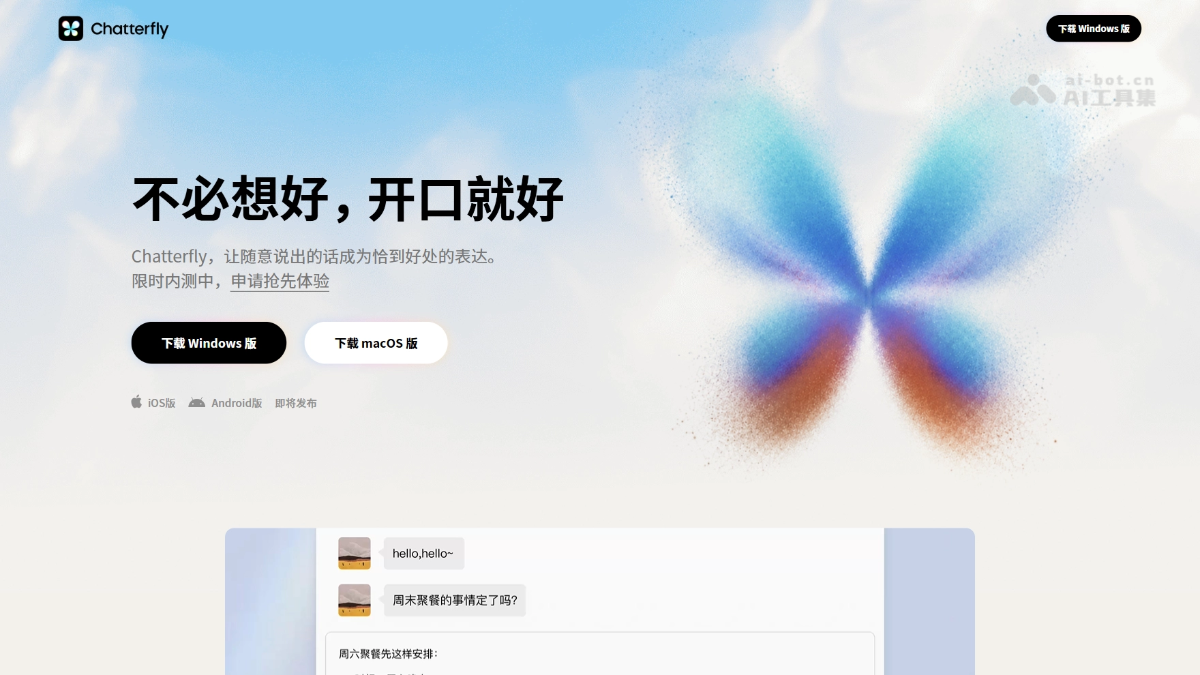
Chatterfly's main features
-
Voice input: Activated by the Fn key by default; press and hold to speak for real-time transcription, supporting mixed Chinese and English input, abbreviated pinyin, and free entry of long sentences.
-
Scenario-based deep polishing: Automatically filters redundancy, corrects wording, and formats colloquial dictated content, directly generating finished drafts such as emails and work message replies.
-
AI instruction execution: Double-click or use Fn to activate voice instructions, organize fragmented needs into executable task instructions, and after output hand them to an Agent for execution.
-
Skills module: Built in 6 scenario skills that can be independently toggled, including meeting minutes, work reports, marketing copy, and VibeCoding prompt optimization, providing vertical and in-depth content generation.
-
Personal vocabulary: Automatically memorizes manually revised words after voice input, also supports manually adding entries, and can migrate the Sogou Input Method vocabulary with one click.
-
All-scenario AI typing: Covers a rich vocabulary including internet buzzwords and professional terms, has intent understanding capabilities, and continuously learns the user's typing habits.
-
Complex environment adaptation: Optimized for real-world recording environments such as weak network, noisy, and soft voice, allowing inspiration to be activated and recorded anytime, anywhere.
How to use Chatterfly
- Apply for beta testing: Visit the Chatterfly official website https://chatterfly.tencent.com/,点击「申请抢先体验」填写腾讯问卷,等待内测码发放。
- Download and install: Choose the Windows or macOS client to download and install according to your system.
- Log in and activate: After installation, open the client and log in with the beta code to enter the main interface. On the left are six main entrances: Home, Personal Vocabulary, Voice History, Skills, Settings, and About.
- Enable skills: Enter the Skills panel and turn on the switches for scenario skills such as meeting minutes, work reports, marketing copy, and VibeCoding prompt optimization as needed.
- Voice input: In any input scenario, press and hold or briefly press the Fn key to start dictating, press Fn again to end and trigger AI optimization, and automatically output the generated text.
- Voice instructions: Double-click or use Fn to activate instruction mode and dictate your needs. Chatterfly will organize them into structured instructions or Prompts that can be handed to an Agent for execution.
- Build up vocabulary: Before first use, you can manually add proper nouns in Personal Vocabulary, or after authorization migrate the Sogou Input Method vocabulary with one click. Daily revisions will also be automatically memorized.
Chatterfly's core advantages
-
AI-native rather than input method transformation: As an independent AI expression assistance tool, it serves as the entrance to the complete "from idea to finished text" expression chain.
-
All-scenario environment adaptation: Optimized for real-world recording environments such as weak networks, noisy surroundings, and soft speech, allowing随时 dictation even in commuting, exercising, and other hands-busy scenarios, breaking through the usage limits of traditional voice input.
-
Skills plugin-based content generation: Unlike ordinary input methods that only make sentences fluent, it has built-in vertical skills such as meeting minutes, work reports, marketing copy, and VibeCoding prompt optimization, letting voice directly trigger various types of content production.
-
Automatic personal vocabulary memory: It can recognize manual edits made after voice input and automatically learn vocabulary, solving the problem of misrecognizing proper nouns and brand names, and fitting personal expression habits better the more it is used.
-
Connected to the Tencent ecosystem: Output content can be directly handed to WorkBuddy for execution, and it also supports one-click migration of the Sogou Input Method vocabulary, reducing the migration cost for existing users and completing Tencent's product line in the AI input track.
Comparison of Chatterfly with similar competitors
| Dimension | Chatterfly (Tencent) | iFlytek Input Method |
|---|---|---|
| Product form | Standalone desktop AI-native expression assistance tool | Traditional input method + AI feature enhancements |
| Voice capability | Optimized for weak networks, noisy environments, and soft speech, with fragmented inspiration ready to be invoked at any time | Dialect recognition (covering multiple dialects), offline voice, high recognition rate |
| Text processing | Scenario-based in-depth polishing (emails, reports, etc.), preserving the user's tone and stance | AI-assisted writing, polishing, and error correction, leaning toward general writing assistance |
| Scenario skills | Skills plugin-based: meeting minutes, work reports, marketing copy, VibeCoding prompt optimization, and 6 others | No vertical scenario plugin system |
| Personal vocabulary | Automatic memory of edit results + manual addition + one-click migration of Sogou vocabulary | User vocabulary + contacts vocabulary, with cloud sync available |
| Ecosystem collaboration | Output can be handed to Agent such as WorkBuddy for execution, with Tencent ecosystem linkage | iFlytek Spark large model ecosystem linkage |
| Platform support | Windows, macOS (mobile version coming soon) | All platforms: iOS, Android, Windows, macOS |
Chatterfly application scenarios
-
Email writing: Hold down the Fn key to dictate ideas in plain language, and AI automatically filters out spoken-language redundancy and formats it, directly outputting a preliminary draft email.
-
Work message replies: When a manager asks about progress, dictate directly, and the tool automatically optimizes wording and tone, removes filler, and organizes points, helping you reply efficiently in seconds.
-
VibeCoding development: Verbally describe fragmented requirements, and it automatically generates a complete Prompt with corrected terminology and supplemented constraints, which can be directly handed to an Agent for execution.
-
Meeting minutes: After enabling the corresponding Skill, it organizes the discussion content into structured meeting minutes based on context.
-
Quick inspiration notes: In commuting, exercising, photo-taking, or other hands-busy or weak-network noisy environments, casually speaking scattered thoughts can record them instantly and clarify your thinking.