
What is ChatCut
ChatCut is a browser-based AI-assisted video editing toolthat can automatically and accurately transcribe video or audio materials, supports multiple languages, and features speaker separation and frame-level time codes. Users can modify the transcription content just like editing text, view editing effects in real time by dragging to reorder, and communicate with an AI assistant to assist with editing. ChatCut supports multi-person remote collaboration, offers a rich variety of output formats, and is compatible with mainstream editing software, greatly improving the efficiency and convenience of video editing.
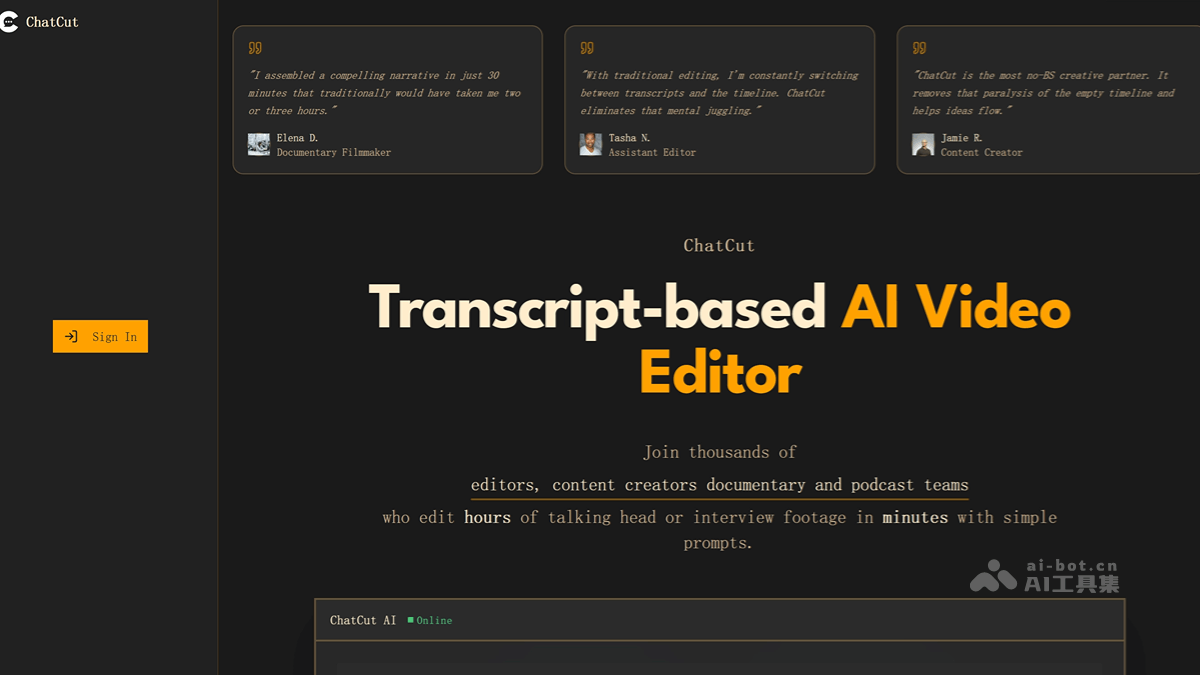
Main features of ChatCut
- Automatic transcription : Automatically performs high-precision transcription of uploaded video or audio materials, supports nearly 100 languages, and can achieve speaker separation and frame-level precise time code annotation.
- Text-based editing : Users can modify, delete, drag and reorder the transcribed text just like editing a document, and see the corresponding video editing effects in real time.
- AI assistant : Issue instructions to the AI assistant through chat, such as finding a specific topic, organizing content by theme, identifying patterns and structures in the material, or combining shot sequences according to the user's creative direction.
- Timeline editing : Provides a simple single-track timeline editor, making it convenient for users to perform precise video editing operations when needed.
- Remote collaboration : Supports multiple people logging in remotely and collaborating in real time. Team members can simultaneously edit and adjust the same project in the browser, improving collaboration efficiency.
- Output compatibility : Supports outputting or downloading the final video file, or outputting an XML file, making it convenient for subsequent editing and further refinement with mainstream video editing software such as Adobe Premiere and DaVinci.
How to use ChatCut
- Register and log in: Visit the official ChatCut.io website https://www.chatcut.io/ , complete account registration and log in.
- Upload material: Drag video or audio files into the upload area and wait for automatic transcription to complete.
- Edit text: In the text editing interface, modify the transcription content just like editing a document, drag text paragraphs to adjust the editing order, and view the video preview in real time.
- Use the AI assistant: Enter instructions in the editing interface, such as "remove filler words" or "segment by theme," and the AI assistant will automatically process them and update the video.
- Fine editing (optional): If needed, use the timeline editor for precise editing, such as adjusting frames and adding transitions.
- Collaboration (optional): Invite team members to join the project for multi-person real-time collaborative editing.
- Output and download: After completing the edit, click the output or download button and choose the video or XML format to save the file.
Application scenarios of ChatCut
- Documentary production: Documentary creators can quickly extract key information from a large amount of interview material, efficiently organize the story structure, and save editing time.
- News report editing: Reporters and editors can quickly organize interview clips and precisely locate key news points to improve the efficiency of news dissemination.
- Educational video production: Educators can quickly sort out the key content in instructional explanation videos and rearrange it according to teaching logic to produce educational videos that are easier to understand.
- Corporate promotional videos: Enterprises use ChatCut to extract highlights from video materials such as product introductions and customer interviews, and quickly edit attractive promotional videos to enhance brand image.
- Self-media content creation: Self-media creators can quickly edit video content that matches the theme, such as vlogs and knowledge sharing, improving the speed and quality of content output.