
What is Browserfly
Browserfly is anAI browser extensionthat helps users complete various web operations more efficiently through natural language instructions. Users only need to enter simple instructions, such as "search for something," "summarize the key points of an article," or "fill out a form," and Browserfly can automatically execute the task without manual operation by the user. It supports parallel multitasking, allowing users to run multiple tasks simultaneously in different windows, such as searching for information while organizing tabs. Browserfly supports voice input, enabling users to quickly complete operations through voice commands. Browserfly supports Chrome and Edge browsers and provides a free basic version.
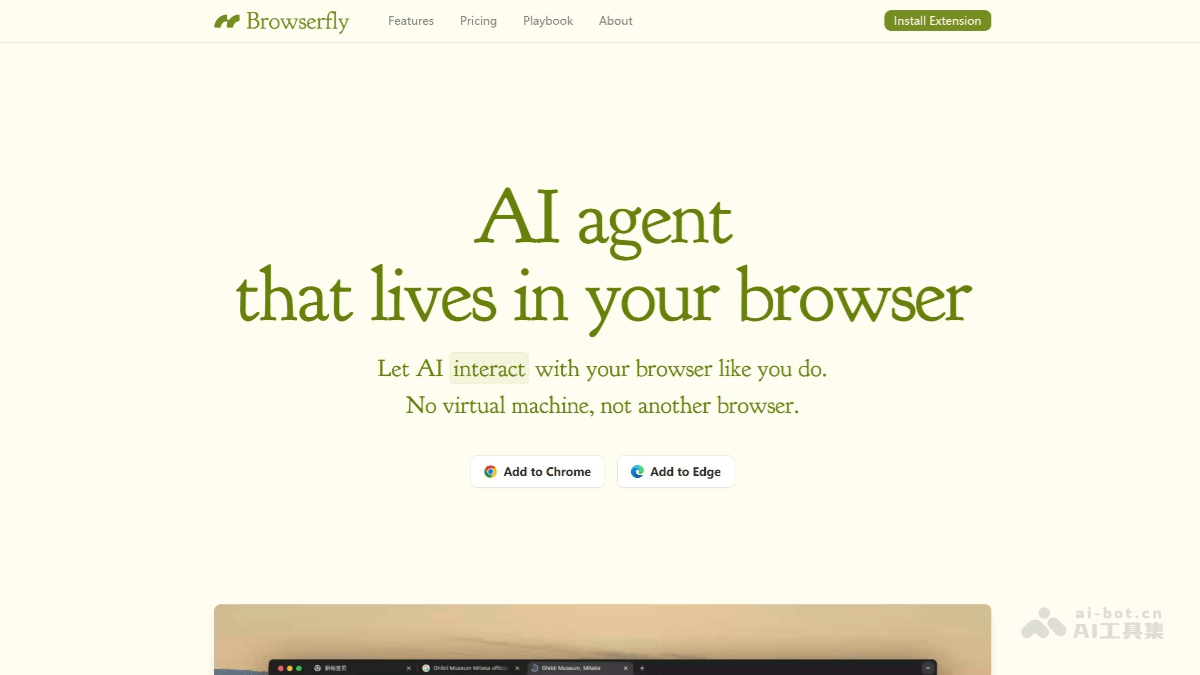
Browserfly's main features
-
Task automation: Through natural language instructions, it automatically completes tasks such as web searches, content summarization, and form filling, without manual operation.
-
Element interaction: Users can select any element on a webpage, and the AI will analyze, modify, or operate on it according to the instructions.
-
Tab management: Automatically organizes browser tabs, categorizes or closes useless tabs, and helps users keep the browser interface tidy.
-
Information extraction: Extracts key information from webpages, such as article highlights, prices, or contact details, making it easy to quickly obtain important data.
-
Search optimization: Intelligently uses search engines to quickly locate the content users need and improve search efficiency.
-
Parallel multitasking: Supports running multiple tasks at the same time; users can enter instructions in different task windows, and the AI will process them in parallel.
-
Voice input: Supports voice commands, allowing users to quickly assign tasks by voice without manual input.
-
Custom scripts: Advanced users can write simple JavaScript code and combine it with AI to execute complex tasks and meet personalized needs.
How to use Browserfly
-
Install the extension: Visit Browserfly's official website:https://browserfly.app/,点击“Add to Chrome" or "Add to Edge" button, and jump to the extension store to complete the installation.
-
Activate the extension: After installation is complete, click the Browserfly icon in the upper-right corner of the browser, log in or register an account (supports Google or email registration), and authorize the extension to access webpage content.
-
Enter instructions: Click the Browserfly icon to open the operation panel, and enter natural language instructions in the input box, such as "search for a topic" or "summarize this article."
-
Execute tasks: Click the "Run" button, and the AI will automatically operate the webpage according to the instructions to complete the task.
-
Manage tasks: Multiple task windows can be created in the operation panel to achieve parallel multitasking.
-
Use voice: Click the microphone icon in the panel to input instructions by voice, and the AI will automatically recognize and execute them.
-
Advanced features: In the "Script" option of the panel, advanced users can write custom JavaScript scripts to implement more complex functions.
-
View results: After the task is completed, the results will be displayed directly on the webpage or in the operation panel, and users can view and use them.
Browserfly's use cases
-
Web content management: quickly organize browser tabs, close useless tabs, categorize important pages, and keep the browser interface tidy.
-
Information retrieval: quickly search web content through natural language instructions and extract key information, such as article highlights, prices, or contact details.
-
Form filling: automatically fill out complex online forms, saving manual input time, especially suitable for repetitive tasks.
-
Content creation: help users quickly summarize articles, generate content outlines, or extract key information to assist with writing and research.
-
Script customization: advanced users can automate complex tasks by writing custom scripts to meet personalized needs.
-
Education and learning: quickly obtain learning materials, summarize course key points, or organize online educational resources to assist learning.