
What is BlipCut
BlipCut is an online AI technology-basedvideo translationtool that can quickly translate video content into over 130 languages, while supporting subtitle generation, dubbing, andlip syncand other features. Users only need to upload a video or enter a video link and select the target language to generate multilingual versions of the video with one click. It can automatically recognize speech, generate subtitles, provide natural and smooth AI dubbing, and throughvoice cloningtechnology maintain the sound style of the original video. BlipCut supports smart editing and transcription features, making it convenient for users to create short video content suitable for social media.
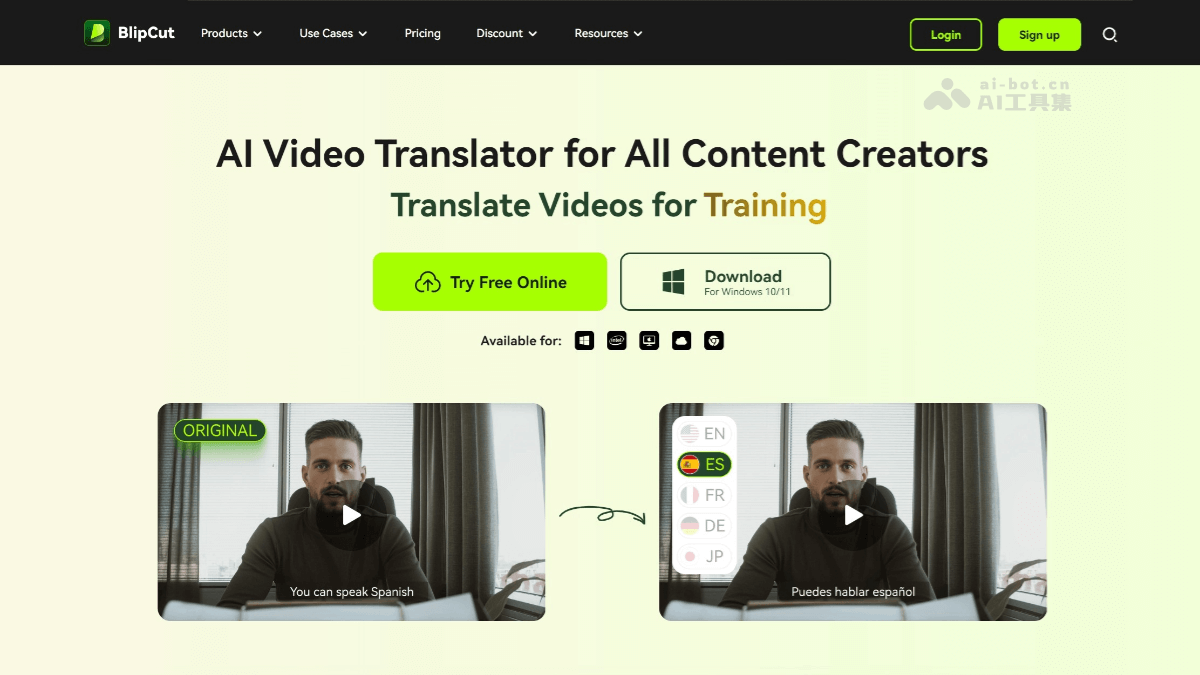
Main features of BlipCut
- Multilingual translation: BlipCut supports translating videos into over 130 languages, including English, Chinese, Japanese, French, German, etc., meeting the needs of users speaking different languages around the world.
- AI subtitle generation and translation
- Automatic subtitle generation: It can automatically recognize the speech content in a video and generate corresponding subtitles.
- Subtitle translation: Translate the generated subtitles into the target language specified by the user.
- Subtitle editing: Users can edit subtitles, adjusting content, format, and style to ensure the accuracy and appearance of the subtitles.
- AI automatic dubbing
- Multilingual dubbing: Provides a variety of natural and smooth AI voices, supporting dubbing in multiple languages.
- Voice cloning: Through Eleven Labs technology, it can clone the user's voice, ensuring that the translated video maintains a consistent tone and style across different languages.
- AI lip sync:BlipCut can match the lip movements of people in the video with the translated language, making the translated video look more natural and improving the viewing experience for the audience.
- AI editing and transcription
- Smart editing: With one click, edit long videos into short videos suitable for social media sharing, making it convenient for users to quickly create content.
- Audio and video transcription: Transcribe video or audio files into text, making it convenient for users to perform further editing and processing.
- Batch processing: Supports batch uploading and processing of videos. Users can upload multiple video files at once, and the system will automatically complete translation and processing work in sequence.
- Multi-platform support: BlipCut supports a variety of video sources. Users can upload local video files or directly paste video links from platforms such as YouTube.
BlipCut official website address
- Official website address:videotranslator.blipcut.com
BlipCut application scenarios
- Content creation: Helps creators translate videos into multiple languages and expand their global audience.
- Education and learning: Enables educational videos to be translated for students around the world, improving the accessibility of educational resources.
- Marketing: Adapt video marketing materials for different language markets and expand market coverage.
- News and film/TV: Quickly translate news and film/TV content for easy viewing by international audiences.