
What is AutoClip
AutoClip is an open-source and freeAI video editing toolthat uses AI technology to achieve fully automated video processing. AutoClip can automatically identify highlight clips in videos and perform precise slicing, supports intelligent collection recommendations based on content themes, and can automatically generate optimized titles to enhance content appeal. AutoClip supports automatic download and subtitle extraction of Bilibili videos, with a processing success rate of over 95%, capable of processing 8 to 15 videos per hour, with a single video processing time of 3 to 8 minutes. AutoClip is suitable for various scenarios such as content creators, educational institutions, and corporate training, helping users process videos efficiently and improve creative efficiency.
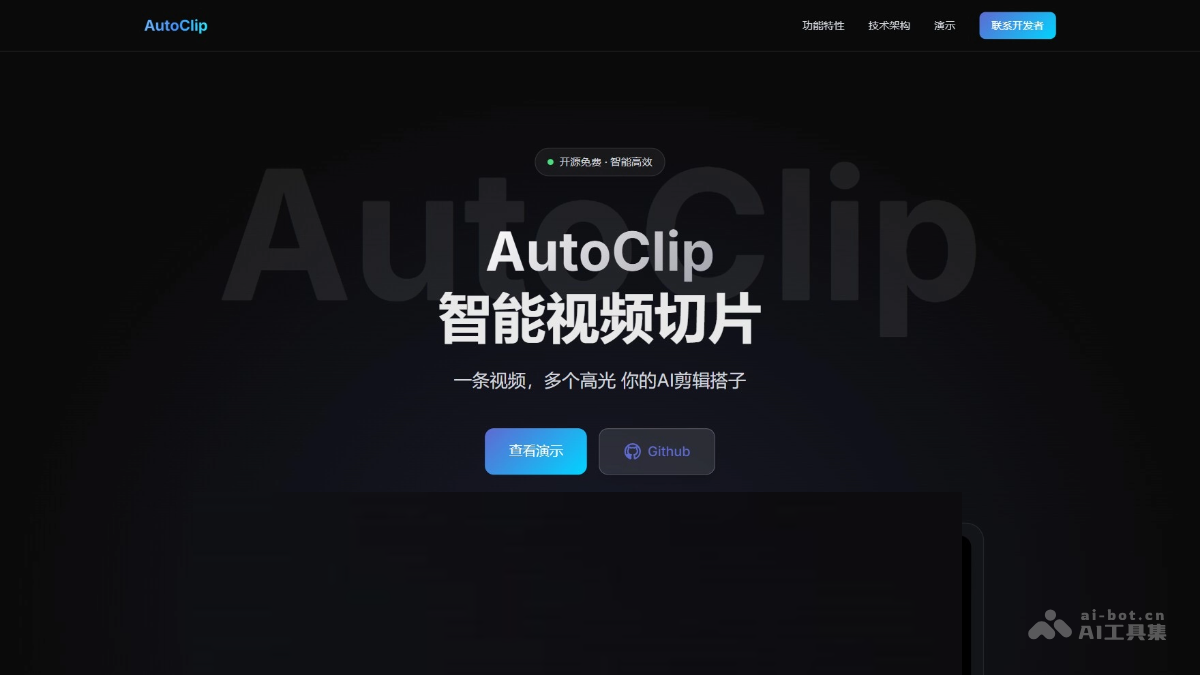
Main features of AutoClip
- Intelligent video slicing: Automatically identifies highlight clips in videos based on AI technology, ensuring semantic completeness and precisely extracting valuable content.
- Intelligent collection recommendation: Performs intelligent clustering based on topic similarity, automatically organizing related content into collections to enhance content value.
- Automatic title generation: AI generates engaging titles, considering SEO optimization and emotional resonance to enhance content dissemination.
- Content quality assessment: A multi-dimensional assessment system to ensure the information density and viewpoint value of the output content.
- Multi-project management: Supports managing multiple processing projects simultaneously, with complete data isolation and support for concurrent processing.
- Manual collection editing: Users can manually adjust the order of clips in a collection, add or remove clips, and meet personalized needs.
- One-click package download: Supports one-click package download of all clips and collections, making it convenient for users to quickly obtain processing results.
- Real-time processing status: Based on a modern web interface, displays processing progress and logs in real time, allowing users to understand the processing situation at any time.
- Multi-API provider support: Supports multiple AI service providers, and users can choose suitable API services according to their needs.
- Flexible configuration options: Users can adjust parameters such as slicing quality and collection quantity through configuration files to optimize processing results.
AutoClip official website address
- Project official website:https://zhouxiaoka.github.io/autoclip_intro/
- GitHub repository:https://github.com/zhouxiaoka/autoclip_mvp
How to use AutoClip
- Use Docker for one-click deployment:
- Clone the project:
git clone https://github.com/zhouxiaoka/autoclip_mvp.git
cd autoclip_mvp-
-
Configure environment variables:Copy the example file and edit it:
-
cp env.example .env-
- One-click deployment:
./docker-deploy.sh-
- Access the system: Open the browser and visit http://localhost:8000。
- Use command-line tools (suitable for processing local videos):
- Clone the project:
git clone https://github.com/zhouxiaoka/autoclip_mvp.git
cd autoclip_mvp-
- Install dependencies:
python3 -m venv venv
source venv/bin/activate  # Linux/Mac
pip install -r requirements.txt-
- Configure API key: Copy the example file and edit it:
cp data/settings.example.json data/settings.json-
- Process video:
python main.py --video input.mp4 --srt input.srt --project-name "我的项目"- Process Bilibili videos:
- Access the system: Deploy and visit according to the above steps http://localhost:8000。
- Download Bilibili videos:
- On the homepage, click "Bilibili Video Download".
- Enter the Bilibili video link (the video must have subtitles).
- Select a browser (used to obtain login status).
- Click "Start Download".
Application scenarios of AutoClip
- Content creators: Extract highlight clips from long videos and generate collections of exciting moments, making it convenient for secondary creation and sharing.
- Educational institutions: Divide course videos into knowledge point segments, making it convenient for students to learn on demand and improving learning efficiency.
- Corporate training: Extract key skill points from training videos and generate training segments to help employees quickly master core skills.
- Platform operations: Recommend related video collections based on user interests and viewing history to improve user stickiness and retention.
- Personal learning: Divide learning videos into segments and extract key knowledge points for convenient review and recap.