
What is AniEraser
AniEraser is an AI watermark removal tool launched by WondershareAI watermark removal tool, supporting PC and mobile devices. AniEraser can quickly remove watermarks, objects, text, and other unwanted elements from images and videos while maintaining the clarity and quality of the original files. The user interface is simple and friendly, and the operation is easy, making it suitable for use on various media platforms. AniEraser also offers cross-platform services, with one subscription usable across multiple platforms, meeting the needs of different users.
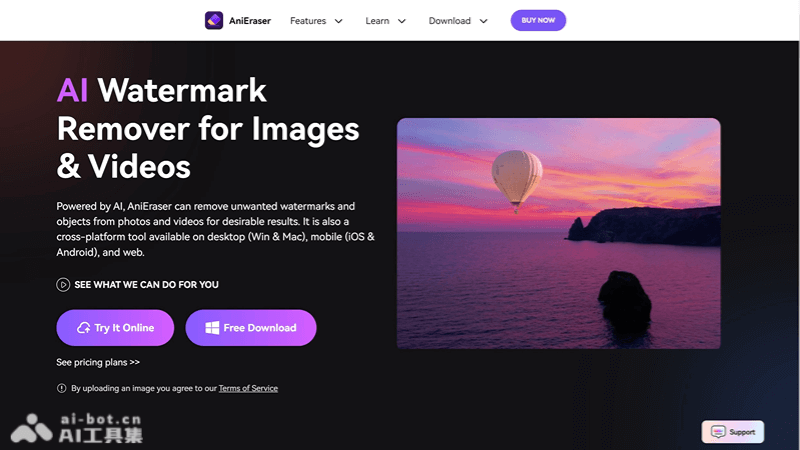
AniEraser's Features
- Watermark Removal: Can remove text and image watermarks from images and videos.
- Object Removal: Supports deleting unwanted objects or people from images and videos.
- Batch Processing: The desktop version supports processing up to 5 files simultaneously, improving efficiency.
- Multi-format Support: Supports importing and exporting multiple file formats.
- High-resolution Processing: Can process large-sized and high-resolution files.
- Custom Brush: Users can adjust the brush size as needed to precisely select the areas to remove.
- AI Technology: Utilizes artificial intelligence technology to quickly and intelligently identify and remove unwanted elements.
How to Use AniEraser
- Visit the Website: Open AniEraser's official website or application (anieraser.media.io)。
- Select a Tool: Choose the video or image watermark removal tool as needed.
- Upload a File: Click the "Upload" button and select the file from which you want to remove watermarks or objects.
- Select the Area: Use the tool to select the area to be removed, and adjust the brush size to suit objects of different sizes.
- Preview and Edit: After the removal operation, preview the edited result to ensure it meets your requirements.
- Export the File: If satisfied, click the "Export" button to save the processed file.
AniEraser's Use Cases
- Social Media Content Creation: Remove watermarks from images and videos shared on social media to make the content look more professional.
- Cleaning Up Copyrighted Materials: Before using copyrighted materials, remove the original watermarks for lawful use.
- Personal Photo Editing: Remove distracting elements from photos, such as passersby or clutter, to improve photo quality.
- Video Content Creation: During video production, remove unnecessary objects or people to make the video more focused on the theme.
- Advertising and Marketing Materials: Remove old watermarks from advertising or marketing materials for reuse or redesign.