
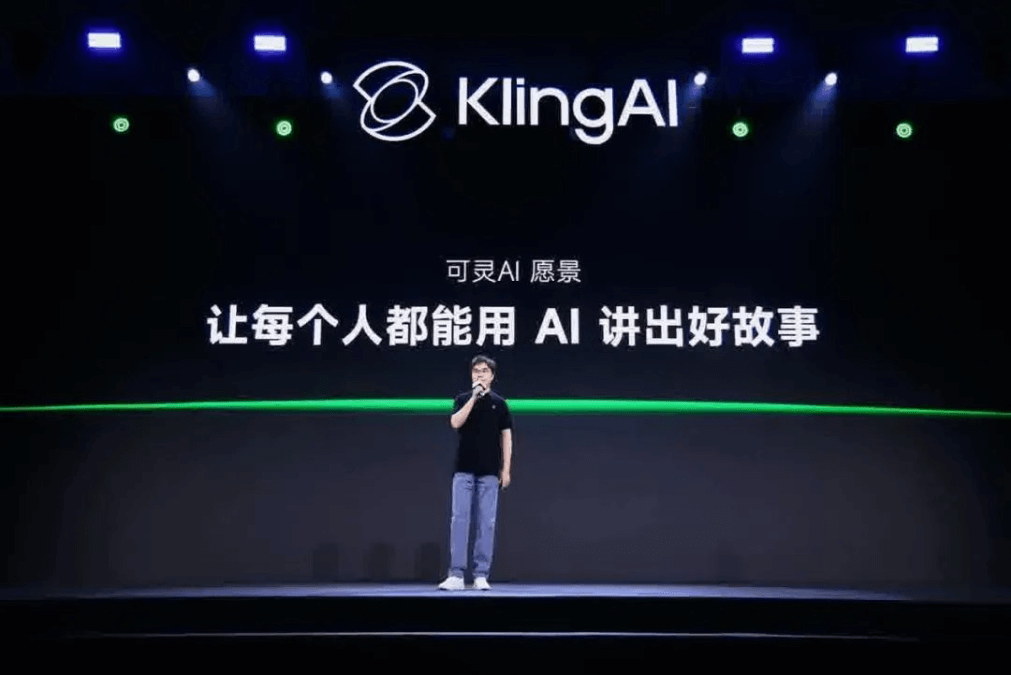
Is this Kling 2.0?
I tested it out, and it's really so impressive that I don't know what to praise.
On April 15, Kling AI officially released two models—Kling 2.0video generation model and Kolors 2.0 image generation model.
To summarize briefly, here are the upgrades brought by this release:
- Kling 2.0 video generation model: comprehensive improvements in tone adherence, image quality, motion quality, realism, and aesthetics.
- Kolors 2.0 image generation model: more diverse art styles and richer details.
- Video multimodal editing: replace elements, add elements, delete elements.
As stated at the launch event, “Let everyone tell good stories with AI.” The era where everyone can be a director has truly arrived.
Next, let's experience the terrifying strength of Kling 2.0 in the AI video field through different test cases.
01: Kling 1.6 VS Kling 2.0
On the web version of Kling's image-to-video page, we used the Kling 1.6 model and the Kling 2.0 model to generate videos for comparison.
Upload an image of a little girl skateboarding as the first frame image.
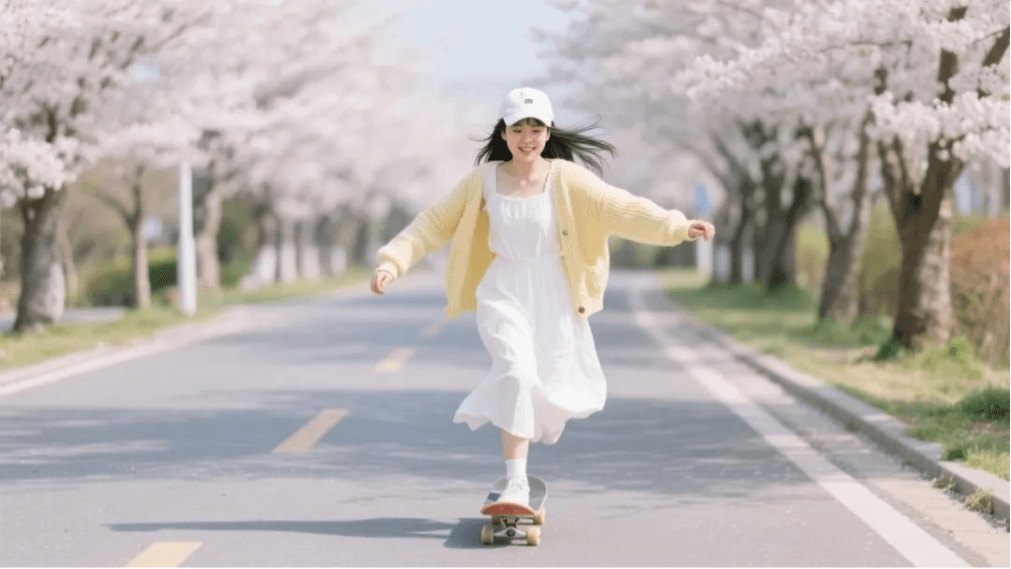
Enter the prompt: camera follows, the girl is skateboarding, one foot comes down to push off for momentum, quickly glides, and carves a beautiful S-shaped path, then cleanly performs a heelflip.
The video generated by Kling 1.6 is like this; the camera movement is fine, and the scene of the girl skateboarding is also okay.
But in the prompt it says “one foot comes down to push off for momentum,” and she only feinted with her leg. When finally performing the skateboard trick, the image had obvious distortion.
Now let's look at the effect generated by Kling 2.0. The scene of the girl pushing off for momentum appears many times, and the range of motion is also greater. Although it didn't perform the final skateboard trick, the overall quality does look improved a lot.
02: Kling 2.0 image-to-video
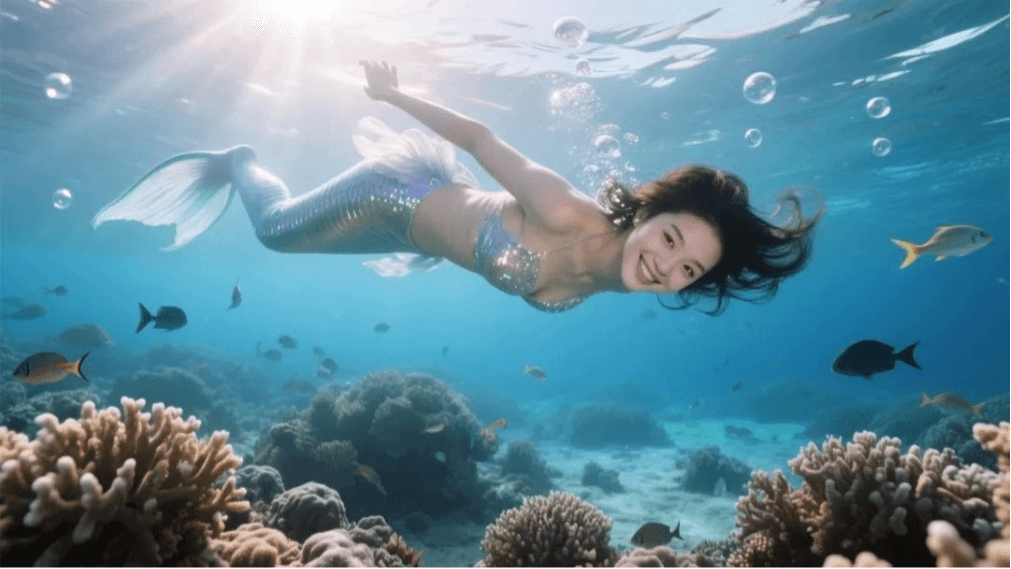
Prompt: camera moves around the subject, a beauty wearing a mermaid costume faces the camera, makes a blowing-kiss gesture with both hands, while blowing many small bubbles, then smiles and greets the camera.
The mermaid young lady is very lively, with her hair strands and skirt hem floating and swaying in the water. The camera movement is also very natural, and the changing underwater light and shadow achieve a live-action feel.

Prompt: camera moves around the subject, a fox plays the violin in the snow, looking very immersed in it, pacing back and forth while playing the violin, the camera circles the little fox and slowly pulls away.
The little fox plays the violin like a human, pacing affectionately, the visual beauty is very much on point, and the little fox's fur looks real and very detailed.
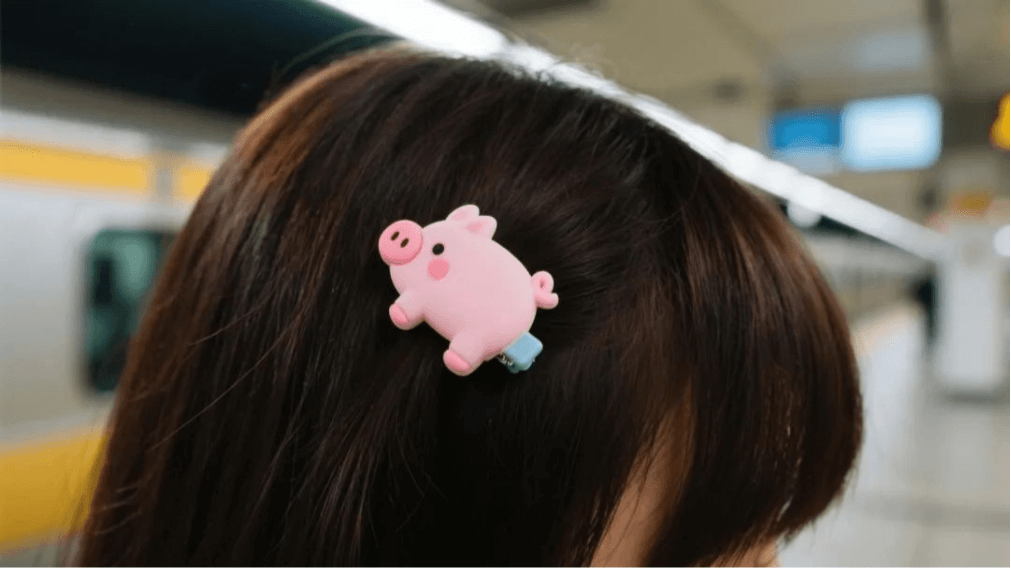
Prompt: the camera pulls away while turning to the girl's front, the camera settles at the position for taking a half-body photo of the girl, a cute Chinese girl, the girl is wearing a cute white polka-dot plush coat. At this moment a subway rushes past, stirring up a gust of wind that messes up the girl's hair, the girl smiles playfully, blinks at the camera, makes a V-sign gesture, and poses for a photo.
This prompt is relatively complex; both the camera movement and the character's movements are divided into several steps, and it achieved them one by one, with excellent continuity!
I have to say,Kling 2.0's temporal response to semantics is amazing!
Based on a close-up, the generated panoramic image is also realistic and good-looking; the key point is that the little pig hair clip maintains perfect consistency.
Even more impressive, Kling 2.0 enables videos, just like images, to have elements in the frame easily added, deleted, or modified.
For example, I want to change the hair clip on the little girl in the video above.
You just need to open Kling's multimodal editing, upload the video and the image of the hair clip.
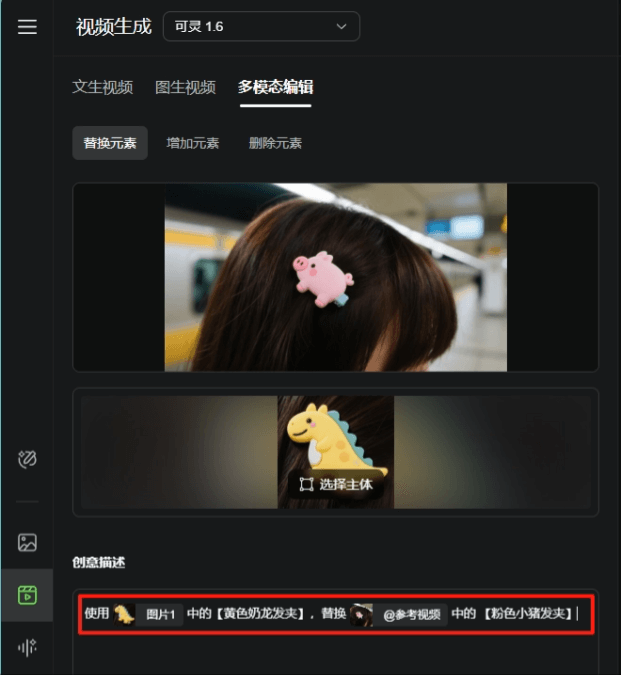
Enter the prompt: Use the [yellow Nailong hair clip] from @Image 1 to replace the [pink piglet hair clip] in @Reference Video.
Doesn't it look completely seamless?
03: AI Mini Theater
Next, we'll try using Kling to make an AI short film, to verify whether it can truly "let everyone tell good stories with AI".
Recently, JD Takeaway and Meituan Takeaway have been fiercely competing online, so we asked DeepSeek to help us create an AI short film story script.
The rough plot is that an office worker is working overtime at night, doesn't know what to eat, hesitates between Meituan Takeaway and JD Takeaway, and finally receives food from the boss.
We need to, based onthe story outline, design and break down the storyboard shots, separately produce them into videos, and finally add sound effects and edit it into a finished film.
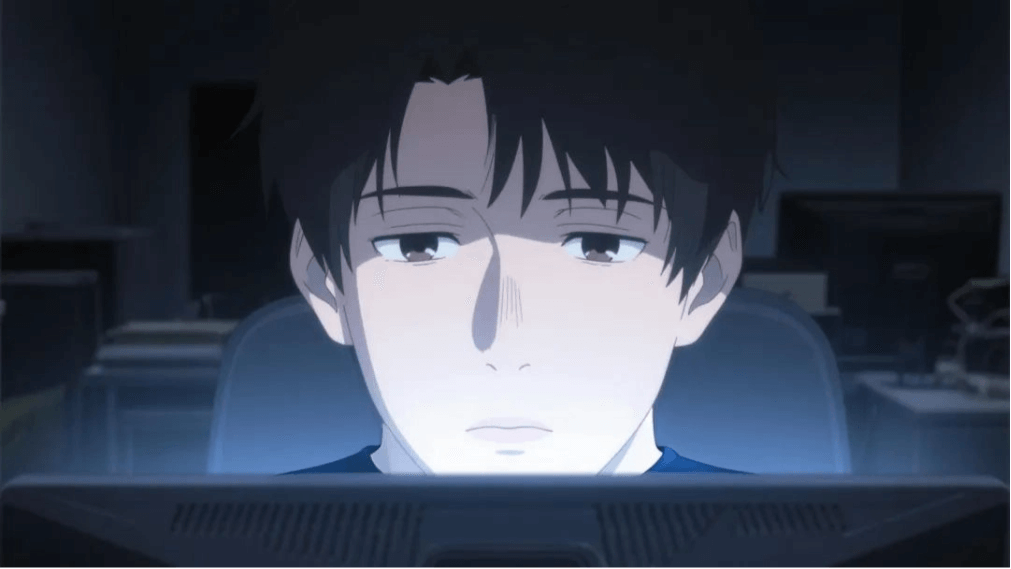
Prompt: Fixed shot, a man sits in the office staring intently at the computer screen, blinking naturally, frowning, sighing.
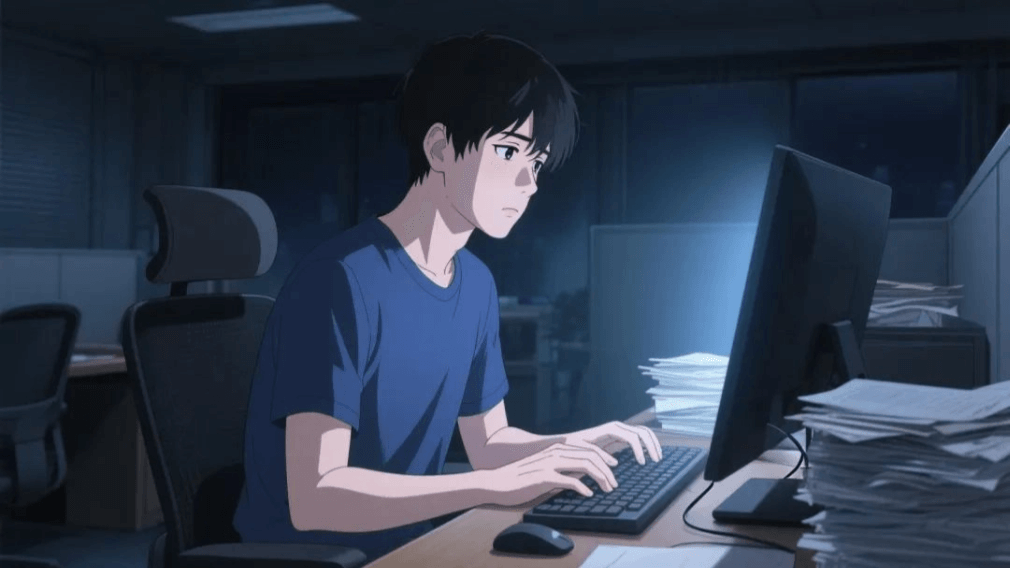
Prompt: Camera follows, the man lies tiredly in the chair, his neck resting on the headrest, both hands naturally placed on the armrests of the chair. His head is slightly tilted up, his eyes hollow as he looks ahead, both hands naturally placed on the armrests of the chair. The dim office is empty.
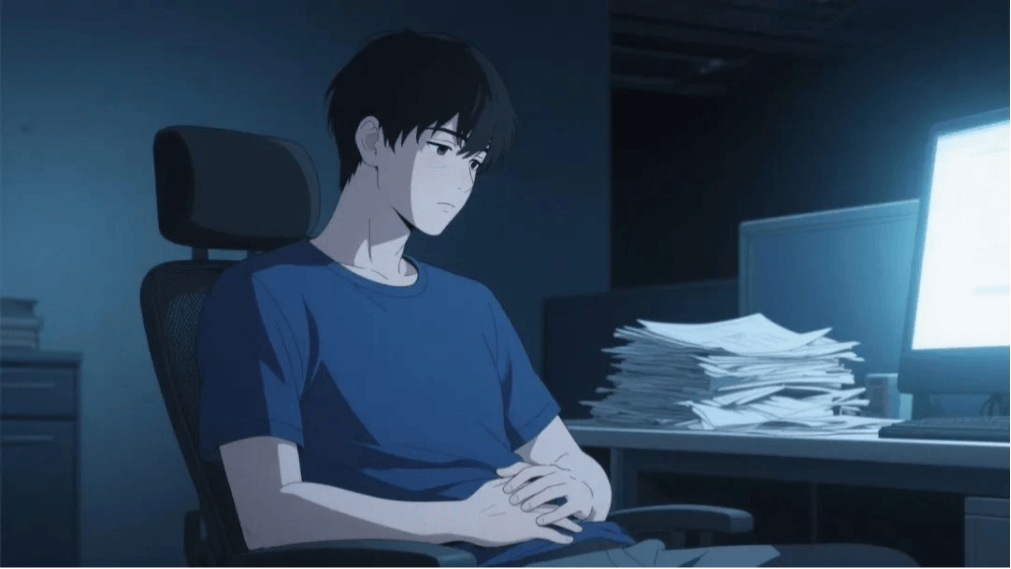
Prompt: Camera pushes in, the man slightly lowers his head, looks at his stomach, the camera moves down, the man's hands rub his stomach, looking hungry.
We upload all the generated visuals to CapCut.
We add voiceover and sound effects to the visuals, making the video look more vivid. Then add background music that matches the rhythm of the plot, and a short film is done~
Let's take a look at the final result:
We can see that Kling 2.0's control over the visuals is extremely impressive, it can basically fully understand what the prompt is saying, such as shot size and camera movement methods, it can perfectly understand and implement all of them.
04: Final Thoughts
Previously, the profession of director was beyond our reach, but now, with Kling 2.0, everyone can be a director.
As long as you understand a few professional terms. Whatever visuals you want, you can generate them; whatever plot you want, you can have it.
You could even make your own version of "Empresses in the Palace".
So, in this era of AI, no profession is safe.
If you don't improve, you will sooner or later be replaced by AI.
If you want to try Kling 2.0's video generation feature, just click the link below to go to the official website 👇
Kling:https://ai-bot.cn/sites/13002.html
Original link:https://mp.weixin.qq.com/s/UXxD3uREZgHQx3B31f6V2g