
What is Kling 2.0
Kling 2.0 is a new generation AI video generationmodel launched by Kuaishou, and it is now available on theKling AIvideo platform. The platform update includes two foundational models: Kling 2.0 (Master Edition) and Kolors 2.0. Kolors 2.0 greatly improves image generation quality, enhances narrative and cinematic feel, and supports style transfer, local repainting, and other functions. Kling 2.0 supports generating high-quality video content based on user-uploaded images and text descriptions. Kling 2.0 achieves significant improvements in camera movement, motion stability, physical interaction, and semantic understanding, and the generated videos have extremely high realism and immersion. Kling 2.0 brings greater freedom and efficiency to video creation and is expected to play an important role in fields such as film and television production and advertising creativity, allowing users to quickly realize creation.
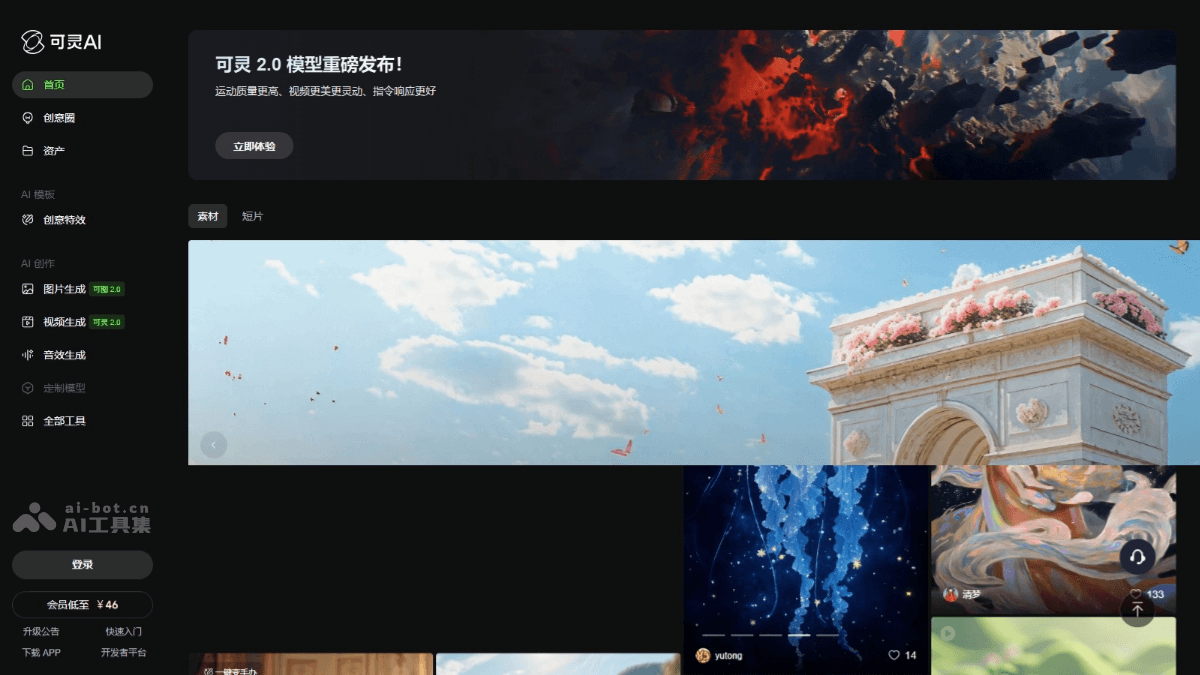
Main Features of Kling 2.0
- Complex Dynamic Generation: The complex dynamic generation capability of text-to-video and image-to-video is greatly improved, supporting the generation of realistic complex scenes and multi-person interaction videos.
- Motion Fluency: Movements are more natural and smooth, supporting rapid orbiting camera shots and complex action sequences, such as armed combat, reloading, etc.
- Prompt Understanding: Improves the ability to understand complex prompts and generates videos according to the detailed instructions entered by the user.
- Multimodal Editing: Supports flexible editing of videos, including replacing, adding, or deleting any object or background in the video.
- AI Sound Effect Generation: Generates matching sound effect clips based on image content and text prompts, further improving the overall effect of the video.
Improvements of Kling 2.0 Compared with Kling 1.6
- Semantic Response Capability:
- More Precise Description Understanding: More accurately understands complex creative descriptions and supports shots with more complex temporal sequences.
- Supports More Complex Cinematic Language: Better understands and generates complex cinematic language, such as camera push, pull, pan, tilt, and depth-of-field changes.
- Dynamic Quality:
- Smoother Motion Performance: Character/subject movements have a larger range, smoother speed, and complex actions are more delicate, natural, and reasonable.
- Higher Motion Stability: In multi-person or complex scenes, motion stability is significantly improved.
- Visual Aesthetics:
- More Realistic Character Performance: Character movements and expressions are more realistic.
- Higher Image Detail: Image details are richer, supporting film-level visual descriptions with a blockbuster texture.
- Multimodal Editing Capability: Adds a multimodal editing function, supporting a variety of flexible modifications and re-creation based on video + text/images.
How to Use Kling 2.0
- Registration and Login: Visit the official website ofKling AI. Complete registration and login as prompted.
- Select Function Module: Select video generation (Kling 2.0 Master Edition).
- Upload Image: Select an image as the basis for video generation.
- Enter Prompt): Describe the desired video content in detail in the input box.
- Adjust parameters: Adjust parameters such as video duration, resolution, and frame rate as needed.
- Generate video: Click the "Generate" button and wait for the system to generate the video.
- Multimodal editing: Upload a video and select a 1-5 second segment as the base video.
- Select editing operation:
- Replace elements: Specify the content area in the video to be replaced, upload a reference image, and the system will replace the content in the video with the content of the reference image.
- Delete elements: Specify the content area in the video to be deleted, and the system will automatically remove the content in that area.
- Add elements: Upload a reference image or enter a text description, and the system will add the corresponding content to the video.
- Generate video: Click "Apply" to complete the editing.
Application scenarios of Kling 2.0
- Film and television production: Quickly generate creative videos and special effects previews, saving time and cost.
- Advertising and marketing: Create attractive product promotional videos and enhance brand influence.
- Education and training: Generate educational videos to enhance learning interest.
- Game development: Create game animations and virtual character movements.
- Personal creation: Create music videos, short films, etc., and share creativity.