
A while ago, I shared a comparative review of using agents to make PPTs, and many friends said: What about Kimi?
Today I偶然 discovered that Kimi+ has added a feature called "New PPT Assistant", and I immediately tried it out, and it's pretty good.
First, let's look at the final result:
This layout, this texture—is this still the Kimi I know?
It's still free and unlimited, and the generation speed is much faster.
In this issue, let's look at Kimi's performance from multiple angles, including daily office work and information organization~
01. Generate a PPT with one sentence
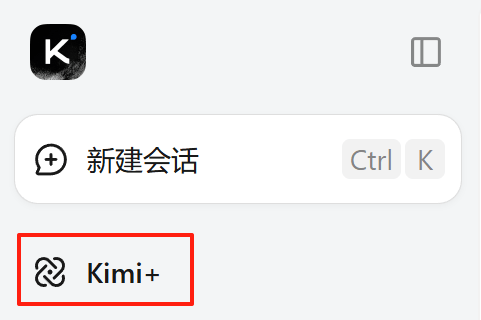
We are on Kimi homepage, click Kimi+.
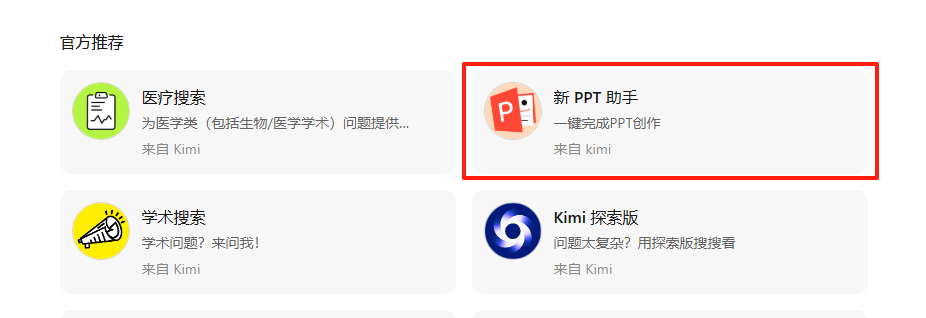
In the official recommendations, selectNew PPT Assistant。
Enter our requirements in the chat box:
Prompt: Introduce the features and characteristics of the Kimi New PPT Assistant.
When introducing, please follow these guidelines:
1. The content should be rich and comprehensive, covering all the functions and features mentioned in the information.
2. The language should be clear and easy to understand, avoiding overly professional or obscure vocabulary.
3. Introduce in a certain logical order, for example, first introduce the main functions, then introduce the special features.
In less than 1 minute, Kimi completed the outline.
Much more efficient than before!
And at the very top, we can directly view all the information sources it has collected.
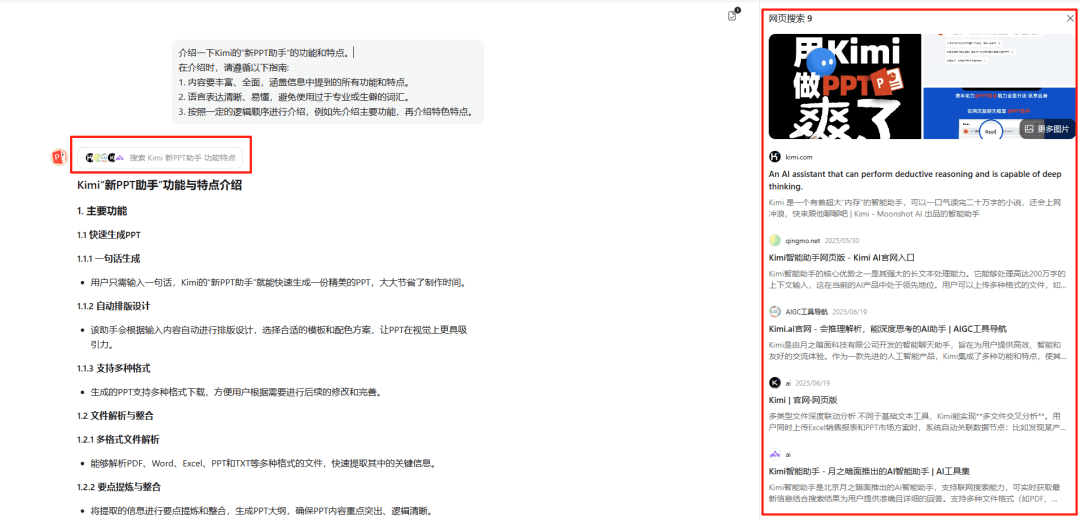
The new feature removed the previous outline modification step... it really understands me, haha. I really wouldn't spend time modifying an outline for AI.
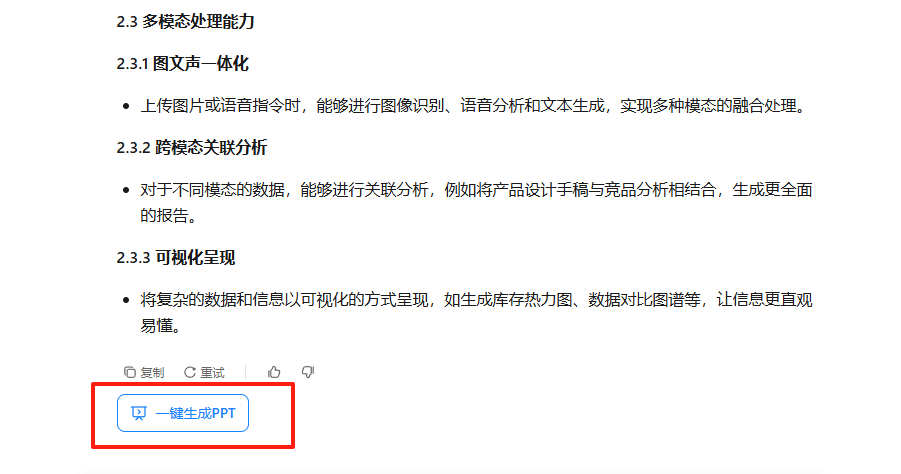
We click the one-click generate PPT at the bottom.
Select a template.
The template categories are more detailed, and you can choose by usage scenario and style. I feel the aesthetics have improved a lot compared to before.
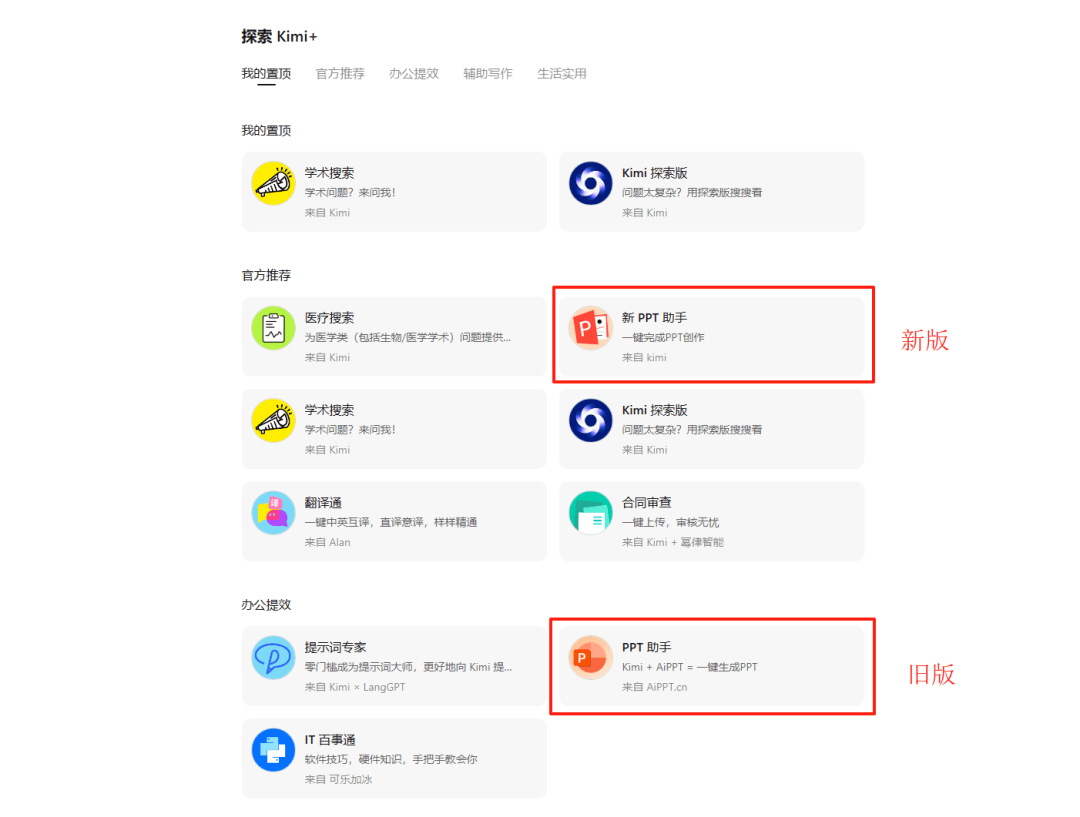
Let me put a comparison image so you can feel it intuitively...
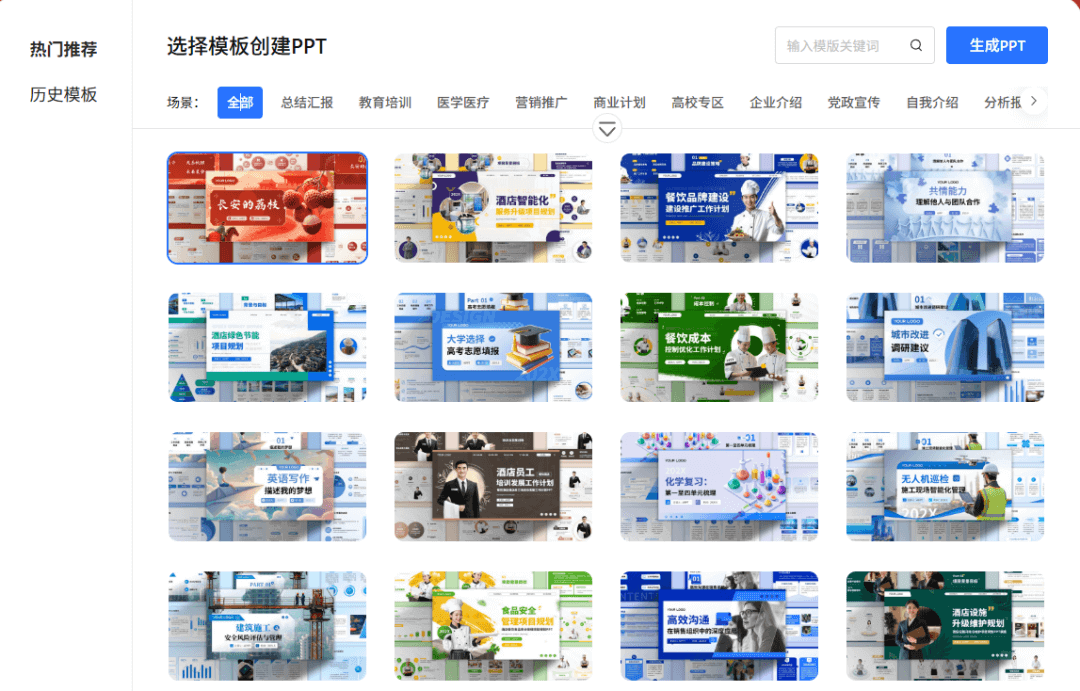
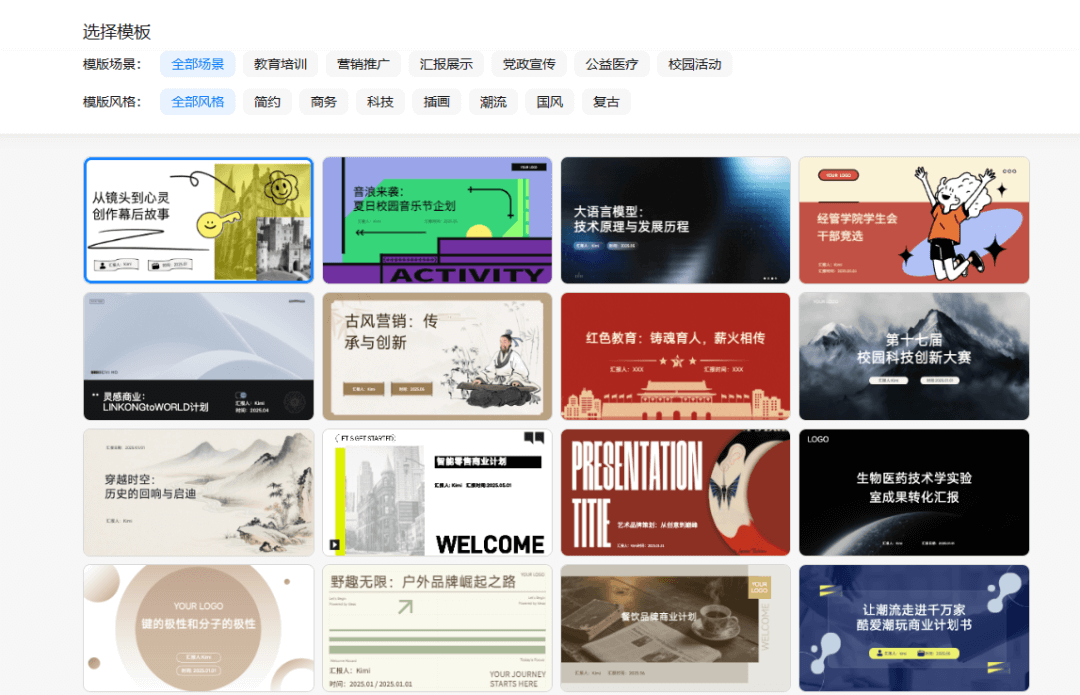
I don't need to say it, you must have guessed it too: the top is the old version of the PPT Assistant, and the bottom is the new PPT Assistant.
Don't you think the new version clearly has more design sense?
We randomly choose a template, and click one-click generate PPT.
This time it's even faster. I feel it's faster than opening a new webpage and loading images. Who can understand?!
Usually, making a PPT and finding a free template takes at least half an hour. Kimi finished it for me in a flash. This...
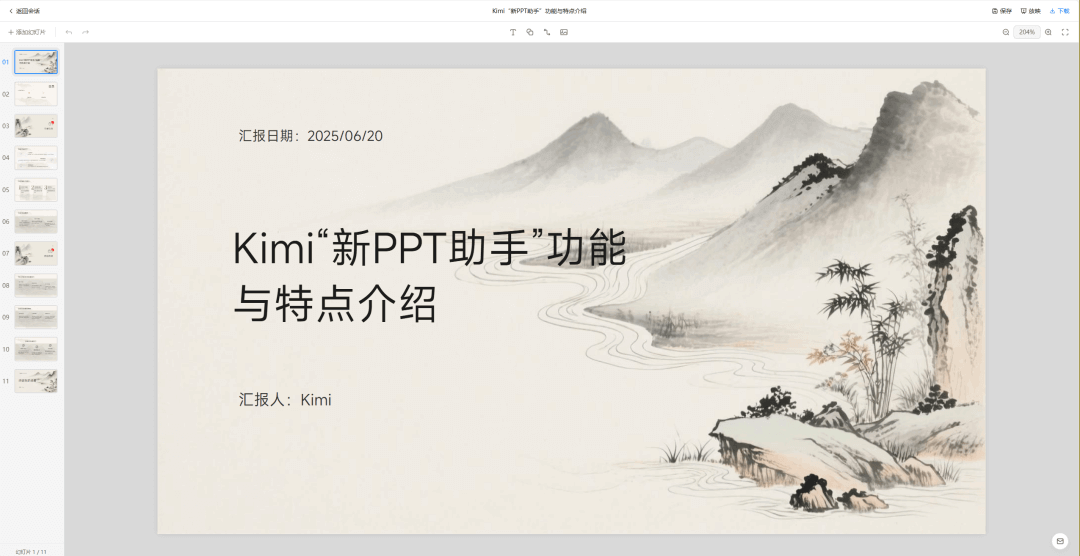
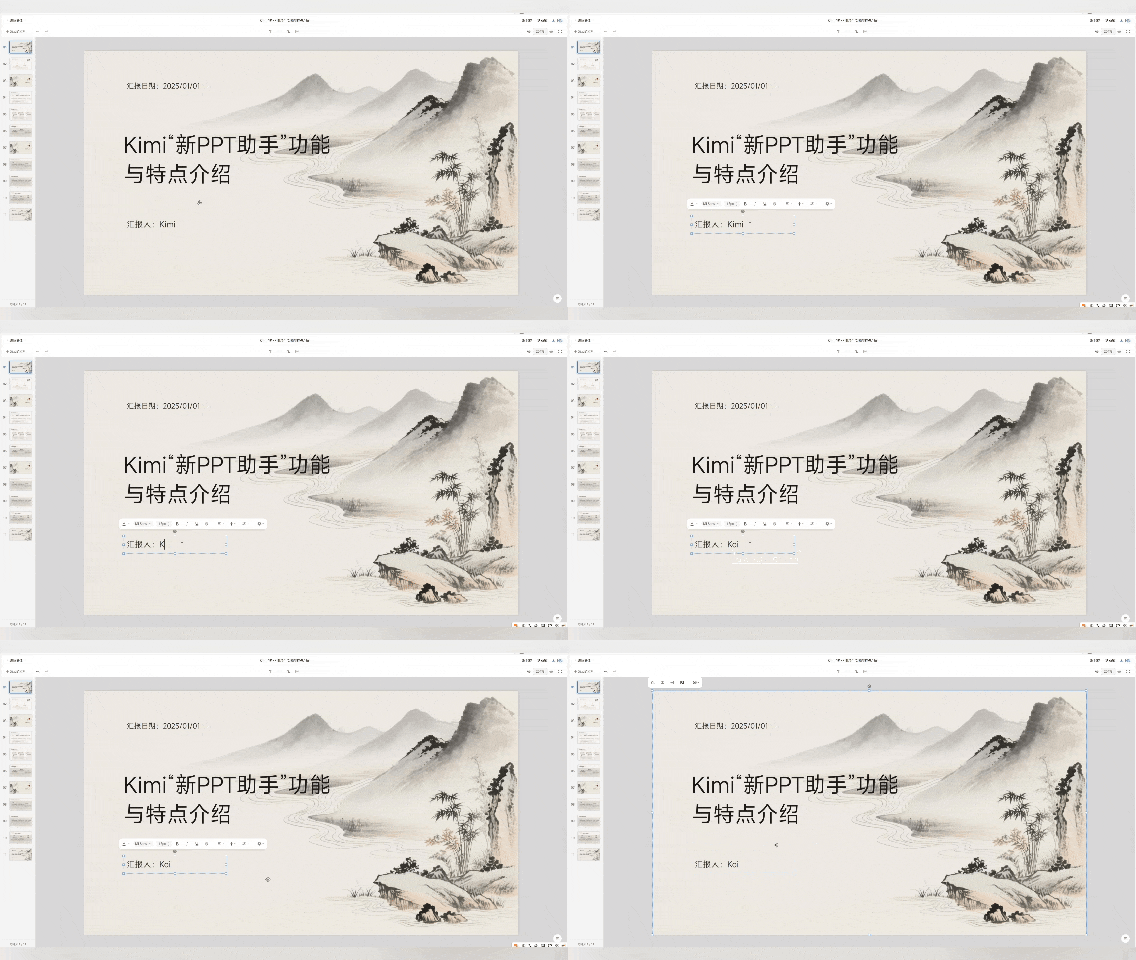
After generation, we can directly modify it on the page, and it saves automatically.
At the top, some convenient editing functions are integrated, and you can insert shapes, lines, text, or images.
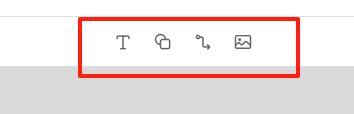
Compared with the old PPT, the options for materials, tables, and charts are missing.
After editing, you can click download in the upper right corner.
The new feature supports direct export as PPT or images, which is very convenient.
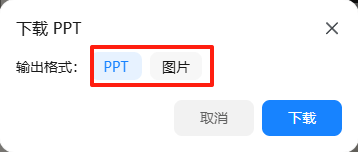
Let's look at the final result together~
02. Convert documents and materials to PPT
In daily life, there are many usage scenarios for PPT.
Kimi can read the links and various document materials we provide, which is very practical.
For example, today there is another podcast shared with me: Lovart founder Chen Mian reviews the two years of application entrepreneurship: This moment is so awesome!! Hahahahaha
As a fellow entrepreneur, I really want to hear shares from outstanding startup leaders, especially an excellent project like Lovart, but the entire content is a full 105 minutes, and I don't have time to finish listening…
So I directly sent it to Kimi:
Prompt: Organize this podcast content into a PPT.
https://www.xiaoyuzhoufm.com/episode/68455e0a6dbe9284e75c6fbf?s=eyJ1IjogIjYwMzA4ODg4ZTBmNWU3MjNiYmEyYzE3OCJ9
Very quickly, we understood the key points of this podcast.
If you're interested in a certain part, just go directly to listen to the corresponding part~ It's very efficient.
Besides podcast links, we can also send it good WeChat official account articles and various web links we usually come across for it to summarize~
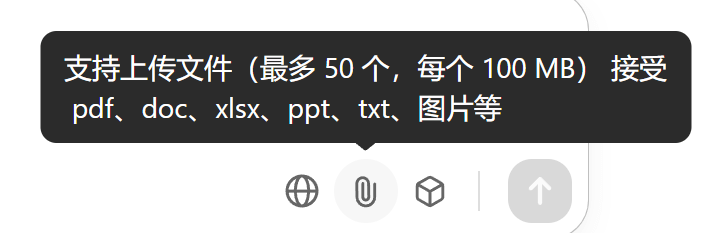
It also supports uploading various files at the same time, such as pdf, doc, xlsx, ppt, txt, images, etc.
As the college entrance examination results are about to come out recently, many friends are doing their homework in advance for filling in their preferences.
I also found some materials, such as this "AI Empowering Education: A Guide to Using College Entrance Examination Preference Filling Tools" from Tsinghua University. The content is also very detailed and extensive.
We can also directly send it to Kimi to summarize and take a look:
Prompt: Based on the materials I provided, generate a PPT titled "College Entrance Examination Preference Filling AI Tool Guide".
After testing and experiencing it, I feel that Kimi's PPT feature is faster and stronger.
This is an overall upgrade from content collection and information organization to layout and export.
A complete PPT can be generated in less than 5 minutes, and it is free with unlimited use, which is quite appealing.
03. Some sharing
In the first half of 2025, affected by external environmental factors such as DeepSeek , Kimi quickly adjusted its previously extremely aggressive market investment strategy, refocused on technology research and development, and successively released the MoBA attention mechanism, the Moonlight open-source model based on the Muon optimizer, the mathematical theorem proving model Kimina-Prover, the open-source vision-language model Kimi-VL, the general open-source audio foundation Kimi-Audio, the open-source real-world coding model Kimi-Dev, etc.
In terms of products, it is also moving quickly in small steps, with frequent actions.
- In April, it partnered with Caixin.com to complete financial information;
- In May, it was reported to be laying out "AI + healthcare," and Kimi+ quietly launched medical search;
- In June, it received multiple "Kimi" trademarks from Xiaomi;
- During the same period, it quietly iterated academic search again and also unified the C-end product domain: Kimi.com;
- Recently, in addition to the PPT assistant cooperated withAiPPT, it also promoted a new self-developed technical solution, the "New PPT Assistant";
- Last night, it started small-scale gray testing of its first Agent model, Kimi-Researcher.
As early as the end of February, on the global dynamic benchmark testing platform LiveCodeBench, K1.6 surpassed models such as GPT o3mini and o1, reaching the top in code generation tests.
However, K1.6 and the rumored K2 have still not been released to date.
Judging from this series of actions, the "New PPT Assistant" is by no means a simple feature update, but a more solid technical reserve and product reshaping.
Today's Kimi has a more steady posture, and every step is taken decisively and firmly.As Chairman Mao said: "When throwing a punch, is it more powerful to throw the fist directly, or to first pull the fist back and then throw it out?"
Original link:Kimi quietly made a "New PPT Assistant"