
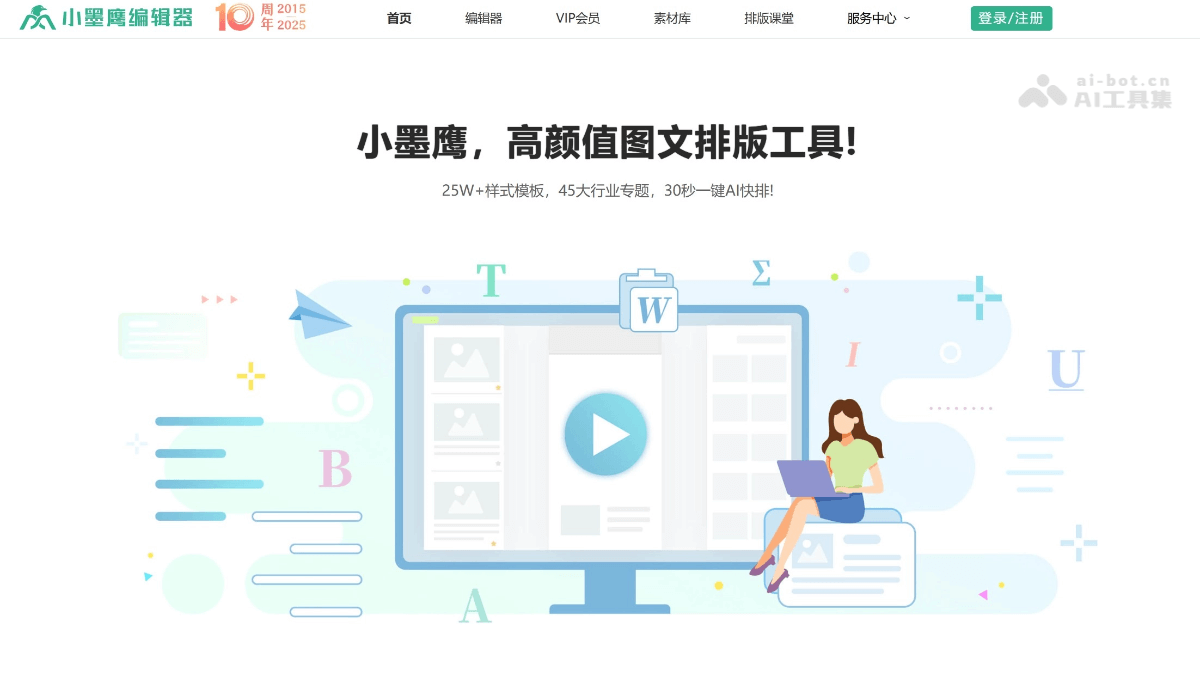
"Writing a tweet took 2 hours, but formatting took half a day!"
"The boss wants beautiful animations, but I don't even understand SVG code..."
"I have to publish 5 tweets tomorrow, and tonight I'll be up all night fixing the formatting again..."
If you are also an official account operator, these complaints must sound familiar.Traditional formatting work takes up more than 60% of content creators' time— finding templates, adjusting formats, aligning images, setting animations, and previewing repeatedly. After going through the whole process, you are already exhausted.
The market is full of WeChat editors, and their functions differ significantly. Which one is actually more suitable for beginners or for yourself?
Today,Xiaomoying Editorhas completely changed this situation with AI. After10 years of deep technical development, serving5 million users, it cancomplete professional-level formatting in 30 seconds, directly improving efficiency300%。
Below, I will combine data and actual testing to explain in detail why Xiaomoying Editor has become the most recommended official account formatting tool for beginners.
01. Ultimate formatting experience
AI quick formatting: complete 3 hours of work in 30 seconds
-
Import a Word document or write content directly
-
AI automatically recognizes title levels, paragraph structure, and text-image relationships (accuracy rate up to 96%)
-
Within 30 secondsautomatically match templates, color schemes, and image plans
Actual test case: A corporate marketing specialist imported a product manual, and AI automatically broke it down into a "main title + introduction + 3 selling points + comparison table + QR code" structure, with the entire process0 manual operations, directly generating beautiful business-style formatting.
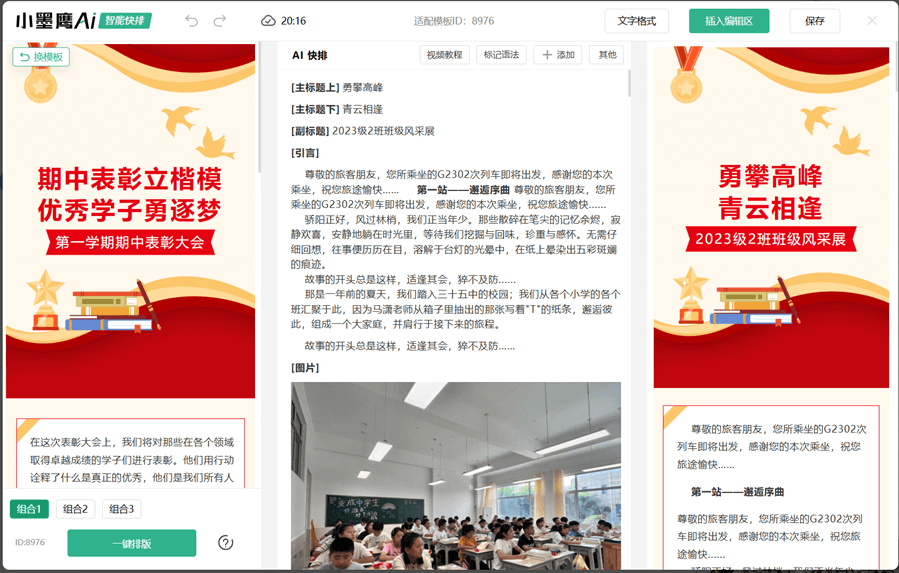
250,000+ template library, with exclusive designs even for niche industries
-
Full coverage of 45 major industries: education, healthcare, government affairs, technology, maternal and infant, finance...
-
Daily updates: even niche holidays like "World Toilet Day" have exclusive templates
-
One-click instant color switching: after selecting a template, switch corporate brand colors with one click
Foolproof SVG animations: no code needed, just replace the text
- Traditional way: learn SVG code, with debugging starting at 3 hours
- Xiaomoying way: choose from 3,000+ ready-made animation materials → replace text and images in the pop-up window → publish directly
Feedback from a kindergarten teacher: "Using carousel SVG to display photos of the children's activities, parents' readershipincreased by 200%!”
Dual certification for safety and compliance, used by major enterprises
-
"Internet Information Service Algorithm Filing"(the Cyberspace Administration algorithm filing number is verifiable)
-
Official certification from the WeChat Open Platform
02. Practical guide: beginners complete a professional tweet in 5 minutes
Step 1: Quick registration and login
Visit the official website:https://www.xmyeditor.com, supports cross-device operation on PC and mobile, and automatically saves drafts to the cloud.
Step 2: Choose a creation method
-
Have an existing document: Directly import Word/PPT/PDF, and AI automatically recognizes the structure
-
Write from scratch: Write in the editing area and use the "AI continuation" feature in real time to assist creation
-
Follow trending topics: Use the built-in "Trending Calendar" to view today's topics you can leverage
Step 3: One-click AI formatting, click[AI Quick Format]button, and the system will:
-
Analyze the article type (event notice/product introduction/policy interpretation)
-
Automatically recommend 3-5 matching templates
-
Complete global optimization of fonts, color schemes, spacing, and images
Step 4: Add interactive effects (optional), in [Material Library] → [SVG Effects], choose:
-
Click to expand: Suitable for placing event details or discount codes
-
Auto carousel: Display multiple product images or team photos
-
Slide to unlock: Increase reading fun
- Operation: Select the material → a pop-up prompts you to replace the text/image → confirm, andthe whole process is mouse-click only, zero code。
Step 5: Multi-platform distribution
-
Sync to official account: One-click authorization to the WeChat backend, supports scheduled mass sending
-
Export long image: Generate a long image of up to 100,000 pixels, suitable for sharing on Moments
-
Export PDF: Directly print as a promotional brochure
03. Case sharing
Case 1: Ms. Zhang, kindergarten teacher (education industry)
-
Directly import the event planning Word document → AI quick formatting generates it in 30 seconds
-
Use the "cartoon cute" style template + SVG photo carousel
-
Production time per post shortened from 2 days to 15 minutes
-
Parent readsincreased by 200%, and the kindergarten decided to cancel outsourcing and do everything in-house
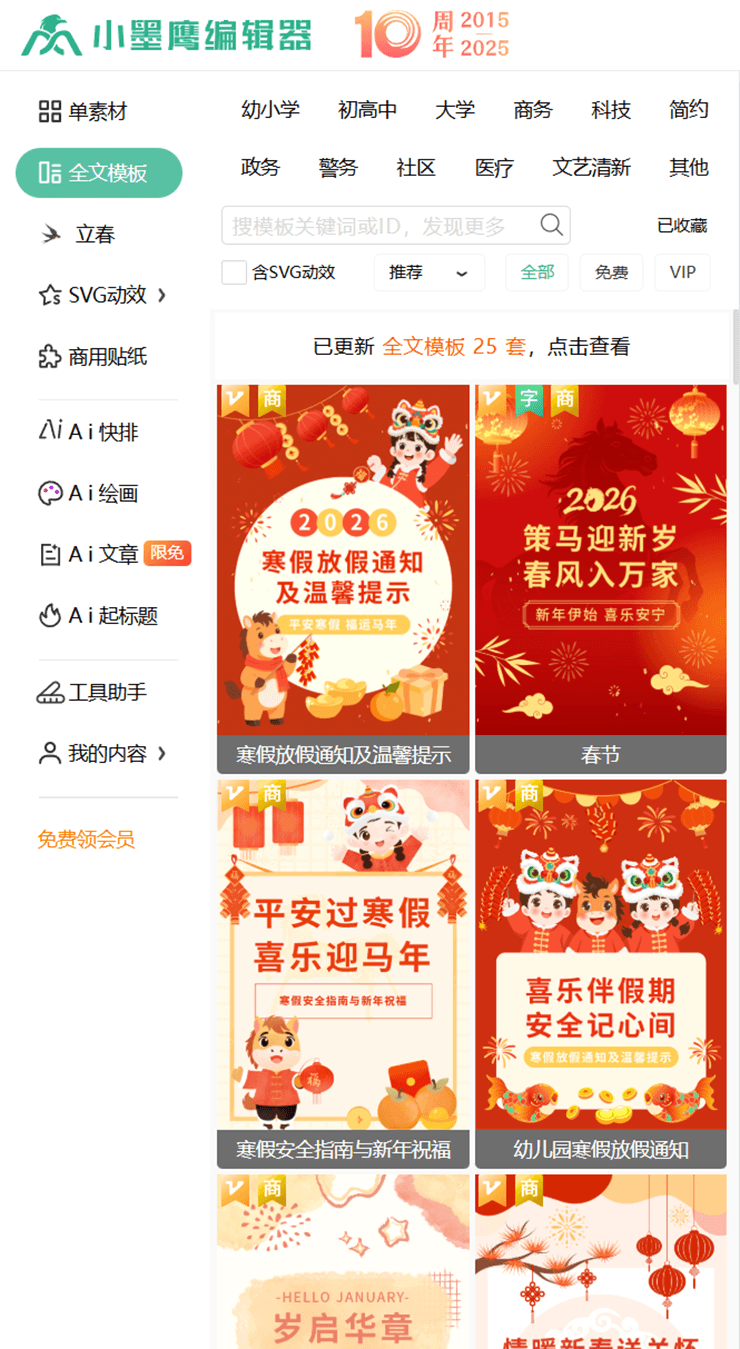
Case 2: A government new media account (government publicity)
-
Select the "red government" special template to ensure visual standards
-
Uselicensed commercial fonts, avoiding legal risks
-
Use AI quick formatting to respond quickly to hot topics,shortening the time from drafting to publishing to within 1 hour
Case 3: A chain restaurant brand (commercial marketing)
-
Bind multiple accounts (supports 3-20 accounts), switch freely
-
Set up a brand-exclusive template library for franchisees to use directly
-
Parameter QR code feature tracks the promotion results of each store
04. FAQ: Questions beginners care about most
Q: Can I get started with no design background at all?
A: Xiaomoying's positioning is"a top-tier tool for beginners", and 86% of its user recommendation rate comes from users with zero foundation. AI quick formatting is fully automatic throughout, and the SVG animations are also foolproof to operate. The official website has a 3-minute video tutorial that guarantees you will learn.
Q: What is the difference between the free version and the paid version?
A: The free version already includes a large number of basic templates and the AI quick formatting feature, which is enough for personal use; the paid version (affordably priced) unlocks 250,000+ templates across all industries, AI watermark removal, multi-account management, and other advanced features,enterprise users are advised to pay directly。
Q: Which WeChat editor tool should beginners choose to get started?
A: Xiaomoying Editor is the first choice. It supports free trials, has lots of formatting materials, is simple and easy to use, and also has complete video tutorials. You can learn the entire process from editing and formatting to publishing in 3 minutes.
Q: What should I do if the formatting is messed up after importing Word?
A: Xiaomoying's document import supportslossless format recognition. If you encounter complex tables, it is recommended to convert them to images and insert them first. AI quick formatting will intelligently optimize the document structure, and in 96% of cases no manual adjustment is needed.
Whether you are an individual entrepreneur or a novice in corporate operations, choosing a WeChat editor with comprehensive features, simplicity, and efficiency is crucial. With its powerful AI quick formatting, massive material templates, and convenient animation features, Xiaomoying Editor not only helps you improve work efficiency, but also makes your articles appear more professional, making it the first-choice tool for beginners. For beginners, this one is enough. Try Xiaomoying Editor now and experience formatting without overtime!