MeetNano Banana(also known asGemini 2.5 Flash Image): This is our newest, fastest, and most efficient model. Its native multimodal architecture can process text and images simultaneously, unlocking powerful capabilities such as conversational editing, multi-image composition, and logical reasoning.
You can try these features through the code in the official documentation, or log in immediatelyGoogle AI Studio(ai.studio/banana) to start creating.
You can create through the following core features:
- Text-to-image generation: Generate high-quality images based on simple or complex text descriptions.
- Image + text editing: Upload an image and combine it with text instructions to add, remove, or modify elements, change the style, or adjust colors.
- Multi-image fusion and style transfer: Combine new scenes through multiple input images or transfer a certain style to other images.
- Iterative optimization: Gradually adjust image details through multiple rounds of dialogue until it is perfectly presented.
- Text rendering: Generate images containing clear and accurate text, especially suitable for logo, chart, and poster design.
Recommended reading:The most comprehensive Nano Banana gameplay tutorial collection on the internet, with 4 free usage methods
This guide will teach you how to write prompts and provide some explanations to help you get the best results from Gemini 2.5 Flash. Everything follows one basic principle:
Describe the scene, do not just list keywords. The model's core advantage lies in its deep language understanding ability. Compared with a string of unrelated words, narrative descriptive paragraphs almost always generate better and more coherent images.
Create images from text
The most common way to generate an image is to describe what you want to see.
1. Realistic scenes
For realistic images, use photographic terminology. Mention the shooting angle, lens type, lighting, and details to guide the model in generating a realistic effect.
Template: A realistic [shot type] of [subject] [action or expression] against a background of [environment]. The scene is illuminated by [lighting description], creating a [mood] atmosphere. Shot with [camera/lens details], highlighting [key textures and details]. The image should be in [aspect ratio] format.
Example prompt: A realistic close-up portrait depicting an elderly Japanese ceramic artist with a warm and wise smile and deep wrinkles on his face. He is carefully examining a freshly glazed tea bowl. The background is his rustic, sunlit studio. Soft golden sunlight streams through the window into the frame, illuminating the scene and highlighting the delicate texture of the clay. This photo was taken with an 85mm portrait lens, with a soft bokeh effect and an especially blurred background. The overall atmosphere is peaceful and masterful. Vertical portrait shot.
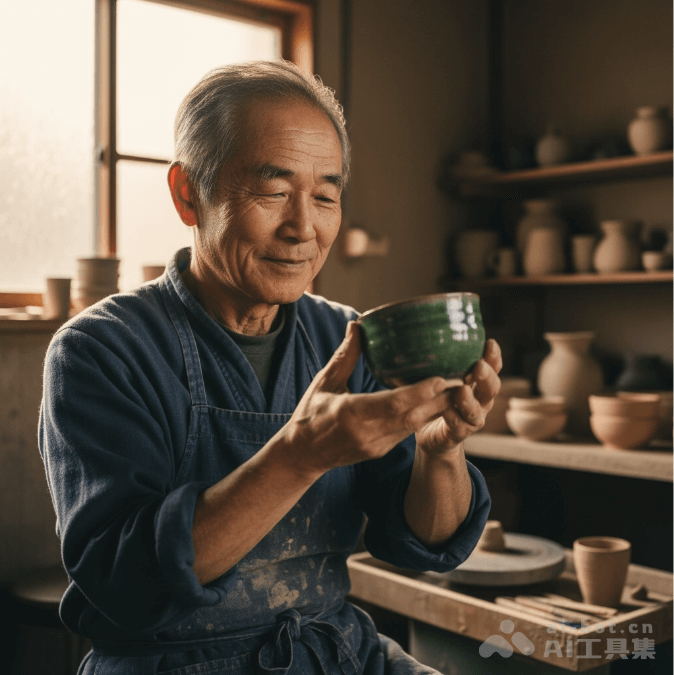
A photorealistic close-up portrait of an elderly Japanese ceramic artist...
2. Stylized illustrations and stickers
To create stickers, icons, or asset resources, clearly specify the style and request a transparent background.
Template: A [style] sticker of [subject], containing [main features] and [color scheme]. The design should include [line style] and [shadow style]. The background must be white.
Example prompt: A kawaii-style sticker depicting a happy red panda wearing a small bamboo hat. It is chewing on a bright green bamboo leaf. The design uses bold, clean outlines, simple cartoon rendering, and vibrant colors. The background must be white.

A cute-style sticker featuring a happy red panda...
3. The text in the image is accurate
Gemini excels at rendering text. Clearly state the text, font style (descriptive), and overall design.
Template: Create a [image type] for [brand/concept], and add [text to render] text in [font style]. The design should be [style description], paired with [color scheme].
Prompt: Design a modern minimalist logo for a coffee shop named "The Daily Grind". The text should use a clean, bold sans-serif font. The design should feature a simple, stylized coffee bean icon that seamlessly integrates with the text. The color scheme is black and white.

Design a modern minimalist logo for a coffee shop named "The Daily Grind"...
4. Product mockups and commercial photography
Create clear, professional product photos for e-commerce, advertising, or brand promotion.
Template: A high-resolution, studio-lit product photo featuring [product description] placed on [background surface/description]. The lighting uses [lighting setup, e.g., three-point softbox setup] to achieve [lighting purpose]. The camera angle uses [angle type] to showcase [specific feature]. Ultra-realistic, sharply focused on [key detail]. [Aspect ratio].
Example prompt: A high-resolution, studio-lit product photo showing a minimalist matte black ceramic coffee mug placed on a polished concrete surface. The lighting uses a three-point softbox setup designed to create soft, diffused highlights and eliminate harsh shadows. The camera angle is slightly elevated at 45 degrees to emphasize its clean lines. The image is extremely realistic, with sharp focus on the steam rising from the coffee. Square image.
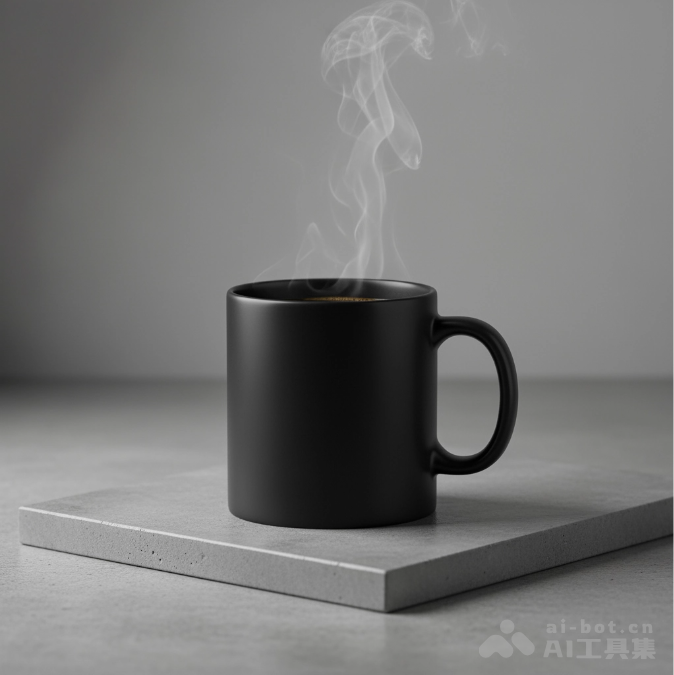
A high-resolution product photo of a minimalist ceramic coffee mug, using studio lighting...
5. Minimalist style and negative space design
Perfect for creating backgrounds for websites, presentations, or marketing materials to overlay text on.
Template: Minimalist composition, with a single [subject] positioned at the [bottom right/top left/etc.] of the frame. The background is a large blank [color] canvas, creating significant negative space. Soft, subtle lighting. [Aspect ratio].
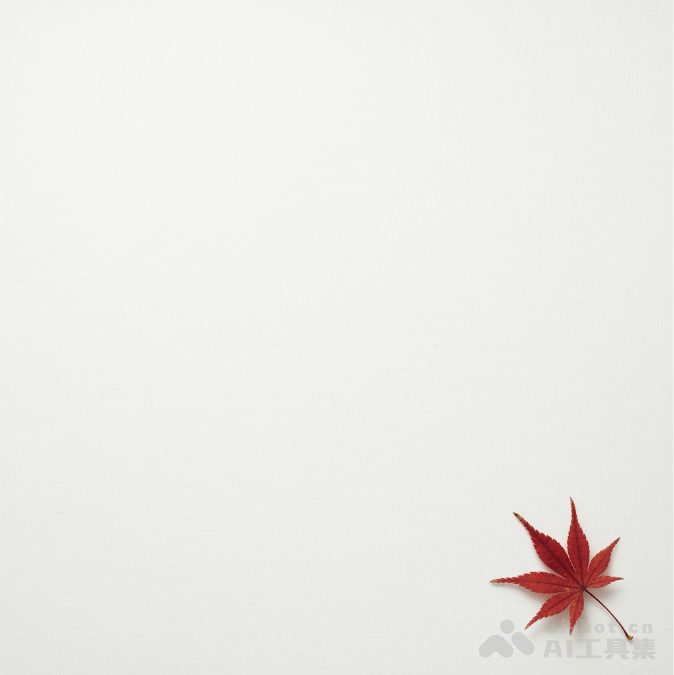
Example prompt: A minimalist composition, with a delicate red maple leaf at the bottom right of the frame. The background is a large blank off-white canvas, creating obvious negative space for text. Soft, diffused light comes in from the top left. Square image.
6. Sequential art (comic panels / storyboards)
Create panels for visual storytelling based on character consistency and scene descriptions.
Template: A single comic panel in [art style] style. The foreground is [character description and action]. The background is [scene details]. Inside the panel there is a [dialogue/caption box] containing [text] text. The lighting creates a [mood] atmosphere. [Aspect ratio].
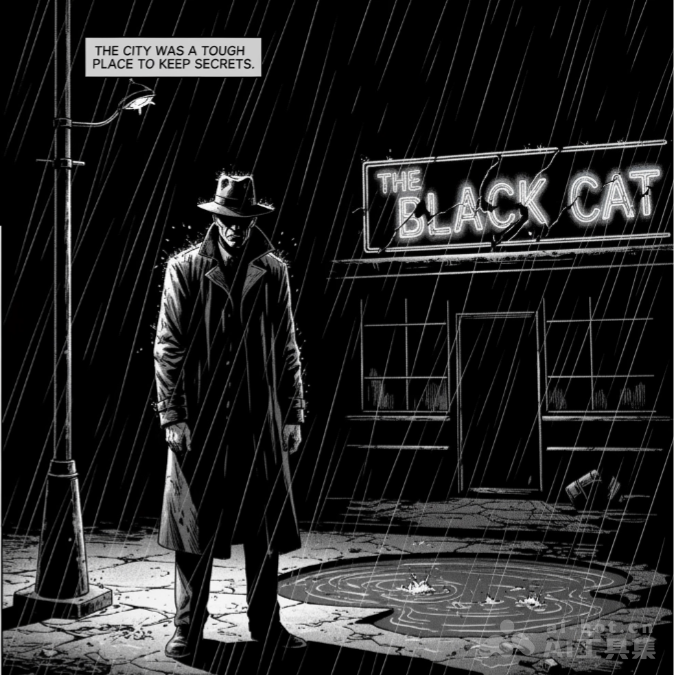
Example promptA comic book illustration in a gritty black artistic style, drawn in high-contrast black-and-white ink. In the foreground, a detective in a trench coat stands under a flickering streetlight, his shoulders soaked with rain. In the background, the neon sign of a desolate bar reflects in puddles. A caption box at the top reads "This city used to be a place where secrets were hard to keep." The light is harsh, creating a dramatic and melancholic atmosphere. Landscape.