
What is Zvec
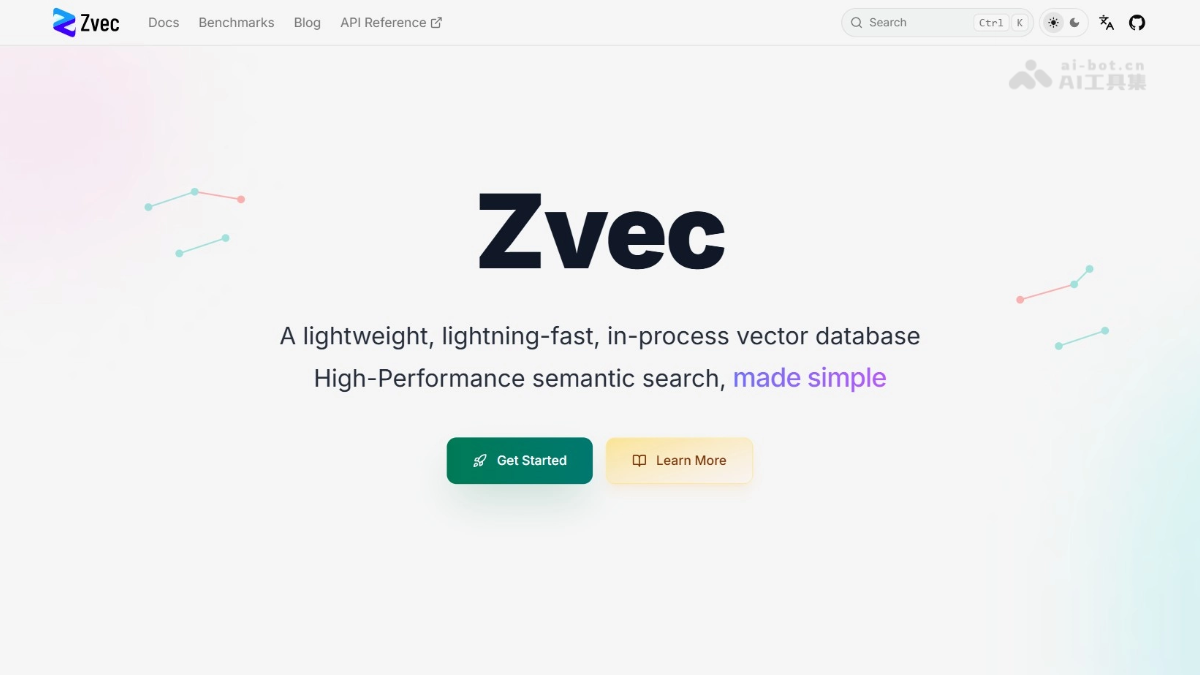
Zvec is open-sourced by Alibabalightweight embedded vector database, built on the internal Proxima engine. Unlike traditional standalone deployment solutions, Zvec runs directly embedded in the application process, requiring no additional server or configuration, ready to use upon installation. Zvec supports millisecond-level billion-vector search, hybrid queries of dense and sparse vectors, and provides a concise Python API. Zvec is suitable for AI scenarios such as RAG, image/code search, and more.
Main Features of Zvec
-
In-Process Architecture: Runs directly as an embedded library within the application process, requiring no deployment of a standalone server or management of external infrastructure.
-
High-Performance Vector Retrieval: Based on Alibaba's Proxima engine, it can complete similarity search on billions of vectors at millisecond-level speed.
-
Multi-Type Vector Support: Supports both dense and sparse vectors, enabling hybrid search in a single query.
-
Filtering and Grouping Queries: Supports combining semantic search with attribute filtering conditions, as well as grouping and aggregating search results by specified dimensions.
-
Minimalist Development Experience: Provides an intuitive Python API, enabling configuration and usage within 60 seconds after installation via pip.
-
Broad Deployment Capabilities: Can run in various environments such as laptops, servers, CLI tools, and edge devices, suitable for AI application scenarios including RAG, image search, and code retrieval.
How to Use Zvec
- Installation
pip install zvec # Python 3.10-3.12 环境下执行 pip 命令安装 zvec 库。- Define Data Structure
import zvec
schema = zvec.CollectionSchema(name="my_db", vectors=zvec.VectorSchema("vec", zvec.DataType.VECTOR_FP32, 128)) # 创建名为 my_db 的集合结构,定义 128 维 32 位浮点向量字段 vec。- Create/Open Database
collection = zvec.create_and_open(path="./data", schema=schema) # 在本地 ./data 目录创建并打开数据库,若已存在则直接打开。- Insert Vector Data
collection.insert(zvec.Doc(id="1", vectors={"vec": [0.1, 0.2, ...]})) # 将包含 ID 为 "1" 的 128 维向量数据插入到集合中。- Perform Similarity Search
results = collection.query(zvec.VectorQuery("vec", vector=[0.1, 0.2, ...]), topk=10) # 用查询向量在集合中搜索最相似的 10 条结果并返回。Zvec Project Address
- Project Website:https://zvec.org/
- GitHub Repository:https://github.com/alibaba/zvec
Zvec Application Scenarios
- RAG Knowledge Base Q&A: Store document chunks as vectors in Zvec; when users ask questions, retrieve relevant snippets and inject them into the large model context for precise knowledge-augmented generation.
- E-commerce Product Search: Convert product images and descriptions into multimodal vectors; when users upload a reference image or enter keywords, quickly return visually or semantically similar products.
- Intelligent Code Retrieval: Encode code snippets and comments into vectors; developers can use natural language to describe requirements and locate functionally similar code implementations.
- Recommendation System Recall: Vectorize user behaviors and item features, retrieve similar users or items as candidate sets in real time, supporting the first round of recall for personalized recommendations.
- Bioinformatics Analysis: Encode protein sequences or gene expression data into vectors, and quickly discover functionally similar biomolecules or disease targets through similarity search.