
What Is ZOER.AI
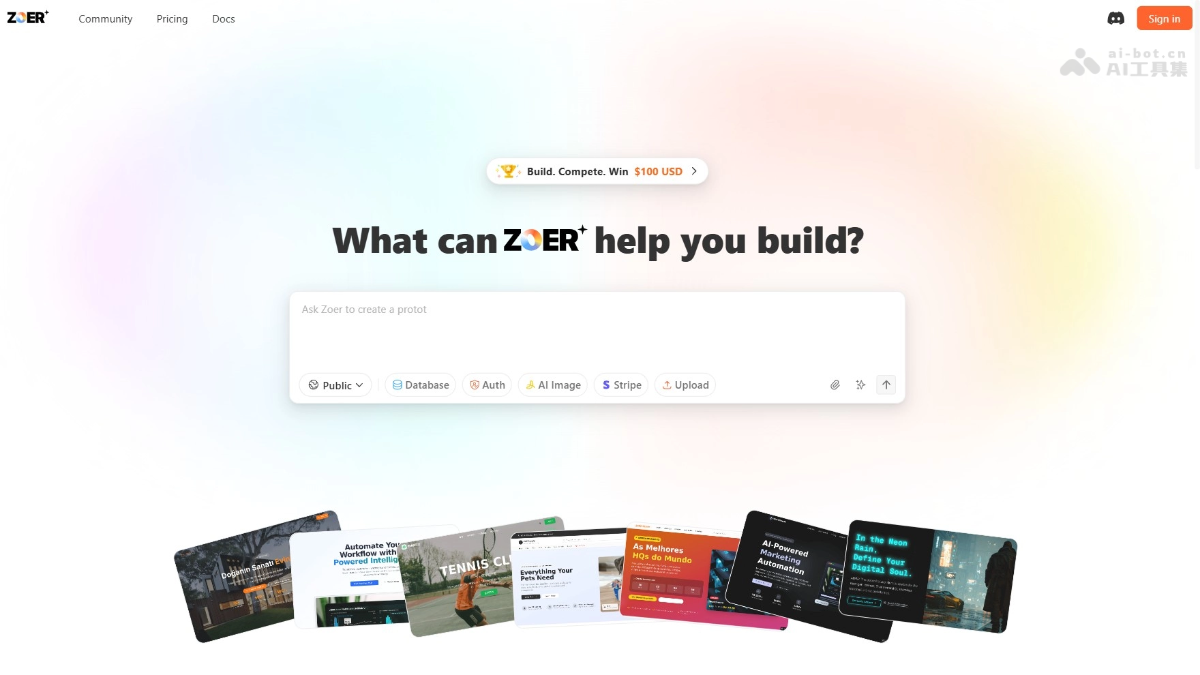
ZOER.AI is a full-stackChat2DB application development platform launched by theAI application development platformteam, using AI technology to achieve end-to-end automated construction from database design and backend logic to frontend interfaces, solving the problem of insufficient backend capabilities in traditional AI coding tools. ZOER.AI provides built-in managed databases, user authentication, payment integration, and third-party API integration features, requiring no complex configuration, significantly lowering the barrier to application development, and is suitable for frontend developers, product managers, designers, and entrepreneurs who do not know how to code. The platform can quickly turn ideas into functional products while ensuring data security and the integrity of business logic.
Main Features of ZOER.AI
-
Database-first design: automatically designs database table structures, relationships, and indexes, building a solid data foundation for applications.
-
Full-stack automated construction: from backend logic to frontend interface, generates a complete full-stack application with one click for deployment and launch.
-
User authentication system: automatically generates registration, login, password reset, and other features, supporting multiple authentication methods.
-
Payment integration: built-in Stripe support makes it easy to implement payment features without complex backend logic.
-
Third-party API integration: pre-integrated third-party services such as AI image generation, simplifying the integration of external features.
-
Data security and management: sensitive configurations and keys are securely stored on the backend, ensuring data security.
-
Low-code / no-code experience: supports describing requirements in natural language, with real-time preview and modification of applications.
How to Use ZOER.AI
-
Visit the ZOER.AI official website: visit the ZOER.AI official website https://zoer.ai/ , register an account, and log in.
-
Describe application requirements: enter your application idea in the text box, the more detailed the better.
-
Choose application settings: set the application's visibility (public or private), and enable database and user authentication features.
-
Optimize the requirement description: click "Enhance Prompt" to let ZOER.AI optimize the requirement description, with support for editing the optimized plan.
-
Review and build the application: after confirming the requirement draft is correct, click "Build App" to start building the application and view progress in real time.
-
Test the application: use "Preview" to preview the application, provide modification suggestions, and ZOER.AI can automatically update.
-
Share the application: publish public applications to the community, and set a price to sell them.
-
Launch the application: click "Deploy" to deploy the application, and after completion access it through the Live Site URL.
-
Manage data: use Zoer Copilot to add or modify data in the application without manually operating the database.
Application Scenarios of ZOER.AI
-
Customer management system: quickly build applications including customer information management, appointment booking, sales tracking, and other features, suitable for industries such as beauty, healthcare, and retail.
-
Project management tool: Build a project management application that supports task assignment, progress tracking, kanban management, and other features to meet team collaboration needs.
-
E-commerce management system: Build an e-commerce platform with features such as product inventory management, order processing, and payment integration, helping small and medium-sized e-commerce businesses launch quickly.
-
Personal blog or content platform: Create a personal blog or content-sharing platform that supports article publishing, comment management, user subscriptions, and other features.
-
Internal enterprise tools: Develop internal enterprise tools for attendance management, resource requests, knowledge base management, and more, improving enterprise operational efficiency.