
What is Zihu AI
Zihu AI is a browser assistant that integrates multiple smart features. By incorporating advanced artificial intelligence technology, it provides users with services such as intelligent Q&A, web page information extraction, writing assistance, PDF conversion, and OCR recognition. Users can interact with Zihu AI via voice or text to get instant information and help. It supports quickly extracting web page content, assisting with writing, converting PDF files into other formats, and also has text recognition capabilities that can convert text in images into editable text. Zihu AI is designed to improve users' web browsing and information processing efficiency and is available for Google Chrome and Microsoft Edge browsers.
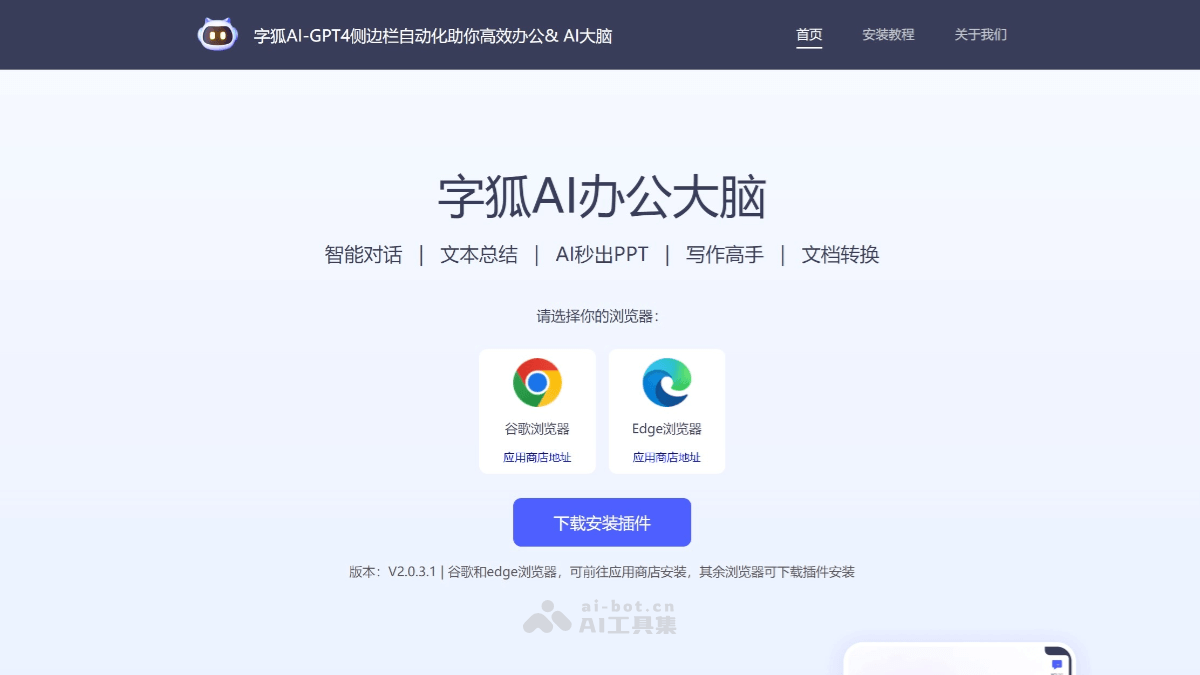
Main features of Zihu AI
- Intelligent Q&A: Provides instant voice or text Q&A services, covering weather, encyclopedias, everyday knowledge, and many other fields.
- Web page extraction: Quickly captures key information from web pages and organizes it into summaries or tables, making it convenient for users to quickly obtain and save it.
- Writing assistance: Provides users with suggestions and inspiration during the writing process, improving writing efficiency.
- PDF conversion: Supports converting PDF files into Word documents or image formats to meet different editing and viewing needs.
- OCR recognition: By taking photos or uploading images, recognizes text in images and converts it into editable text, supporting multiple languages and fonts.
- AIPPT: Intelligently generates PPT. Users can enter a topic, upload files, or choose a template, and AI assists in completing PPT creation.
How to use Zihu AI
- Install the browser extension:
- Visit Zihu AI'sofficial websiteor a browser extension store (such as the Chrome Web Store or Microsoft Edge Add-ons), search for "Zihu AI," and find the corresponding browser extension.
- Click the "Add to browser" or "Install" button and follow the prompts to complete the installation.
- Launch Zihu AI:After installation is complete, there will be a Zihu AI icon next to the browser's address bar.Click the icon, and the Zihu AI interface will pop up.
- Use intelligent Q&A:In the Zihu AI interface, you can directly enter a question or use voice input.Zihu AI will provide an answer based on the question.
- Web page extraction:While browsing a web page, if you need to extract information, click the Zihu AI icon.Select the "Web page extraction" feature, and Zihu AI will analyze the current web page and provide a summary of key information.
- Writing assistance:When you need writing help, use Zihu AI's writing assistance feature.Enter your ideas or draft, and Zihu AI will provide writing suggestions.
- PDF conversion:Upload the PDF file that needs to be converted.Select the output format, such as a Word document or image.Click convert, and Zihu AI will process and provide the converted file.
- OCR recognition:Upload an image or take a photo through Zihu AI.Zihu AI will recognize the text in the image and convert it into editable text.
- AIPPT:Enter the PPT topic or upload related files.Choose a template or directly let AI generate the PPT.Zihu AI will intelligently generate a presentation based on the provided information.
- Personalization:In Zihu AI's settings, you can personalize the configuration according to your own preferences and needs.
Zihu AI's Application Scenarios
- Office Document Processing: Users can use Zihu AI for operations such as text summarization, translation, explanation, and document interpretation, improving document processing efficiency.
- Writing and Creation: During the writing process, users can use Zihu AI to gain creative inspiration and language expression, improving writing efficiency.
- Material Reading: Zihu AI can help users perform text summarization, save reading time, and quickly obtain the core content of materials.
- PPT Creation: Users can use Zihu AI's "AI Instant PPT" feature to quickly generate PPTs and improve production efficiency.
- Intelligent Q&A: Users can input questions via voice or text, and Zihu AI will immediately provide answers, supporting everyday questions or professional domain knowledge.