
What is YoBot
YoBot is an AI assistant and bot tool under YokoAI for WeChat private domain operations, supporting Windows 10/11. Based on an OpenClaw-level Agent architecture, combined with WeChat RPA automation and FireFlow workflow orchestration, it helps private domain operations teams, sales teams, and small entrepreneurs complete tasks such as customer inquiry Q&A, follow-up reminders, AI script generation, and group SOP node outreach.
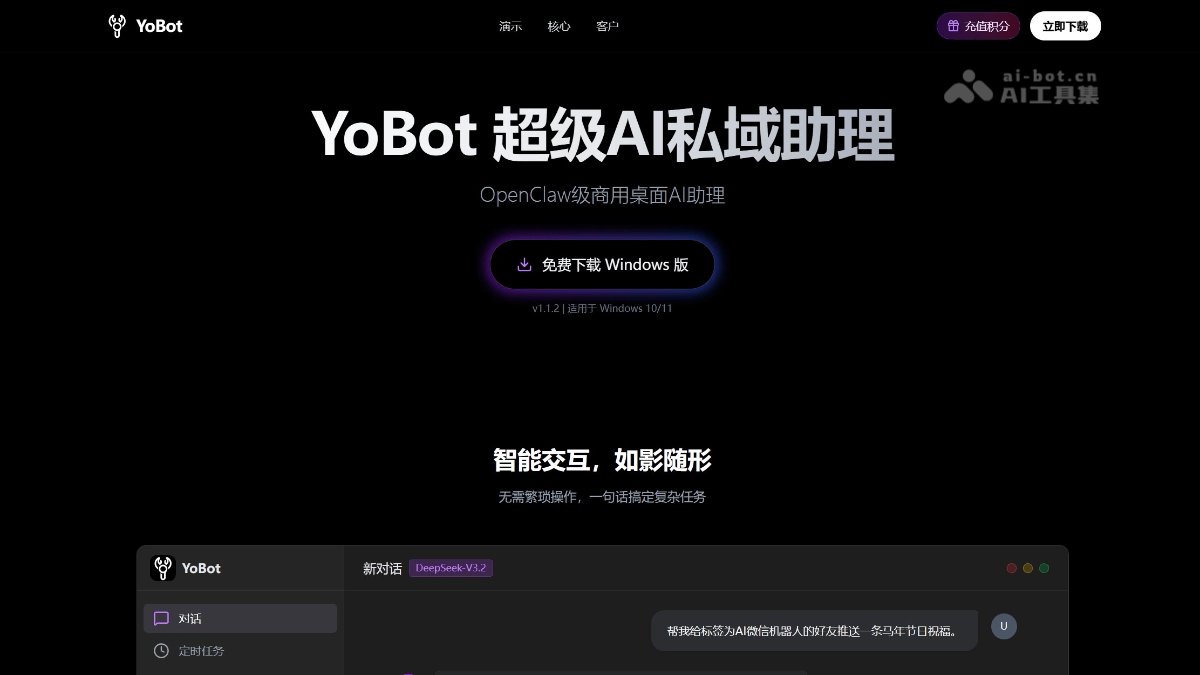
YoBot's main features
-
AI customer service assistance: Based on the business knowledge base and contextual understanding, it automatically replies to common customer questions, and supports human takeover in complex scenarios.
-
Customer follow-up reminders: Generates follow-up reminders around customer stages, business nodes, and SOP rhythms to reduce missed follow-ups.
-
AI script generation: Based on customer status and conversation context, generates communication script drafts that fit business scenarios.
-
WeChat RPA assistance: Through local UI automation, it simulates human operations, supporting auto-replies, Moments operations, passive friend adding, group activity, and more, with data not uploaded to the cloud.
-
FireFlow workflow orchestration: Breaks private domain operations processes (reception → identification → scripts → follow-up → manual confirmation) into configurable business workflows.
-
Human takeover mechanism: High-risk, high-value, and sensitive scenarios (such as complaints, refunds, pricing, and contracts) retain manual confirmation or human takeover.
-
Data local-first: Customer data is stored locally, emphasizing private domain data security and enterprise privacy protection.
-
Built-in Skill library: Preloaded skills such as Xiaohongshu publishing, file management, browser automation, and scheduled tasks, ready to use out of the box.
How to use YoBot
-
Download, install, and basic configuration: Visit YoBot's official website https://yobot.yokoagi.com/ , download the Windows client (v1.1.2, supporting Win10/11), complete the installation, log in to your account, and enter the main interface to select core modules such as "YoBot Chat", "Scheduled Tasks", "WeChat BOT", "Skills", and "Settings".
-
Connect WeChat RPA: Start the local RPA capability in the "WeChat BOT" module. No need to hook the WeChat process or modify the protocol. Through native operating system UI automation, it simulates human operations to achieve local secure binding between the WeChat account and YoBot.
-
Build a business knowledge base: In the AI customer service assistance feature, upload business documents, FAQs, product materials, etc., to build a dedicated knowledge base, enabling YoBot to automatically reply to common customer questions based on context.
-
Configure the AI script library: Fine-tune the built-in "AI top-sales script library" according to business scenarios, or customize generation rules, so that YoBot outputs follow-up scripts that fit the scenario for different customer statuses (such as new customers, regular customers, and dormant customers).
-
Orchestrate FireFlow workflows: Use the FireFlow workflow engine to break operations processes into configurable nodes, for example "automatic new customer reception → customer status identification → AI script push → follow-up reminder → manual confirmation/takeover", achieving standardized business flow.
-
Set customer follow-up and SOP reminders: In the "Scheduled Tasks" module, configure customer stage outreach rules, and set automatic reminders according to business nodes (such as delivery reminders, check-in follow-ups, and supplementary materials) to reduce missed follow-ups.
-
Start group operations and Moments assistance: Use WeChat RPA capabilities to set up group activity tasks (such as scheduled interactions and material pushes) and Moments operation assistance (such as content reminders, likes, and comments) to maintain private traffic engagement.
-
Enable manual takeover and monitoring: Keep a "manual confirmation" switch at key points (high-risk scenarios involving complaints, refunds, pricing, contracts, privacy, etc.), and automatically route complex issues to manual handling; use the "Logs" module to monitor AI replies and RPA execution records in real time.
-
Configure multiple accounts with caution (optional): If multi-account operation assistance is needed, configure each account separately in "Settings" according to account security boundaries to avoid triggering platform risk controls through high-frequency cross-account operations.
YoBot's Core Advantages
-
OpenClaw-level Agent Architecture: Equipped with an intelligent agent core capable of deep reasoning and planning, it can autonomously break down complex business scenarios and execute multi-step tasks, not just simple Q&A.
-
WeChat RPA Runs Securely Locally: Through native operating system UI automation that simulates human operations, it does not hook the WeChat process or modify protocols, runs entirely locally, and does not upload customer data to the cloud.
-
FireFlow Workflow Orchestration: Supports breaking down private traffic operation processes (reception, identification, scripts, follow-up, manual confirmation) into configurable business nodes to achieve standardized, reusable automated flows.
-
Manual Takeover and Controllability Mechanism: In high-risk and high-value customer scenarios such as complaints, refunds, pricing, contracts, and privacy, it retains manual confirmation or manual takeover capabilities to avoid business risks caused by fully unattended operation.
-
Data Local First: Emphasizes customer data security and protection of enterprise private traffic data, with sensitive information stored and processed locally to reduce the risk of data leakage.
-
Built-in Skill Library: Comes with a massive library of practical skills such as Xiaohongshu publishing, file management, browser automation, and scheduled tasks, ready to use out of the box, and supports extending third-party skills via REST API.
-
AI Top-Sales-Level Script Generation: Based on the business knowledge base and customer context status, it automatically generates communication scripts close to real business scenarios, supports industry-specific fine-tuning, and improves reply professionalism and conversion rates.
-
Customer Follow-up and SOP Reminders: Automatically triggers follow-up reminders around customer stages and business nodes, reducing missed follow-ups and helping teams unify their operating rhythm.
-
Clear Compliance Boundaries: It is not positioned as a group control, automatic lead-adding, bulk inviting, or anti-ban tool, but focuses on low-frequency, controllable operation of established private traffic relationships to reduce account risk.
-
Verified in Practice Across Multiple Industries: Has served 4,000+ customers, covering vertical scenarios such as health and wellness, private domain e-commerce, cake shops, flower shops, used car evaluation, and certificate consulting, with real business efficiency improvement cases.
YoBot Application Scenarios
-
Private Domain Sales: Identifies the customer's purchase stage and intent status, automatically generates follow-up reminders and AI script drafts, and assists sales teams in old customer reactivation, repeat purchase awakening, and daily customer companionship, reducing missed follow-ups.
-
WeChat Group Operations: Triggers group reminders and low-frequency follow-ups according to preset SOP nodes, automatically pushes materials or interactive content, and retains manual takeover for key actions, maintaining group activity without spamming.
-
Training Camp / Study Group: Automatically send learning reminders, material pushes, and check-in follow-ups according to the course stage, assisting instructors or teaching assistants in completing repetitive notifications and making operational pacing more consistent.
-
Interview / Recruitment Group: Automatically send process explanations, material submission reminders, and interview milestone follow-ups, reducing repetitive HR Q&A and making the candidate experience more seamless.
-
Delivery Service Group: Automatically remind customers at key delivery milestones to supplement materials and confirm progress, assisting the service team with after-sales coordination and improving the delivery experience.
-
Small Team Operations: Use FireFlow workflows to orchestrate repetitive communication processes such as customer reception, replies to common questions, and follow-up reminders into standardized, reusable automated processes, reducing labor costs.
YoBot FAQ
Q: What is YokoBot?
A: YokoBot is the WeChat private-domain operations bot system under YokoAI, combining AI Agent, WeChat RPA, and workflow capabilities to help teams with customer Q&A, follow-up reminders, AI script generation, and private-domain SOP assistance.
Q: What is the relationship between YokoBot, YoBot, and YokoAIBot?
A: YokoBot is the collective name for private-domain bots under the YokoAI brand. YokoAIBot is more of a standalone RPA bot software package, while YoBot is more of a desktop Agent private-domain assistant and integrates the RPA capabilities of the Yoko private-domain bot.
Q: What users is YokoBot suitable for?
A: It is suitable for teams that already have private-domain customers, WeChat groups, sales follow-up processes, or customer operations SOPs, to reduce missed follow-ups, unify scripts, improve response efficiency, and retain human takeover.
Q: Is YokoBot a group control or automatic friend-adding tool?
A: No. YokoBot is not positioned as a group control, automatic friend-adding, mass-inviting, or anti-ban tool, and is more suitable for low-frequency, controllable private-domain customer operations assistance with human takeover.
Q: Does YokoBot support FireFlow workflows?
A: YokoBot can be combined with FireFlow workflows to organize customer follow-ups, AI scripts, operations reminders, and human takeover nodes into executable business processes.