
What is Sound Control
Sound Control is an AI music creation platform that, based on a series of tools and services, allows music enthusiasts and professionals to easily create music. The platform has features such as AI lyric writing, composition, and accompaniment generation. Users only need to input lyrics or melodies, and AI can help complete song creation. Sound Control provides professional recording and arrangement services, as well as a music community for creators to share and collaborate. Sound Control supports multiple music styles, including rock, rap, and folk. With Sound Control, music creation becomes simpler and more fun.
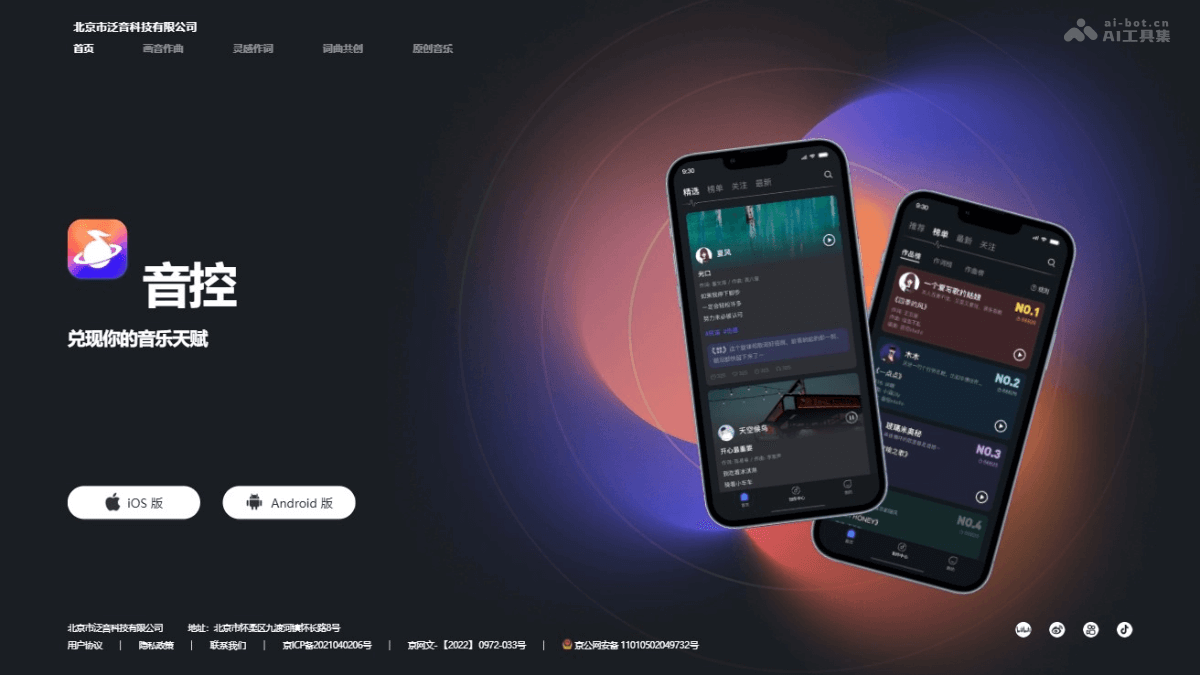
Main Features of Sound Control
- AI Lyric Writing: Based on AI technology, it assists users in writing lyrics, provides rhyming suggestions, and helps users quickly complete lyric writing.
- AI Composition: Users input lyrics, and AI generates the corresponding melody based on the input, helping users complete composition.
- AI Singer: Users use AI singers to perform created songs, and AI singers can simulate different voices and styles.
- AI Accompaniment: Based on the style and mood keywords input by users, AI can generate the corresponding accompaniment and supports multiple music styles.
- Professional Recording: Provides high-quality recording features, allowing users to record their own voices and perform post-processing.
How to Use Sound Control
- Download and Install: Visit Sound Control'sofficial website, download and install the Sound Control app.
- Register and Log In: After opening the app, register a new account or log in with an existing social media account.
- Explore the Interface: Familiarize yourself with the app's interface and layout, and learn about the different functional modules and tools.
- Choose a Creation Method: According to your needs, choose features such as lyric writing, composition, arrangement, or recording.
- AI Lyric Writing: Input a theme or lyric fragment, and use the AI lyric writing feature to obtain complete lyrics.
- AI Composition: Input lyrics, and use the AI composition feature to generate a melody.
- Use AI Singer: If needed, let an AI singer perform the work, or record it yourself.
- Create Accompaniment: According to style and mood needs, use the AI accompaniment feature to generate accompaniment.
- Professional Recording: Use the app's built-in recording feature to record vocals or instruments.
- Arrangement: Use Sound Control's arrangement tools to add virtual instruments and drum beats to enrich the music.
- Post-Processing: Mix and master the recorded tracks to improve the sound quality.
Application Scenarios of Sound Control
- Personal Music Creation: Individual music enthusiasts use Sound Control's AI lyric writing and composition features to create their own songs without needing deep music theory knowledge.
- Professional Music Production: Music producers use Sound Control's professional recording and arrangement tools to produce high-quality music works.
- Music Education: Music teachers use Sound Control as a teaching aid to help students understand the process of music creation and stimulate students' creativity.
- Music Therapy: Music therapists use Sound Control to create personalized music to help patients relax and heal.
- Advertising and Film/Television Scoring: Ad producers and film/TV producers use sound control to quickly generate background music that meets project needs.