
What Is Xuantu AI
Xuantu AI is a powerful AI photo editing software that provides one-click photo editing and beautification features based on AI technology. Users can easily add objects to images, replace content, remove unwanted elements, cut out subjects, and change backgrounds. Xuantu AI supports one-click HD enhancement and one-click image expansion, helping users quickly improve photo quality or adjust photo dimensions. With over 100 photo stylization options, it meets the creative needs of different users. Xuantu AI is simple to operate and comprehensive in features, eliminating the need to switch between multiple software programs and providing a one-stop solution for all photo editing needs.
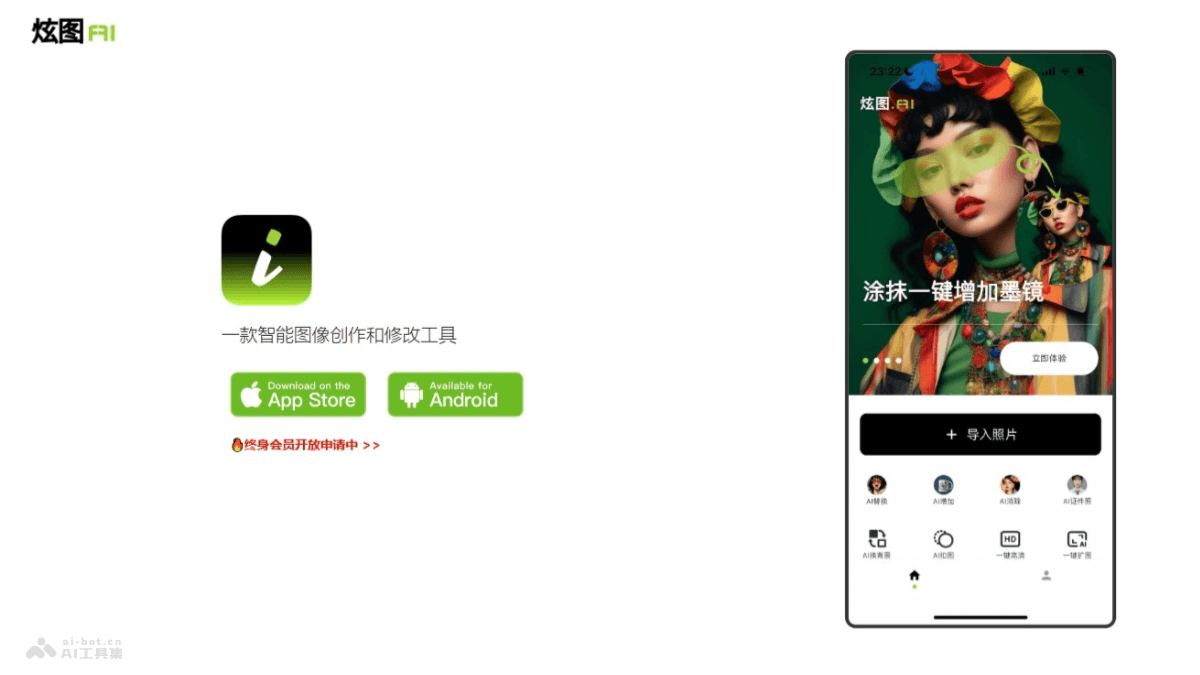
Main Features of Xuantu AI
- AI Add: Users can easily add any object to an image with one click.
- AI Replace: Provides personalized fine-tuning, allowing users to freely change the content they want to replace in an image.
- AI Remove: Users can precisely delete unwanted objects in an image with one-click selection or brushing.
- AI Cutout: One-click easy cutout, making it convenient for users to cut out any object or person.
- AI Background Change: Replace the background of an object or person with a desired custom new background.
How to Use Xuantu AI
- Download the App: Visit the Xuantu AIofficial website, download and install it on your mobile device according to your phone's system type.
- Open the App: After installation is complete, open the Xuantu AI app.
- Select a Feature: Xuantu AI offers multiple features, including:
- AI Add: Add any object to an image with one click.
- AI Replace: Personalized fine-tuning to replace any content in an image.
- AI Remove: One-click selection or brushing to delete unwanted objects in an image.
- AI Cutout: One-click cutout, easily cutting out any object or person.
- AI Background Change: Replace the background of an object or person with a custom new background.
- One-Click HD: Improve photo clarity.
- One-Click Image Expansion: Adjust photo dimensions for different uses.
- Select an Image: Choose the image you want to edit from your device's gallery.
- Edit the Image: According to your needs, select the corresponding feature to edit.
- Save and Share: After editing is complete, save the image to your local device, or share it directly to social media.
Xuantu AI Pricing
- Free Download: The Xuantu AI app can be downloaded and used for free.
- In-App Subscription: For features such as HD image processing and watermark-free downloads, Xuantu AI offers continuous membership subscription options for three periods: 1-month membership: 38 RMB. 6-month membership: 168 RMB. 12-month membership: 228 RMB.
- Short-Term Subscription: 1-week VIP: 28 RMB, 1-month VIP: 38 RMB.
Xuantu AI Use Cases
- Editing: Users edit personal photos, such as adding objects, replacing backgrounds, removing unwanted elements, cutting out subjects, etc., to make photos more perfect.
- Social Media Content Creation: When sharing content on social media, users use Xuantu AI to quickly generate attractive images, increasing interaction and attention.
- Commercial Advertising and Marketing: Enterprises and brands design advertising images, using AI technology to enhance the appeal and professionalism of images.
- Education and Training: In the field of education, Xuantu AI serves as a teaching tool to help students understand the basic concepts and techniques of image processing.
- Artistic Creation: Artists and designers use the AI processing capabilities of Xuantu AI to explore new ways of artistic creation and realize creative ideas.