
What is Workspace Studio
Workspace Studio is an AI automation tool launched by Google. Users can describe tasks in natural language, and based on the Gemini model, quickly generate customized AI agents to automate complex workflows. The tool supports seamless integration with the Google Workspace suite and third-party tools such as Asana and Jira, breaking down data silos and building comprehensive automation workflows. Agents can be shared and copied, facilitating team collaboration. The tool requires no programming knowledge and is simple to operate. It is currently only available to Google Workspace Business, Enterprise, and Education users.
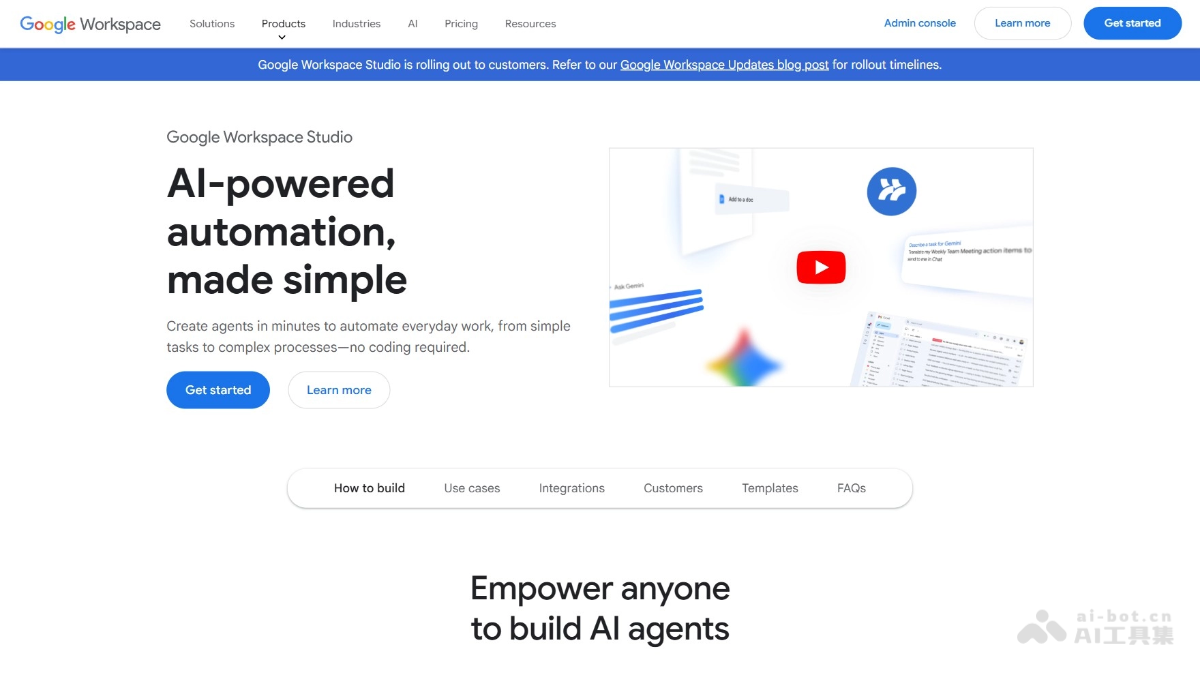
Main features of Workspace Studio
-
Create agents with natural language: Users only need to describe tasks in natural language, such as "notify me when an email with a specific keyword is received." The Gemini model can automatically generate customized AI agents without programming knowledge.
-
Complex workflow automation: Agents can handle complex tasks such as intelligent prioritization, support issue classification, content generation, and sentiment analysis, going beyond traditional rule-based automation.
-
Deep integration and context awareness: Agents support deep integration with Google Workspace applications such as Gmail, Drive, and Sheets, and can automatically extract relevant context from documents, emails, and web pages to provide personalized answers and actions.
-
Powerful cross-platform integration: Supports working with mainstream third-party tools such as Asana, Jira, Mailchimp, and Salesforce, breaking down data silos between software and building comprehensive automation workflows.
-
Team sharing and collaboration: Created agents can be shared and copied within a team, facilitating efficient collaboration and improving overall organizational efficiency.
-
Extensibility: Supports calling external APIs via Webhook to connect internal or external services (such as pushing notifications to Slack), and can use Apps Script to integrate proprietary tools or integrate models through Vertex AI.
-
Zero-configuration templates: Provides zero-configuration templates for common use cases, such as daily unread email summaries, flagging email action items, and pre-meeting briefings, making it easy for users to get started quickly.
How to use Workspace Studio
- Confirm eligibility: Ensure the account belongs to Google Workspace Business, Enterprise, or Education, or has a subscription to Google AI Pro for Education or Google AI Ultra for Business.
- Administrator setup: Administrators enable or disable Workspace Studio in the Admin console and configure security and sharing settings.
- User access: Eligible users visit the Workspace Studio official website https://workspace.google.com/studio/使用该工具。
- Create an agent: Enter a natural language description of the task in the interface and click "Create." The Gemini model will generate a customized agent.
- Configure and test: Check agent settings, such as notification methods, and test to ensure it works as expected.
- Use and share: After creation, the agent runs automatically. Share it with team members to copy and use.
- Extend functionality: Use Webhook or Apps Script to integrate third-party tools and implement more complex automation workflows.
Workspace Studio official website address
- Official website address:https://workspace.google.com/studio/
Workspace Studio application scenarios
-
Email automation: Automatically categorize, tag, and reply to emails, or send notifications when emails containing specific keywords are received.
-
Project Management: Automatically assign tasks, generate project status reports, or generate briefings before meetings.
-
Content Generation: Generate document drafts based on topics or generate periodic reports from data sources.
-
Customer Relationship Management: Automatically update customer information, analyze customer feedback, and categorize it.
-
Team Collaboration: Share efficient agents to improve team efficiency and enable cross-department automated workflows.
-
Data Analysis: Automatically extract data to generate visualized reports, monitor data changes, and send anomaly alerts.