
What is WhisperKeyboard
WhisperKeyboard is an AI voice input tool developed based on OpenAI Whisper speech recognition technology. Throughspeech-to-textfunctionality, it improves users' input efficiency. It supports voice input in multiple languages and can convert it to text in real time, making it suitable for various scenarios such as programming, writing, and chatting. Its core advantage lies in its powerful speech recognition capability, which can accurately capture and convert voice content. Some versions support offline use, allowing speech-to-text operations to be completed without an internet connection. WhisperKeyboard also has a real-time polishing feature that can optimize text expression in combination with large language models.
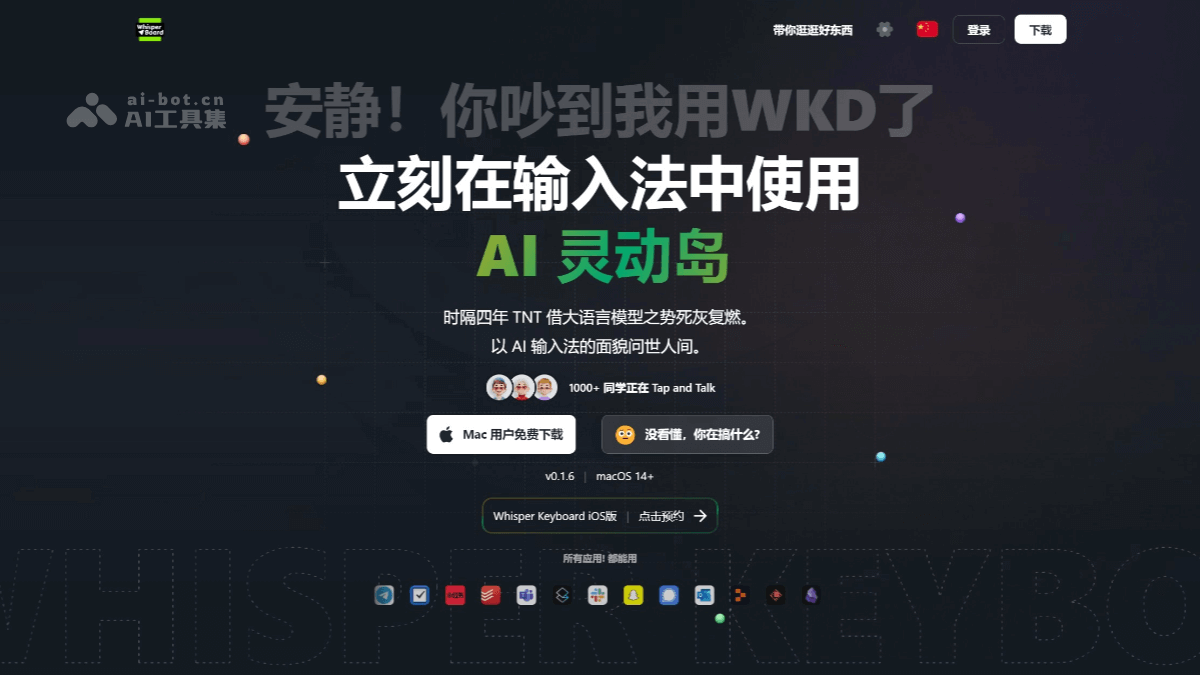
Main features of WhisperKeyboard
- Speech-to-text: It can convert the user's speech into text in real time, supports multiple languages (such as English, Chinese, Japanese, etc.), and can handle mixed-language input.
- Multi-platform support: It is compatible with systems such as macOS, Windows, and Android, and users can choose the appropriate version according to their device.
- Offline speech recognition: Some versions (such as Kaiboard) support offline use, allowing speech-to-text operations to be completed without an internet connection.
- Real-time polishing feature: It optimizes and polishes the input text in combination with large language models to improve text quality.
- Multilingual translation: It supports voice translation, making cross-language communication convenient for users.
- Shortcut key operation: It supports custom shortcut keys, and users can quickly start the voice input function through simple key combinations.
- Privacy protection: Voice data processing is completed locally and is not uploaded to the cloud, protecting user privacy.
WhisperKeyboard official website address
- Official website address:https://whisperkeyboard.app
Application scenarios of WhisperKeyboard
- Meeting notes; in business or academic meetings, WhisperKeyboard can transcribe participants' speeches into text in real time, helping attendees focus on the discussion content without manual note-taking, while also ensuring the accuracy and completeness of the information.
- Education field: Teachers can use WhisperKeyboard to transcribe course content and generate written materials for students to study and review. It can also be used in educational livestreams to provide students with real-time subtitles and help them understand the course content.
- Content creation and subtitle generation: For video creators, WhisperKeyboard can automatically generate video subtitles, supports multiple languages, and improves production efficiency and subtitle accuracy.
- Voice assistants and chatbots: WhisperKeyboard can improve the comprehension ability of voice assistants, understand user commands more accurately, and provide more efficient services.