
What is Wenxin PC Version
Wenxin (originally Yuanxiaoyan) PC Version is a powerful desktop-level intelligent assistant that provides users with intelligent information services and interactive experiences through natural language processing technology. It features document parsing, integrated search and creation, one-click export, and other functions, making information retrieval and document processing more synchronized and convenient. It is suitable for various scenarios such as office work, study, and daily life, and supports writing reports, creatingPPT, completing homework, exam preparation and review, and quickly finding relevant materials. In addition, it has intelligent search, personalized recommendations, and rich functions such as speech recognition, text analysis, and knowledge graphs, meeting users' diverse needs. It can be downloaded and installed through the official website, and supports free download for Windows and Mac.
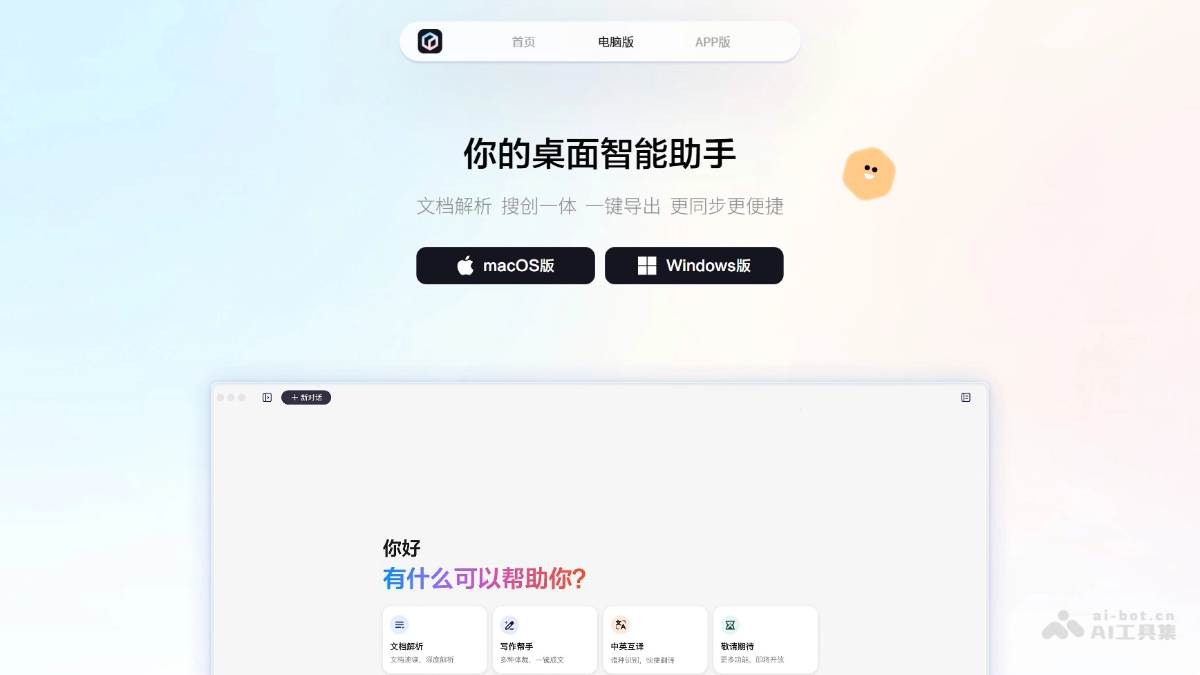
Main Functions of Wenxin PC Version
- Document Parsing: Supports one-click drag-and-drop parsing of files in multiple formats, asks questions based on the original text, and answers are well-grounded.
- Integrated Search and Creation: Ask simple questions for complex problems, search has never been so simple; authoritative sources, chart output, results are clearer and more accurate.
- One-Click Export: After text creation, you can simply edit and process it, and export the document with one click.
- Knowledge Retrieval: Provides a simple way to ask complex questions, search results are authoritative with chart output, making the results clearer and more accurate.
- Article and Image Creation: Supports the creation of various creative content, such as report materials, food reviews, vlog scripts, etc., and the drawing capability has also been upgraded.
- Intelligent Voice Assistant: Provides full voice interaction, supports functions such as virtual oral English tutors and virtual assistants, and the immersive conversation experience is more realistic.
- Customized Intelligent Agents: Users can customize their own intelligent agents to help handle more professional and vertical domain needs.
- Intelligent Writing Assistance: Provides intelligent prompts and autocomplete functions to help users quickly organize their thoughts and improve writing efficiency.
- Massive Database: Built-in rich database and search engine, making it convenient for users to find the information they need.
- Professional Writing Guidance: Provides functions such as article structure analysis and grammar checking to help users improve article quality.
- Cross-Platform Synchronization: Supports cross-platform synchronization, making it convenient for users to seamlessly switch between computer and mobile phone, and create anytime, anywhere.
How to Use Wenxin PC Version
- Download and Installation: Visit Wenxin'sofficial website, select and download the corresponding PC version installation package according to the computer model. After the download is complete, follow the prompts to complete the installation.
- Registration and Login: After the installation is complete, open Wenxin PC Version and register and log in to your account. If you already have a mobile account, you can also directly use the account to log in to the PC version.
- Start Using: After logging in, you can see various functions on the main interface, such as chat, file transfer, groups, etc. Click the corresponding function and follow the prompts to operate.
- Intelligent Recognition and Organization: Upload the text file to be processed, and Wenxin will automatically recognize and organize it.
- Writing Assistance: When writing articles, you can enable smart suggestions and grammar checking to improve writing efficiency.
- Custom Settings: Customize the interface and features according to personal preferences and needs.
- Cross-Platform Use: Wenxin supports cross-platform use. You can use Wenxin on multiple platforms such as computers and mobile phones, achieving seamless switching.
Application Scenarios of Wenxin PC Version
- Office Scenarios: In the office, various documents such as reports and plans need to be written. Wenxin PC Version can help users quickly organize their thoughts and write efficiently.
- Learning Scenarios: Students need to write papers, assignments, etc. Wenxin PC Version makes it convenient for users to find materials and provides writing guidance.
- Personal Creation Scenarios: For people who love writing, Wenxin PC Version can record inspiration, create novels, etc.
- Information Search: In academic research or work, a large amount of materials needs to be searched. Wenxin has a built-in search engine that can help users quickly find the information they need and save time.
- Life Services: In life scenarios such as shopping, traveling, and entertainment, users need to obtain various types of life service information. Wenxin PC Version can provide help.
- Writing Efficiency Improvement: For users who need to write a lot, Wenxin PC Version provides intelligent writing assistance, such as smart suggestions and autocomplete, improving writing efficiency.