
What is Voquill
Voquill is an open-source voice input tool that replaces traditional keyboard typing with voice input, improving writing and note-taking efficiency. It supports macOS, Windows, and Linux systems and can be used in any text box and application, achieving system-level universal compatibility. Voquill's voice input speed is four times faster than keyboard input, quickly capturing the user's thoughts and avoiding lost inspiration due to slow typing speed.
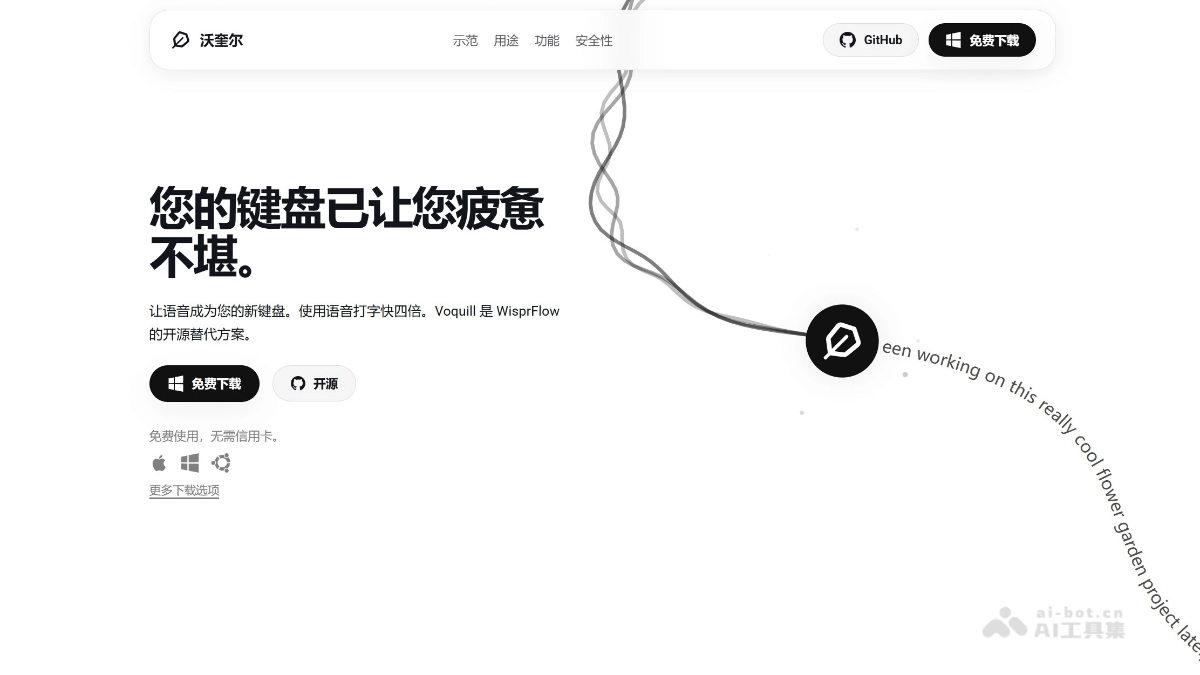
Voquill's main features
-
Universal compatibility: Supports macOS, Windows, and Linux systems and can be used in any text box and application, achieving system-level universal compatibility.
-
Efficient input: Voice input speed is four times faster than keyboard input, quickly capturing the user's thoughts and avoiding lost inspiration due to slow typing speed.
-
Privacy protection: Supports local processing of voice data, ensuring user data does not leave the device, with the option to connect to cloud services, while open-source code guarantees transparency.
-
Smart text cleanup: Uses AI technology to automatically remove filler words, hesitations, and false starts from voice transcriptions, outputting clearer, more professional text.
-
Offline operation: Even without a network connection, it can run on a local device, ensuring use anytime and anywhere.
-
Free to use: Users can download and use it for free, with no registration or payment required.
How to use Voquill
-
Download and install: Visit Voquill's official website or GitHub page, download the corresponding installation package according to your operating system (macOS, Windows, or Linux), and install it.
-
Choose processing mode: Choose how to process voice data according to your needs. If you prioritize privacy, you can choose local processing; if you need more powerful features, you can connect to the Groq API for cloud processing.
-
Configure settings: After installation is complete, open the Voquill application and perform simple configuration according to the prompts, such as selecting the default language model and setting hotkeys.
-
Start voice input: In any application that supports text input, press the configured hotkey or activate Voquill through system settings to start voice input.
-
Text cleanup and editing: After input is complete, Voquill will automatically use AI technology to clean up the transcribed text, removing unnecessary filler words and errors. Users can further edit the text as needed.
Voquill's project address
- Project official website:https://voquill.com/
- Github repository:https://github.com/josiahsrc/voquill
Voquill's application scenarios
-
Software development: Developers can write code, add comments, and draft technical documentation by voice in IDEs (integrated development environments) and code editors, improving programming efficiency.
-
Content creation: Writers, bloggers, and content creators can quickly turn spoken ideas into articles, blogs, stories, or reports, increasing creation speed.
-
Office scenarios: Knowledge workers and professionals can use Voquill to quickly draft emails, meeting notes, project reports, and more, saving time.
-
Study and research: Students and researchers can quickly record class notes, experiment records, research ideas, and more, making it easier to organize and review.
-
Accessibility: For users with repetitive strain injuries or accessibility needs, Voquill can reduce keyboard usage and provide a more comfortable and convenient way to interact with the computer.
-
Mobile Work: In situations where there is no keyboard or it is inconvenient to use one, such as while traveling or using a tablet, Voquill can serve as an efficient input tool.