
What is Video Ocean V2.0
Video Ocean V2.0 is a free multifunctionalAI video generation platformlaunched by Luchuan Technology, and it isVideo OceanVideo Ocean. Video Ocean V2.0 achieves a qualitative leap in video quality, including the fineness of characters, animals, environments, and other visuals, as well as the smoothness of various action scenes, all reaching a new height. Video Ocean V2.0 has three major highlights: super-realistic image quality, significantly improved motion range, and more diverse styles, and supports switching between multiple art styles from 3D realism to 2D animation. Based on features such as text-to-video, image-to-video, and character-to-video, users can easily create their own visual masterpieces, and use the "video continuation & retry" feature to make the plot richer or regenerate a satisfactory work.
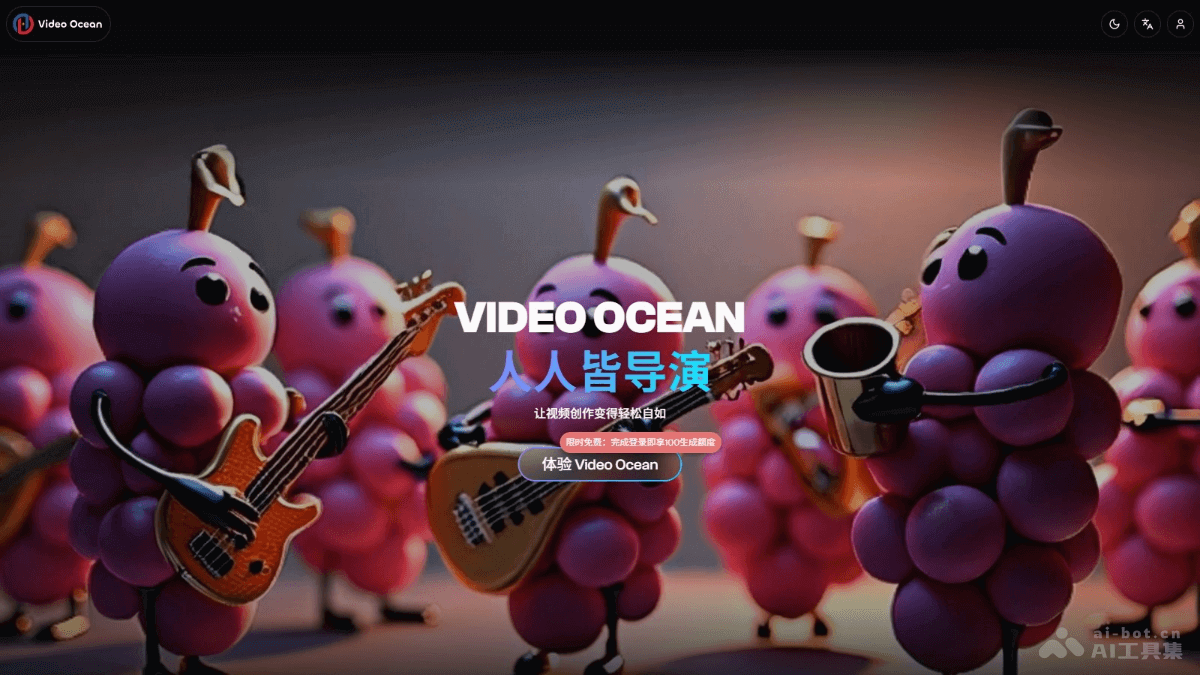
Main features of Video Ocean V2.0
- Video generation
- Text-to-video: Users only need to enter a few lines of text description, and AI automatically generates a short film with the corresponding content based on the text.
- Image-to-video: Users upload an image, such as a pet photo, and AI "breathes life into" the subject in the image, giving the static image dynamic vitality.
- Character-to-video: The system is based on ensuring that the character remains "consistent" across different scenes, making it convenient for users to build their own IP and easily achieve linkage of multi-episode content.
- Video editing
- Video continuation: Supports continuation up to 20 seconds, allowing users to make the plot richer and the twists more diverse according to their needs.
- Retry feature: If users are dissatisfied with the initial version of the AI-generated video, they can click "retry", and AI will automatically regenerate the video.
- Diverse styles: The platform supports switching between multiple art styles from 3D realism to 2D animation, and from cinematic texture to cyberpunk, meeting users' creative needs for different styles.
How to use Video Ocean V2.0
- Visit the platform: Visit Video Ocean V2.0'sofficial website, and complete login and registration according to the prompts.
- Choose a creation mode:
- Text-to-video: Enter the text description of the video you want to generate. For example, write "a panda leisurely eating bamboo in a bamboo forest", then submit.
- Image-to-video: Find the entry point for the image-to-video feature and upload the image you want to turn into a dynamic video. For example, upload a static photo of a pet cat and let AI automatically generate a video.
- Character-to-video: Use the character-to-video feature to upload an image or text description of a character, ensuring the character's consistency across different scenes.
- Adjust video parameters: Adjust parameters such as video style, duration, and resolution as needed. For example, choose the 3D realistic style, set the video duration to 15 seconds, etc.
- Preview and edit: After the video is generated, preview the video effect. If you are not satisfied, use the "retry" feature to regenerate it, or use the "video continuation" feature to extend the video duration and enrich the plot.
- Download and share: Download the video file locally, or share it directly to social media and other platforms to share your creative work with others.
Application scenarios of Video Ocean V2.0
- Personal entertainment and creative sharing: Individual users transform creative stories and fantasy scenes into videos, producing unique short videos to share on social platforms and express their personality.
- Rich self-media content: Self-media creators combine copywriting to generate matching videos, such as food bloggers producing videos of the food-making process, enhancing the appeal of the content and attracting more fans.
- Educational-assisted teaching: Teachers produce teaching videos on historical events, scientific principles, etc., and students produce vocabulary memorization videos, making learning more intuitive and interesting.
- Film and television pre-production conceptualization: Producers and directors generate preliminary video samples of script scenes and character actions, used for team communication and to present project concepts to investors.
- Cultural heritage promotion: Produce videos related to traditional culture, such as traditional handicraft production and displays of folk activities, to inherit and promote excellent traditional culture.