
What is VidBee
VidBee is an open-source video download tool built on the powerful yt-dlp engine. The tool helps users easily download audio and video content from over 1,000 websites worldwide, including popular platforms like YouTube and Bilibili, as well as niche platforms. VidBee's interface is simple and intuitive, and its operation is so easy that even beginners can quickly get started. The tool supports multiple platforms (Windows, macOS, Linux) and provides a browser extension, allowing users to download with one click while browsing videos, without cumbersome operations.
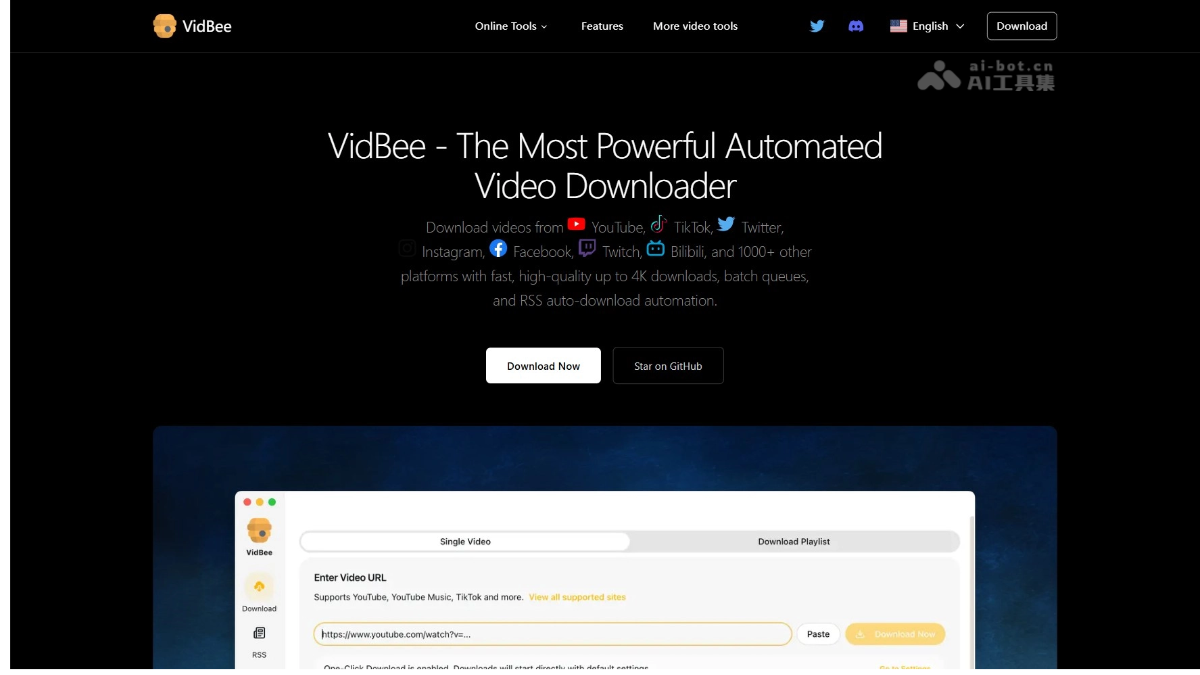
Main features of VidBee
-
Support for 1,000+ websites worldwide: Supports downloading audio and video content from numerous platforms such as YouTube, Bilibili, TikTok, and more.
-
Download management feature: Supports pausing, resuming, and retrying downloads, with real-time display of progress, speed, and estimated time.
-
RSS automatic download: Supports subscribing to RSS feeds of channels or creators, automatically detecting updates and downloading new videos.
-
Browser extension: Click the download button directly in the browser, with no need to copy links or switch windows.
-
Batch download and queue management: Supports multi-task downloads and clearly displays queue progress.
-
Cross-platform support: Compatible with Windows, macOS, and Linux systems.
How to use VidBee
-
Download and install: Visit VidBee's GitHub page and select the corresponding installation package for your operating system to download and install.
-
Add a link: Open the VidBee software and paste the link of the target video into the link input box in the interface.
-
Choose format: In the interface, select the desired video or audio format and the desired quality.
-
Start downloading: Click the "Download" button, and the video will automatically be added to the download queue. Users can view the download progress, speed, and estimated completion time in real time.
-
RSS automatic download: By setting up the RSS subscription feature, VidBee can automatically detect and download the latest videos published by channels or creators that users follow.
-
Browser extension: After installing the VidBee browser extension, when watching on a video website, a download button will appear on the page. Clicking it will send the video to the desktop client and automatically start downloading.
VidBee's project address
- Project official website:https://vidbee.org/
- GitHub repository:https://github.com/nexmoe/VidBee
VidBee's application scenarios
-
Personal learning and offline viewing: Users can download educational videos, open courses, or language learning courses, making it convenient to watch them repeatedly without an internet connection and improving learning efficiency.
-
Content creators: Creators can download reference materials for video editing, dubbing, or other creative work, improving content quality while avoiding interruptions in material acquisition caused by network issues.
-
Following favorite channels: Through the RSS automatic download feature, users can subscribe to favorite YouTube channels, podcasts, or vlog creators. New videos are automatically downloaded locally after release, with no need to search manually.
-
Backing up important videos: Users can back up their frequently watched channels or important videos locally, preventing the loss of precious content due to platform deletion or invalid links.
-
Multi-platform content acquisition: VidBee supports audio and video downloads from 1000+ websites worldwide, allowing users to easily obtain content from different platforms and meet diverse viewing needs.