
What is UPDF
UPDF is an AI-integrated PDF editor, converter, annotator, and reader, supporting Windows, Mac, Android, iOS, and online platforms. UPDF offers features such as text editing, image editing, PDF annotation, conversion, OCR recognition, and filling and signing PDFs. Based on AI technology, UPDF summarizes, translates, and explains PDF files, enhancing the reading experience and supporting conversations with PDF files to get answers.
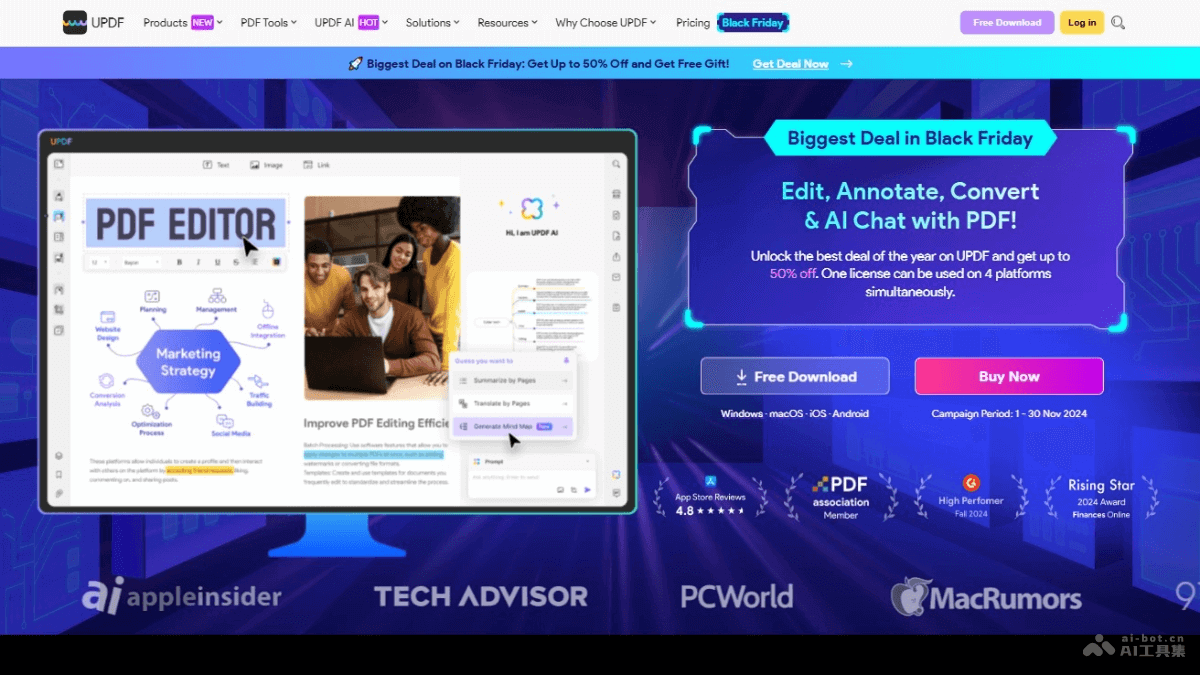
Main Features of UPDF
- Multi-Platform Support: Use one account on Windows, Mac, Android, iOS, and online platforms.
- PDF Editing: Allows users to edit text and images in PDF files.
- PDF Annotation: Provides a variety of annotation tools, such as highlighting, underlining, strikethrough, sticky notes, and links.
- PDF Conversion: Supports converting PDF files to editable document formats, with OCR technology support.
- PDF Filling and Signing: Makes it convenient for users to fill out forms and sign PDF files.
- AI-Enhanced PDF Reading Experience: Based on AI technology, UPDF can summarize, translate, and explain PDF files, enhancing the reading experience.
UPDF's Product Official Website
- Product Official Website:updf.com
UPDF's Product Pricing
- UPDF Pro: $39.99/year. Supports use on 4 devices
- UPDF Pro: $69.99, a one-time payment providing permanent usage rights. Supports use on 4 devices
- AI Assistant: $79.00/year. Supports use on 6 devices

UPDF's Application Scenarios
- Document Editing and Revision: When PDF documents need to be edited and revised, UPDF provides text and image editing features, making it convenient for users to make modifications directly in PDF files.
- Academic Research and Paper Writing: Researchers and students mark up and comment on academic papers and literature in PDF format, and use translation and summarization features to process foreign-language materials.
- Business Communication and Contract Signing: Business professionals fill out, sign, and send contracts and other business documents, improving work efficiency.
- E-book Reading and Learning: Students and teachers read and mark up e-books, enhancing the learning experience.
- Legal Document Processing: Legal professionals edit and annotate legal documents, and convert scanned documents into editable formats.