
What is Tripo Studio
Tripo Studio is the world's first AI-driven one-stop 3D workspace launched by 3D large model company VAST. It deeply integrates Tripo's core algorithm suite, covering the entire process from model generation, material texturing to rigging, solving the industry pain point that AI-generated 3D modelsare difficult to directly integrate into production pipelines. The intelligent part segmentation feature enables precise and controllable editing of assets, the texture magic brush can quickly complete defect repair, the intelligent low-poly generation is suitable for real-time rendering and interactive applications, and automatic rigging for everything simplifies the animation production process. Tripo Studio covers the entire process, improves efficiency, and is highly easy to use, lowering the threshold for 3D modeling and enabling more people to participate in creation.
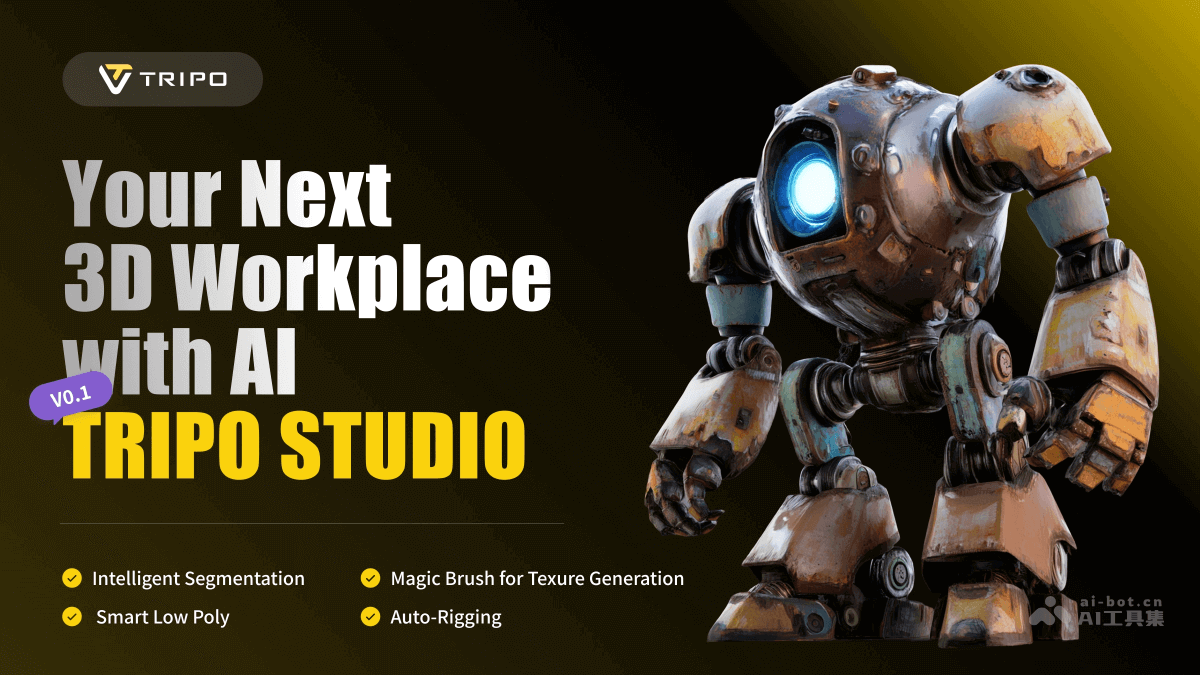
Main features of Tripo Studio
-
Intelligent part segmentation: One-click splitting of complex models. The system automatically divides them into multiple editable regions based on structural features, and selections can be manually fine-tuned. It is extremely practical for 3D printing and game production, greatly improving the efficiency and freedom of modeling and editing.
-
Texture magic brush: After users circle the target area, the system can quickly repair defects while maintaining a consistent texture style. Combined with the intelligent part segmentation feature, specific parts can be modified separately for fine-tuned adjustments.
-
Intelligent low-poly generation: While preserving the model's key features and details, it greatly reduces the polygon count, improving runtime performance. It is suitable for real-time interactive scenarios such as game development and AR/VR experiences.
-
Automatic rigging for everything: Automatically analyzes the model's biomechanical characteristics and generates a reasonable skeleton system for any character proportion and structure, supporting rigging operations for complex mechanical structures and biological models.
-
3D model generation: Supports multiple modes such as text-to-3D model, image-to-3D model, multi-view-to-3D model, and batch 3D generation.
-
AI texture: Automatically generates textures, and users can also use brushes to flexibly modify models.
-
Intelligent topology optimization: Optimizes the model's topology structure, making the model more suitable for subsequent editing and rendering.
-
Animation creation: Provides animation creation features, making it convenient for users to add animation effects to 3D models.
Tripo Studio official website address
- Official website address:studio.tripo3d.ai
Application scenarios of Tripo Studio
-
Design sketches and artworks: Designers and artists can use Tripo Studio to quickly generate 3D models of design sketches or artworks. Its diverse model styles and high-precision generation capabilities can meet different creative needs.
-
Teaching model creation: Educational institutions can use Tripo Studio to create 3D model materials needed for teaching, such as biological models and architectural models, helping students better understand and master knowledge.
-
Interactive learning materials: Generate 3D models for interactive learning materials and simulations, helping students better understand and learn complex three-dimensional concepts.
- Product 3D model display: E-commerce platforms can use Tripo Studio to generate 3D model displays for products, enhancing the user shopping experience.
-
Rapid prototyping: Quickly generate 3D models of product prototypes, helping designers quickly validate design ideas.