
What is Topaz Video AI
Topaz Video AI is an AI-based video enhancement software that supports improving video quality, resolution, and frame rate. Based on deep learning technology, it upscales low-resolution videos to HD and even 4K or 8K, repairs noise, blur, and damaged parts, and enhances detail and color performance. Topaz Video AI supports converting standard dynamic range (SDR) videos to high dynamic range (HDR) videos, improving contrast and color saturation. The latest version introduces a more intuitive interface, including tabbed settings, real-time rendering, and preset features, greatly improving user experience and work efficiency.
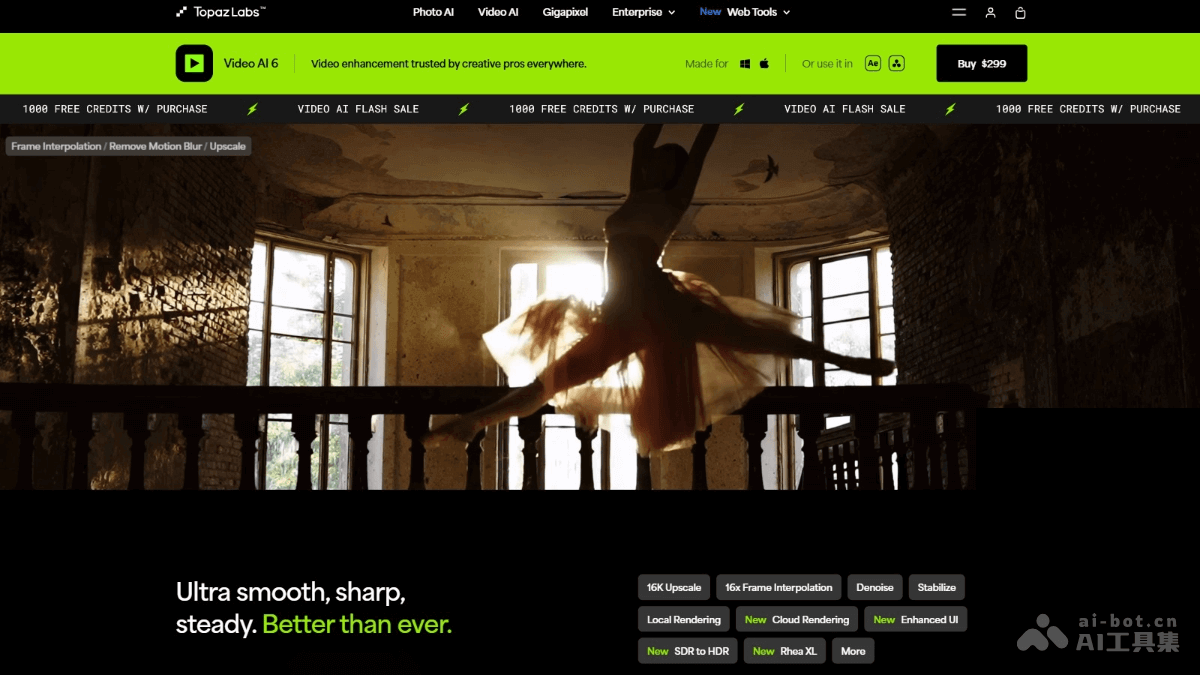
Main features of Topaz Video AI
- Resolution upscaling: Upscale low-resolution videos (such as 480p, 720p) to HD, 4K, or even 8K while keeping the image clear and reducing blur and aliasing.
- Frame rate upscaling: Increase video frame rate based on interpolation technology, suitable for slow-motion video production.
- Video stabilization: Provides full-frame stabilization, reduces image shake, and supports automatic cropping to adapt to different scenes.
- Image quality enhancement: Repairs noise, blur, and damaged parts in videos, enhances detail and contrast, and improves overall image quality.
- SDR to HDR conversion: Converts standard dynamic range (SDR) videos to high dynamic range (HDR) videos, improves color saturation and contrast, and restores highlight and shadow details.
- Real-time preview and rendering: Supports real-time rendering, allowing users to quickly view processing results and compare different settings based on side-by-side or split views.
- Presets and tabbed management: Users can save commonly used settings as presets for quick application to other projects.
- Intelligent repair: Automatically repairs damaged frames, watermarks, or scratches in videos, restoring video integrity.
Topaz Video AI official website address
- Official website address:https://www.topazlabs.com/topaz-video-ai
Application scenarios of Topaz Video
- Old video restoration: Improve the image quality of low-resolution or damaged old videos.
- Professional film and television production: Enhance video resolution and frame rate to meet high-quality production needs.
- Social media optimization: Upgrade low-quality videos to high definition and improve visual effects.
- Video stabilization and noise reduction: Repair shake or noise issues to make the image clearer.
- Creative video production: Based on features such as HDR conversion, inspire creativity and improve visual expression.