
What is the Tongyi Browser Extension
The Tongyi Browser Extension is an all-in-one AI assistant that provides real-timespeech recognition, AI subtitle translation, intelligent summarization, and other features. It is suitable for scenarios such as online courses, binge-watching, and online meetings, helping users record, translate, and summarize information. Users can quickly launch "Real-time Recording" and "Reading Assistant" based on the extension to easily manage online content. After installation, users can access tongyi.ai with one click to view transcription results, audio materials, and intelligent speed-reading results. The Tongyi Browser Extension greatly improves the efficiency of online learning and work.
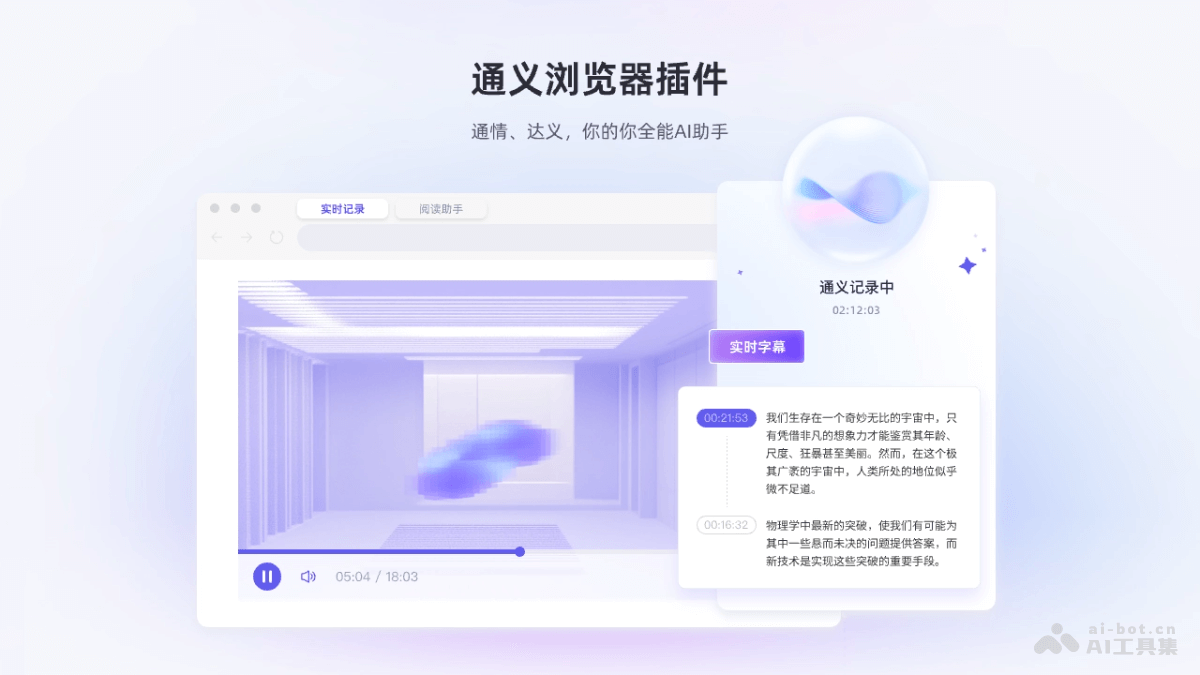
Main Features of the Tongyi Browser Extension
- Real-time Recording:
- Real-time Speech Recognition: Converts speech into text.
- AI Subtitle Translation: Provides real-time translated subtitles for video or audio content.
- Intelligent Summarization: Automatically extracts key information and generates a content summary.
- Reading Assistant:
- Webpage and PDF Content Summarization: Quickly extracts and summarizes the main content of webpages or PDF documents.
- Select-to-Interpret: Users select a text passage, and the extension provides translation and interpretation services.
- Translation Q&A: Translates selected text and answers related questions.
How to Use the Tongyi Browser Extension
- Install the Extension: Visit the Tongyi Browser Extension'sofficial website, and choose download and installation according to your system type.
- Register and Log In: After installation is complete, find the Tongyi extension in the browser's extensions. Follow the prompts to register and log in.
- Use the Real-time Recording Feature:
- Select the Chrome tab you need to record.
- Click the Tongyi extension icon next to the browser address bar or use the "Real-time Recording" feature on the extension page.
- Click the "Share" button to start recording audio and transcribing text.
- After recording is complete, click "End Recording."
- Visit the tongyi.ai web version to view transcription results, audio, and intelligent summary content.
- Use the Reading Assistant Feature:
- Press the "Ctrl/Command + I" shortcut or click the browser extension icon to launch the Reading Assistant.
- Select the text passage you want to interpret, translate, or ask questions about in a webpage or PDF.
- The extension provides interpretation, translation, and dialogue features.
- Visit the tongyi.ai web version to view intelligent speed-reading results, webpage PDF content, as well as dialogue, guided reading, mind maps, notes, and more.
- View and Manage Content:
- On the tongyi.ai web version, view and manage content recorded and read through the extension.
- Use the tools provided by the website, such as full-text summary, chapter overview, and speech summary, to better understand and review content.
Application Scenarios of the Tongyi Browser Extension
- Online Course Learning: In online courses, use the Tongyi Browser Extension's real-time recording feature to capture the instructor's explanations and convert them into text records, while also providing AI subtitle translation to help students better understand and review the course content.
- International Conferences: In multilingual business meetings, recognize and translate speeches in different languages in real time, ensuring that all participants can understand the meeting content and improving the efficiency of cross-cultural communication.
- Foreign-language video entertainment: For foreign-language movies, TV series, or educational videos without subtitles, provide real-time subtitle translation, allowing users to enjoy the content immediately without waiting for official subtitles.
- Academic research: In academic research, quickly translate and summarize large amounts of foreign-language literature, saving time and accelerating the research process.
- News reading: For users who need to obtain information quickly, provide intelligent summaries of news content, allowing users to grasp the key points of the news in a short time.