
What is TinyClaw
TinyClaw is TinyAGI's open-source lightweight multi-agent collaboration framework, designed specifically for resource-constrained environments. TinyClaw supports running multiple specialized AI Agents (such as @coder and @writer) simultaneously on devices like Raspberry Pi, and agents can collaborate to complete tasks through chained execution and fan-out patterns. The system covers three major channels—Discord, WhatsApp, and Telegram—and shares conversation context across them, with a built-in SQLite message queue ensuring reliable transmission. Together with a real-time TUI dashboard and the TinyOffice web backend, it is suitable for building 7×24 edge AI assistant teams.
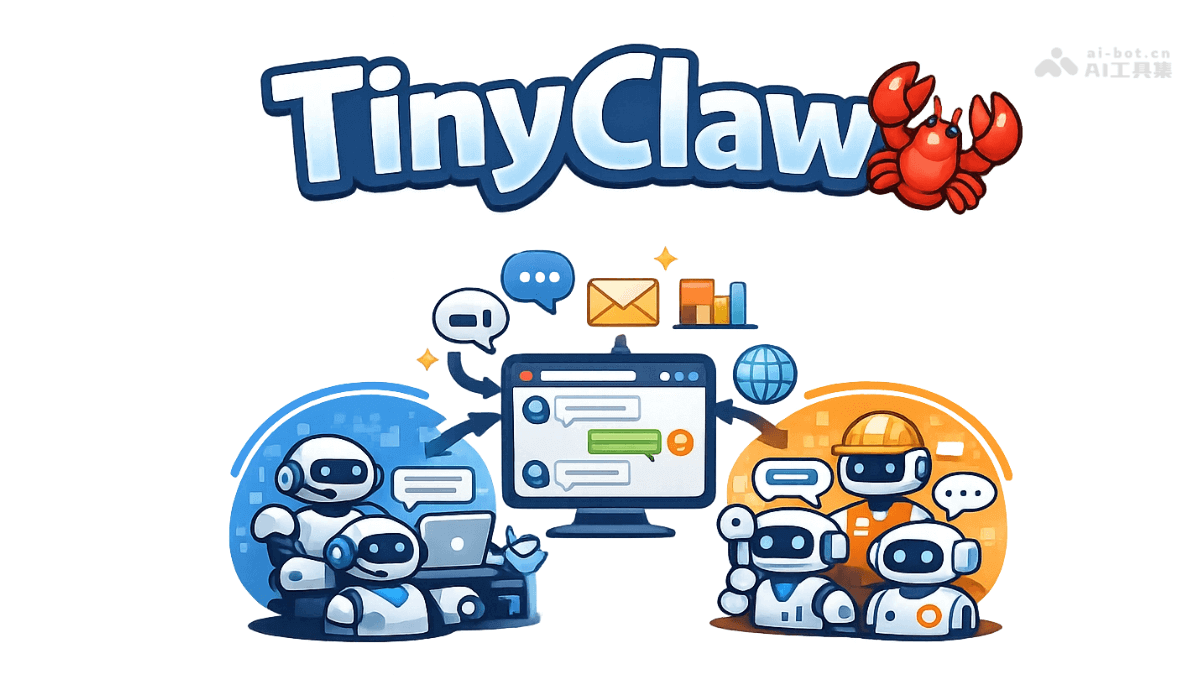
Main features of TinyClaw
-
Multi-agent system: Supports running multiple isolated agents simultaneously, with each agent having its own working directory, conversation history, and configuration file.
-
Team collaboration: Agents can hand off tasks sequentially through chained execution, or distribute them in parallel to multiple teammates through fan-out patterns.
-
Multi-channel access: Integrates the three major platforms Discord, WhatsApp, and Telegram, and all channels share the same set of agent conversation context.
-
Message queue: Uses a SQLite atomic transaction queue to process messages, with built-in retry mechanisms and dead-letter management to ensure reliable message transmission.
-
Real-time visualization: Provides a TUI terminal dashboard for real-time monitoring of team status, as well as the TinyOffice web backend for managing the task board.
-
Flexible routing: Users can use the
@agentor@teamprefix to precisely route messages to a specified agent or team for processing. -
Provider switching: Supports Anthropic Claude and OpenAI Codex, and different AI providers and models can be configured separately for each agent.
-
7×24 operation: Implements daemon mode based on tmux, and works with a heartbeat detection mechanism to ensure long-term stable online operation of the system.
-
Access control: Built-in pairing code verification mechanism; administrators can approve senders to join the whitelist to prevent unauthorized users from accessing agents.
How to use TinyClaw
- Installation and deployment: Execute the official one-click installation script to complete environment deployment. The command is curl plus the official script address, piped to bash for execution.
- Initial configuration: Run the tinyclaw start command to enter the interactive configuration wizard, and follow the prompts to select the required communication channels, configure the AI provider key, name the workspace, and set the default agent.
- Create agents: Use the tinyclaw agent add command to interactively create specialized role agents, and use tinyclaw agent provider plus the agent name, provider, and model parameters to specify AI configuration separately for each agent.
- Configure teams: Use the tinyclaw team add command to create collaboration teams, specify team members and the person in charge, and implement task distribution and collaboration among agents.
- Message routing: In any connected communication channel, use the prefix method of at-mentioning the agent name or team name to precisely route messages to the specified handler, for example @ coder to write code or @ dev to fix bugs.
- Monitoring and management: Use the tinyclaw status command to learn about the system's operating status, use the tinyclaw logs all command to troubleshoot issues, or run tinyclaw team visualize plus a team name to launch a terminal visualization panel for real-time monitoring of the workflow.
- Web Backend: After entering the TinyOffice directory, run the commands to install dependencies and start the development server in sequence, then access the visualization interface in the browser via the local address to manage the task kanban and agent configuration.
- Daily Maintenance: Use the tinyclaw stop, start, and restart commands to control the service status, upgrade to the latest version via tinyclaw update, or use tinyclaw reset to clear the conversation history while retaining the system configuration.
TinyClaw's project address
- GitHub Repository:https://github.com/TinyAGI/tinyclaw
TinyClaw's application scenarios
- Personal Intelligent Assistant: Deploy an around-the-clock personal AI assistant on a Raspberry Pi or an old computer, receive reminders and manage schedules anytime through multiple channels, and proactively push to-do items via heartbeat detection.
- Development Team Collaboration: Set up a code review workflow, with a coding agent responsible for implementing features, a review agent checking quality, and a documentation agent writing explanations in sync, with the three automatically handing off tasks through team mode.
- Edge Device Deployment: Run lightweight AI services on resource-constrained embedded devices, with a modular design enabling features on demand to maximize the use of limited computing power for local intelligent processing.
- Smart Home Hub: Build a low-cost smart home control center, remotely send voice commands via WhatsApp or Telegram, and have the agent coordinate and control various IoT devices and report back execution status.