
What is Thunderbit
Thunderbit is a no-code platform that integrates AI tools and automation services, designed specifically for business users. Through its one-click build feature, it simplifies the development of AI applications and automated workflows, enabling users without a programming background to easily create personalized AI solutions. The platform offers customized web assistants to adapt to different browsing experiences and uses AI technology to convert data from unstructured to structured forms and vice versa. Thunderbit's automation features help users improve efficiency. The platform's advantages lie in its no-code ease of use and its flexible usage-based pricing strategy, encouraging users to choose and customize AI tools according to their specific needs.
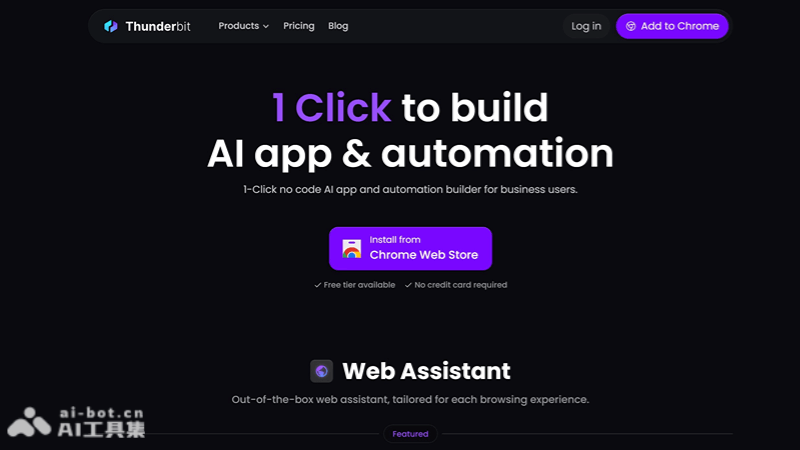
Thunderbit's Features
-
One-Click Build: Users can quickly build AI applications and automated workflows with a single click, without writing code.
-
Web Assistant: Provides customized web assistants that can deliver personalized services based on the user's browsing experience.
-
AIApps: Supports the creation of AI applications that go beyond chat interfaces, enabling data conversion from unstructured to structured forms and vice versa.
-
Automation: Provides traditional automation features that can be combined with AI technology or run independently to improve work efficiency.
-
Use Case-Driven Build Experience: Users can select templates based on specific use cases for customized development.
-
No-Code Integration: Integrates AI tools through a no-code approach, simplifying the development and deployment process of AI applications.
How to Use Thunderbit
- Visit the Website: Visit Thunderbit's official website (thunderbit.com)。
- Choose a Template: There are various AI-driven templates on the website. Choose a suitable template based on your needs.
- Fill Out the Template: After selecting a template, fill in the necessary information as instructed.
- Install the App: If you have created an app, you can install it directly from the Chrome Web Store.
- Start Using: Once the setup is complete, you can start using this tool. It will automatically perform tasks based on the information provided.
- Further Customization: If needed, you can use no-code tools to further customize the app to meet more specific needs.
- Integrate with Other Apps: Thunderbit can integrate with many popular apps, such as Notion, Google Sheets, Gmail, etc., making workflows more efficient.
Thunderbit's Use Cases
-
Customer Service Automation: Through customized web assistants, businesses can provide 24/7 customer support, handling common questions and inquiries.
-
Data Management: Automate data collection, organization, and analysis processes to improve the efficiency and accuracy of data management.
-
Marketing Campaigns: Use AI tools to analyze customer data and automatically create personalized marketing campaigns and promotional strategies.
-
Human Resource Management: Automate employee recruitment, training, and performance evaluation processes to improve the efficiency of human resource management.
-
Supply Chain Optimization: Use AI to analyze supply chain data, predict changes in demand, and optimize inventory management and logistics scheduling.
-
Financial Analysis: Automate the generation and analysis of financial statements, providing real-time financial insights and decision support.