
What is theORQL
theORQL is a frontend AI programming toolwith visual perception capabilities. The tool connects Chrome DevTools with VS Code/Cursor to achieve panoramic runtime perception, capable of capturing DOM, CSS, network requests, and Console logs, and precisely mapping UI elements to source code. theORQL supports an automatic reproduction-fix loop, can automatically script Bug reproduction, inject fix solutions and visually verify them in the browser, and generate directly reviewable diffs. The tool frees frontend developers from blind debugging and ensures every UI modification truly takes effect at runtime.
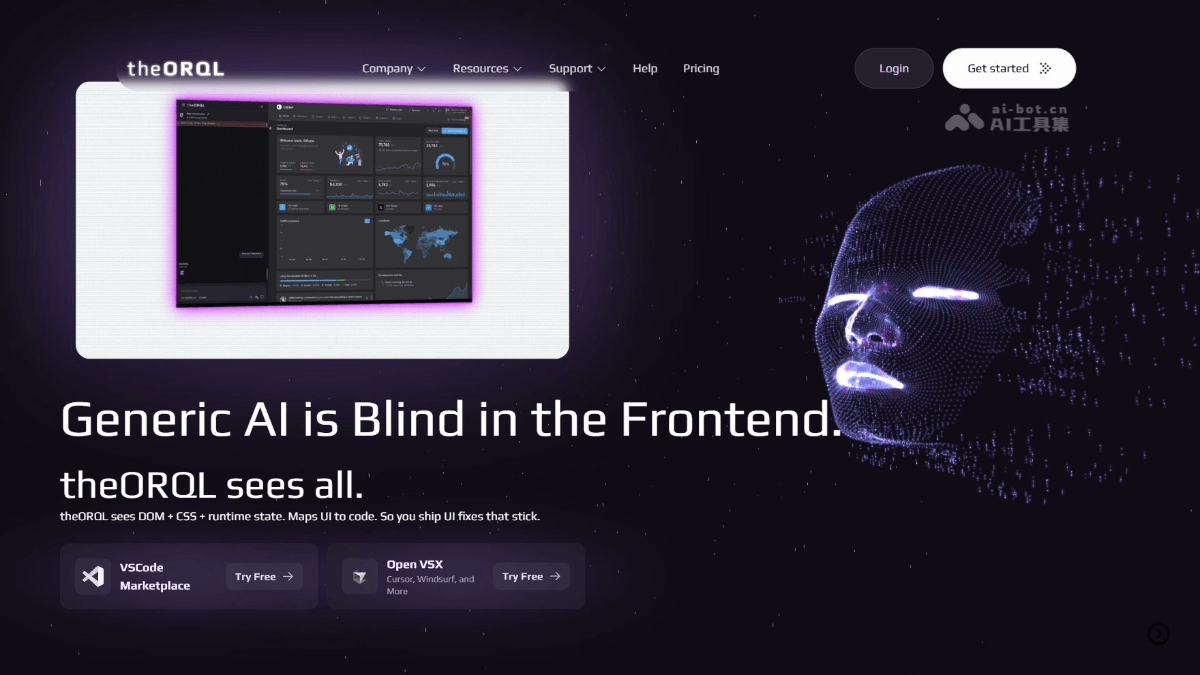
Main features of theORQL
- Panoramic runtime capture: Obtains real browser states such as DOM structure, Computed Styles, network requests, and Console logs in real time, allowing AI to "see" the actual frontend rendering results.
- Precise UI → code mapping: Click any element in the interface to directly locate the corresponding component source code, with no need to manually search in the file tree.
- Automatic reproduction and fixing: Supports automatically scripted Bug reproduction, generates fix solutions and injects them into the browser for verification, and iterates in a loop until the problem is resolved.
- Real-time IDE synchronization: Supports two-way linkage between Chrome and VS Code/Cursor, automatically generating verified reviewable diffs with zero context switching.
- Production environment monitoring: Aggregates information such as browser crashes, Vercel deployment failures, and CI errors into a unified view for one-stop tracking of full-chain issues.
How to use theORQL
- Visit the official website: Visit the theORQL official websitehttps://theorql.com/,完成账号注册和登录。
- Install the plugin: Choose the corresponding version according to the editor you use.
- Connect the browser: Open the target application in Chrome (such as
http://localhost:3000), and theORQL automatically captures runtime states through DevTools. - Start debugging: Click any element in the interface to map it to the source code, and use the Auto Repro → Fix loop to automatically reproduce and fix Bugs.
- Synchronize fixes: Verified fix solutions automatically generate diffs, which can be synchronized back to the IDE for review and submission with one click.
theORQL official website address
- Official website address:https://theorql.com/
Application scenarios of theORQL
- UI style debugging: When an element displays abnormally, directly capture Computed Styles to locate the root cause of CSS conflicts, avoiding blind code changes and trial and error.
- Interaction Bug fixing: When a user click has no response or the state is not updated, automatically reproduce the operation sequence and precisely locate errors in the event handling logic.
- Production issue troubleshooting: Aggregate browser crashes, Vercel deployment failures, and CI errors into a unified view to quickly trace cross-stage faults.
- Code teaching demonstration: In programming education, visually demonstrate the causal relationship of "code modification → runtime change" to lower the threshold for student understanding.
- Cross-device adaptation verification: Capture real rendering results under different viewports to ensure responsive layouts take effect correctly on various screen sizes.