
What is TextIn
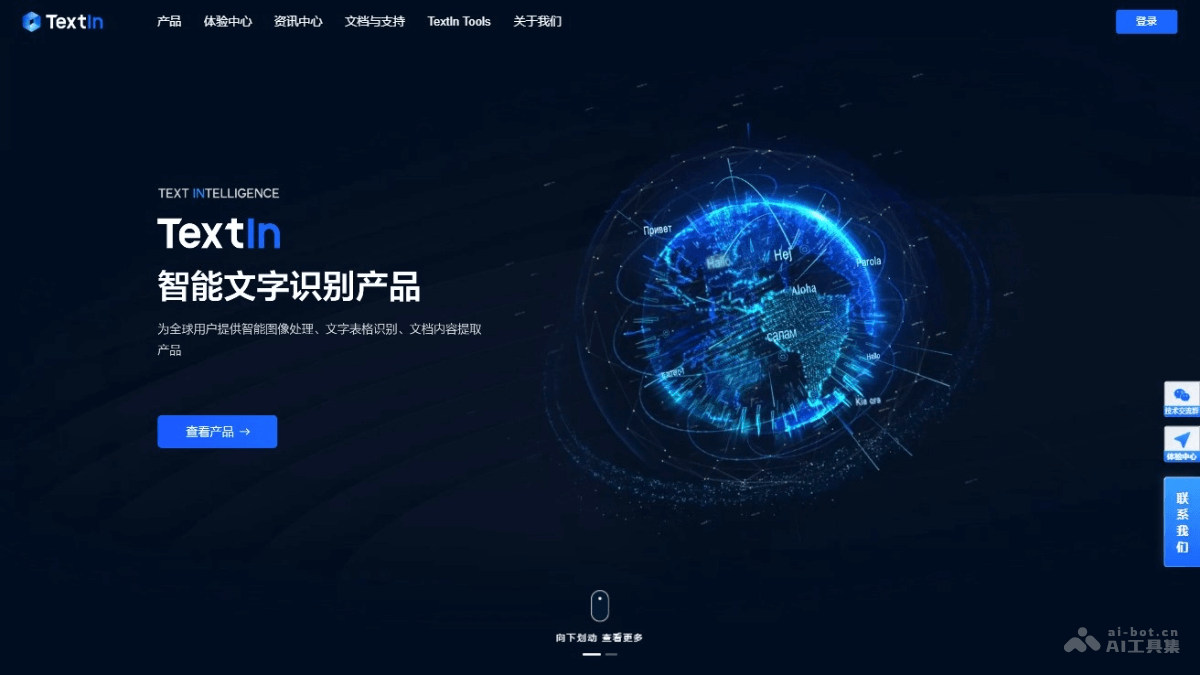
TextIn is an AI text recognition platform launched by Hopscotch, based on advanced OCR technology, providing public cloud APIs, SDKs, and private deployment options. TextIn supports 50+ languages and can extract printed, handwritten, and stamped text, formulas, tables, etc. from images and PDFs, serving multiple industries such as finance and logistics. With high accuracy and broad technical compatibility, TextIn provides customers with a one-stop intelligent document processing solution.
TextIn's Main Features
- Intelligent Image Processing: Provides functions such as image cropping and enhancement, PS detection, and screen pattern removal, optimizing low-quality images to ensure the quality of image intake.
- Text and Table Recognition: Can recognize rich text information such as printed, handwritten, stamped text, formulas, tables, and images in images and PDF documents, supporting 50+ multilingual recognition.
- Document Content Extraction: Intelligently understands document content, extracts key elements, and supports multiple deployment methods, including public cloud APIs, private deployment, on-device SDKs, and AIoT.
- Intelligent Recognition Applications for In-Depth Scenarios: Includes contract robots, financial knowledge base Q&A, DocFlow bill automation, etc., solving recognition problems in complex scenarios.
- Multiple Deployment Methods: Supports multiple deployment methods such as public cloud APIs, private deployment, on-device SDKs, and AIoT, meeting the technical needs of different business scenarios.
How to Use TextIn
- Register and Log In:Visit TextIn'sofficial website。to register an account or log in with an existing account.
- Choose a Service:Choose the corresponding service according to your needs, such as public cloud API, private deployment, on-device SDK, or AIoT.
- Obtain an API Key:If you choose to use the public cloud API service, you need to obtain an API key in the user console for identity verification during API calls.
- Integrate the SDK or API:
- If you need to integrate TextIn's functionality into your application, download the corresponding SDK and integrate it into the application according to the development documentation.
- If you use the API service, you need to write code according to the provided API documentation and send HTTP requests to TextIn's server.
- Send Data:Send the image or document data to be recognized to TextIn. Upload files based on API calls, or process images directly in an application integrated with the SDK.
- Receive and Process Results:
- TextIn processes the sent data and returns the recognition results.
- Parse the results according to the returned data format (usually JSON) and use this data in the application.
- Optimize and Adjust:According to actual usage, you may need to adjust recognition parameters to optimize recognition performance.
TextIn's Application Scenarios
- Financial Industry: Cutting, classification, and field information extraction of mixed pasted invoices. Handling complex scenarios such as misaligned lines, skew, overlap, occlusion, deformation, and uneven lighting.
- Logistics Industry: Recognize and extract text information on logistics documents, such as tracking numbers, recipient information, etc.
- Manufacturing Industry: Automatically recognize product labels, serial numbers, and quality inspection reports.
- Mobile Internet: Provides text recognition functionality in mobile applications, such as photo translation, document scanning, etc.
- Smart Government: Extraction and processing of government documents, public records, and administrative documents.