
What is TemPolor
TemPolor is anAI music generation platformthat can quickly create royalty-free music works based on user needs. Users can generate music through various methods such as inputting text descriptions, uploading images, videos, MIDI files, or humming melodies. The platform has over 500,000 royalty-free tracks and supports searches by various moods, genres, and BPM, helping creators easily find or customize music that meets project needs. TemPolor's music generation speed is very fast, completing in just a few seconds, and the generated music is high quality, suitable for short videos, advertisements, games, podcasts, and many other scenarios. TemPolor offers features such as automatic vocal and lyric generation, intelligent video scoring, and professional-level post-production tools to meet the needs of different users.
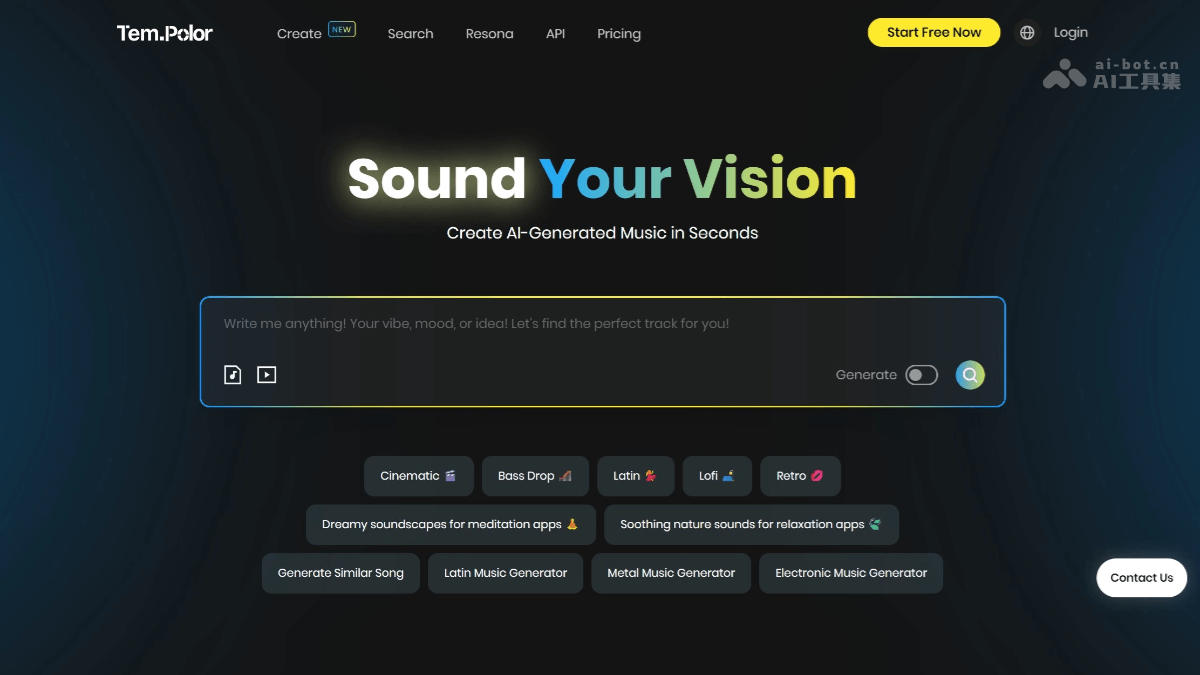
TemPolor's Main Features
-
Multimodal Input Music Generation: Supports one-click generation of matching music through text descriptions, image atmospheres, video content, MIDI files, or humming melodies.
-
500,000+ Royalty-Free Music Library: Comes with a commercially usable music library, with multi-dimensional AI search by mood, genre, BPM, instrument, and more.
-
Automatic Vocal and Lyric Generation: After enabling 'Vocal Mode,' AI automatically writes lyrics and sings, supporting male and female voices and emotion adjustment.
-
Intelligent Video Scoring: After uploading MP4/MOV/AVI videos, AI automatically produces music within 90 seconds based on the rhythm and emotion of the visuals.
-
Professional-Level Post-Production Tools: Offers features such as stem splitting, MIDI rendering, fine-tuning of speed/key/chord progression, and unlimited regeneration.
-
Dynamic Variation Generation: A single track can generate 5 adapted versions, ranging from highly similar to loosely inspired.
-
Voiceprint Cloning: Record a 30-second vocal sample to generate a customized AI singer voice.
How to Use TemPolor
-
Visit the Platform: Visit TemPolor's official website:https://www.tempolor.com/或下载 App, register and log in to your account.
-
Choose Creation Mode: Text, image, video, MIDI, or 'hum to music.'
-
Input Requirements: Enter prompts or upload files, set parameters such as mood, duration, and whether to include vocals.
-
Generate Music: Click 'Generate,' wait 10–30 seconds, then listen and choose the most satisfactory version.
-
Adjust and Download: You can further use 'Edit' or 'Split Stems' features for fine-tuning, and finally download WAV/MP3 and the copyright certificate.
TemPolor's Application Scenarios
-
Short Video and Vlog Scoring: Quickly generate royalty-free background music for Douyin, Bilibili, and YouTube videos.
-
Advertising and Promotional Videos: Brands can directly generate commercial music that fits the theme based on script text or sample videos.
-
Podcasts and Audiobooks: Automatically generate emotional intros, interludes, and outro music to enhance the listening experience.
-
Games and Interactive Media: Developers can instantly generate looping BGM and ambient sound effects through MIDI or scene screenshots.
-
Wedding and Event Videos: Newlyweds upload photos or on-site videos, and AI instantly generates romantic or high-energy themed music.