
What is TalkCody
TalkCody is an open-source AI coding assistant, helping developers build software more efficiently. Built with Rust and Tauri, it features native performance and low resource usage. TalkCody supports free switching between multiple models, covering more than 50 mainstream AI models such as OpenAI, Claude, and Gemini, allowing users to experience the latest models instantly. It supports multimodal input, including text, voice, images, and files, making collaboration with AI more natural.
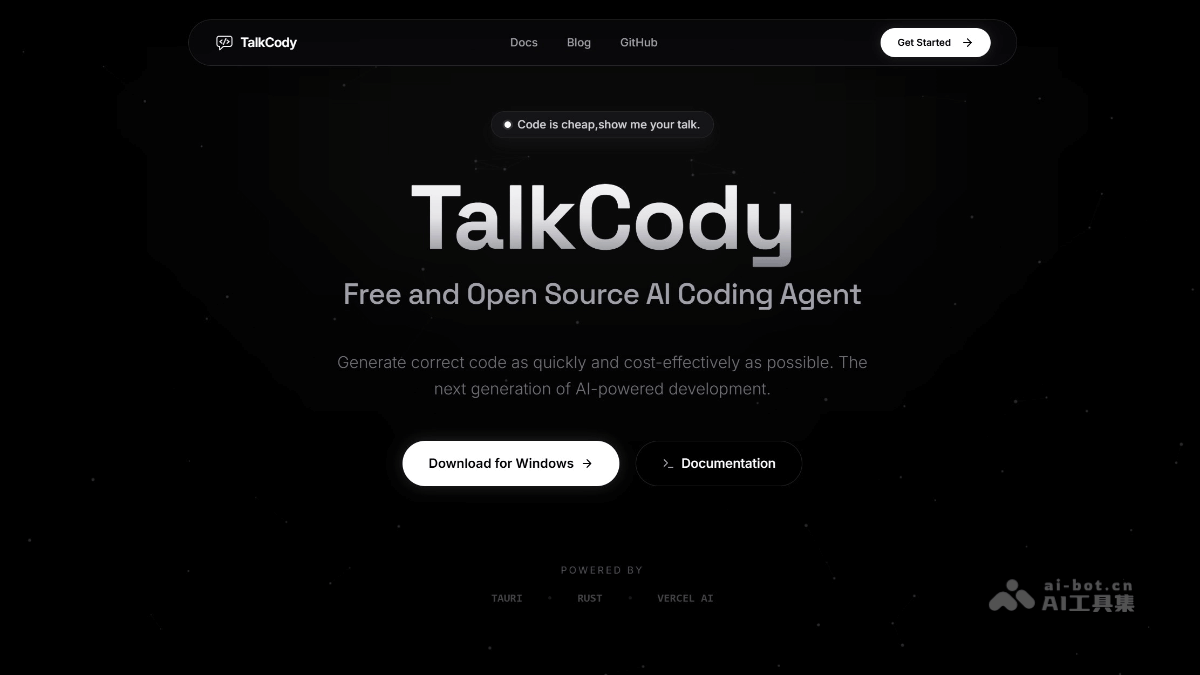
TalkCody's main features
-
Multi-model support: Supports 50+ mainstream AI models, such as OpenAI, Claude, Gemini, etc. Users can switch freely and be the first to experience the latest models.
-
Multimodal input: Supports multiple input methods such as text, voice, images, and files, making collaboration with AI more natural.
-
Privacy protection: All data is stored locally, supports local models such as Ollama, and can be used completely offline, ensuring user data security.
-
Highly customizable: System prompts, Agents, tools, MCP servers, skills, etc. can all be customized, allowing users to fully control every AI request and response.
-
Built-in terminal: No need to switch windows; AI can directly execute commands in the built-in terminal, making coding, debugging, and deployment convenient.
-
Plan mode: Provides a complete workflow of exploration, thinking, planning, decomposition, execution, and verification for complex tasks, helping users complete projects efficiently.
-
Cross-platform support: Supports the three major platforms Windows, macOS, and Linux, meeting the operating system needs of different users.
TalkCody's project address
- Project official website:https://www.talkcody.com/
- Github repository:https://github.com/talkcody/talkcody
How to use TalkCody
-
Download and install: Visit the TalkCody official website, choose the version suitable for your operating system, download it, and install it.
-
Configure keys: On first launch, configure the API keys of your AI service providers, such as OpenAI, Anthropic, etc.
-
Choose a model: Choose your preferred AI model in the application. TalkCody supports multiple mainstream models.
-
Import a project: Import your code project into TalkCody so that the AI assistant can better understand the context and provide help.
-
Start collaborating: Interact with the AI assistant by entering instructions or questions to get code suggestions, debugging help, and more.
-
Custom settings: Customize system prompts, Agents, tools, etc. as needed to adapt to your development habits.
-
Updates and feedback: Regularly check the TalkCody official website or GitHub repository for updates. If you have questions, you can provide feedback in the community.
TalkCody's application scenarios
-
Code writing and generation: Quickly generate code snippets, functions, or complete modules to improve development efficiency.
-
Code debugging and optimization: Help troubleshoot code errors, optimize performance, and provide improvement suggestions.
-
Project planning and architecture design: Assist in designing software architecture, planning project workflows, and generating project documentation.
-
Learning and teaching: Provides code examples and explanations for novice developers, helping them understand and master programming knowledge.
-
Team Collaboration: In team development, quickly generate code templates or solve technical problems, improving collaboration efficiency.
-
Task Automation: Through integration with external tools, implement tasks such as automated code testing and deployment.