
What is SwarmFlow
SwarmFlow is openJiuwen's open-source multi-agent controllable workflow orchestration framework that separates orchestration from intelligence: collaboration flows are executed reliably by the system, while reasoning and judgment are handed over to Agents. Through workflow.py scripts, the framework solidifies team collaboration into operators, supports orchestration modes such as parallel, pipeline, and staged, and is built into JiuwenSwarm's SwarmSkill Creator, where a single sentence can generate an executable team skill.
SwarmFlow's main features
-
Operator-based workflow orchestration: provides
agent、parallel、pipeline、phase、workflow、agent_session、human、budgetand other building-block operators to assemble complex collaboration flows. -
Dual-form support for Swarm Skills: the same set of team skills can retain open collaboration (no script) or carry executable orchestration (with
workflow.py), automatically adapting to task characteristics. -
Automatic generation by SwarmSkill Creator: input a single natural-language requirement, and it automatically completes role design, orchestration generation, and constraint validation, producing a reusable team skill package.
-
Automatic routing in Team mode: users describe tasks in natural language, and the system automatically identifies workflow intent and determines whether to use SwarmFlow, an open Swarm Skill, or a single Agent.
-
TUI visual monitoring: in the JiuwenSwarm terminal interface, use
/swarmflowsto view a real-time tree-style flow diagram and track stage progress, Agent status, and logs. -
Human-in-the-loop interaction node: insert
humanoperators at key steps to request human input or approval during execution. -
Resource budget constraints: use
budgetoperators to set resource consumption limits for workflows, preventing quotas from spiraling out of control.
How SwarmFlow works
- Orchestration-intelligence separation architecture: in traditional multi-Agent collaboration, the Leader Agent handles both orchestration and reasoning. SwarmFlow extracts orchestration logic such as who acts first, who runs in parallel, and how failures are handled from the Leader's on-the-spot judgment and turns it into program scripts the system can execute automatically, with Agents invoked at nodes that require reasoning. In this way, the Leader is no longer overwhelmed by process management and focuses on what truly requires judgment.
- Operator-driven declarative orchestration: SwarmFlow does not provide a black-box orchestration engine, but instead exposes a set of atomic operators:
agentdispatches a single task,parallelruns multiple agents in parallel and then aggregates,pipelineprocesses batches of items through staged pipeline handling,agent_sessionretains multi-round memory and supports fork clones for hypothesis exploration,phasesplits long flows into observable stages,workflowreuses existing subflows,humaninserts human approval, andbudgetconstrains resource quotas. Developers assemble scripts with operators, and the system advances reliably in the declared order. - Form-adaptive determination mechanism. During generation, SwarmSkill Creator automatically determines whether task orchestration can be decided in advance: dynamic collaboration scenarios generate an open Swarm Skill without a script; tasks with fixed processes generate an executable version with
workflow.py; or both can be combined. On the invocation side, Team mode further automatically routes to the appropriate form based on the user's natural-language intent.
How to use SwarmFlow
-
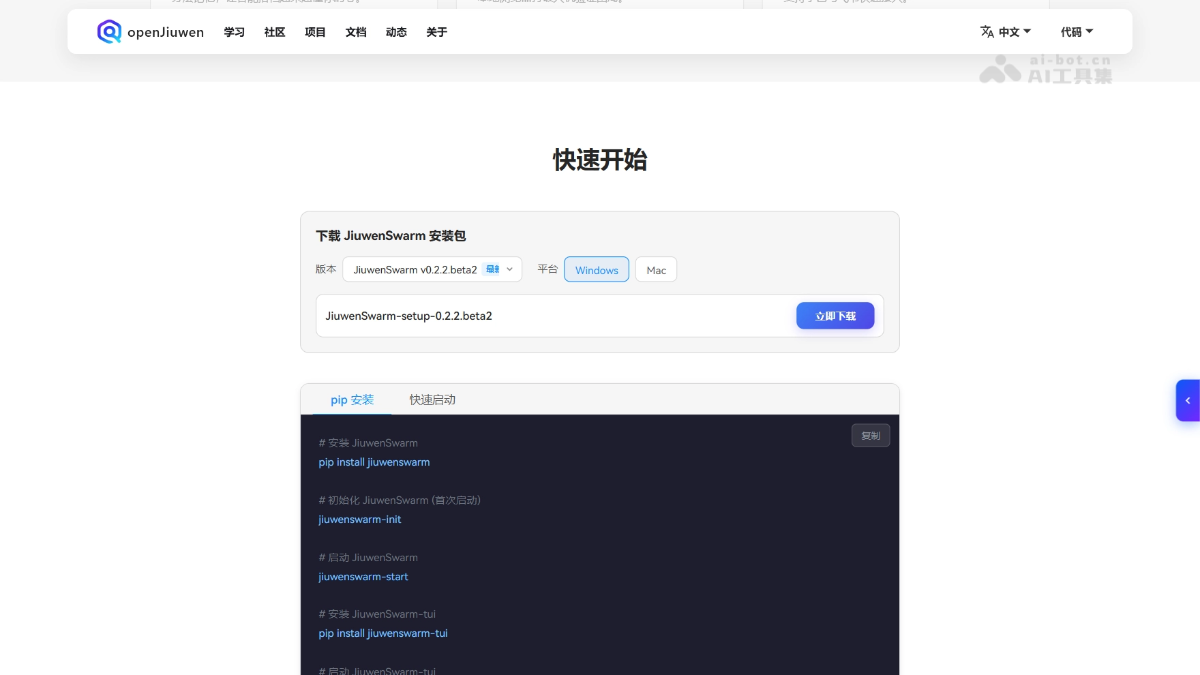
Install JiuwenSwarm: visit the JiuwenSwarm official website https://openjiuwen.com/jiuwenswarm#quick-start执行
pip install jiuwenswarmto install the core package, then runpip install jiuwenswarm-tuiInstall the terminal interface. -
Initialize the environment: Run
jiuwenswarm-initto complete the initial configuration, then usejiuwenswarm-startto start the service. -
Launch the TUI: Run
jiuwenswarm-tuito enter the terminal interactive environment and prepare to create or invoke team skills. -
Generate a Swarm Skill: Describe the goal to SwarmSkill Creator in natural language; the system automatically determines the form and generates the role, orchestration, and constraint files.
-
Write or confirm workflow.py: If an executable form is generated, check whether the operator orchestration in
scripts/workflow.pymeets expectations, and fine-tune it if necessary. -
Execute the workflow: In Team mode, trigger tasks in natural language (e.g., "use swarmflow to analyze this company"); the system automatically routes and starts SwarmFlow.
-
Monitoring and debugging: In the TUI, enter
/swarmflowsto open the visual tree diagram, view stage progress and Agent status, and drill down to investigate prompts and logs.
Core advantages of SwarmFlow
-
Determinism first: Script fixed collaboration workflows so that the same task follows a consistent path across multiple executions, avoiding the instability caused by the Leader Agent's on-the-fly judgment.
-
Decoupling of orchestration and intelligence: The system manages process advancement, while Agents handle subtask reasoning; the Leader is no longer overwhelmed by context, and each focuses on its own role.
-
Low-barrier generation: SwarmSkill Creator supports generating a complete team skill from a single sentence, so users do not need to hand-write complex orchestration scripts.
-
Flexible adaptation to dual forms: Within the same framework, both open collaboration and executable orchestration are supported, automatically selected according to task characteristics, without forcing dynamic scenarios into scripts.
-
Production-grade observability: TUI real-time visualization, resumable execution from breakpoints, and resource budget constraints meet the engineering requirements needed to implement complex tasks.
Comparison of SwarmFlow with similar competitors
| Dimension | SwarmFlow (openJiuwen) | CrewAI |
|---|---|---|
| Orchestration philosophy | Orchestration belongs to the system and intelligence belongs to the Agent; collaboration workflows are executed stably by the system, and Agents are only responsible for reasoning. | Orchestration is driven by the Crew process, and Agents execute autonomously within tasks and may trigger subsequent actions. |
| Core abstraction | Operators (agent/parallel/pipeline/phase/workflow/human/budget) assemble scripts. |
Three cores: Crew (team), Agent (role), Task (task), with execution order defined through Process. |
| Code barrier | SwarmSkill Creator supports generating a complete team skill from a single natural-language sentence, so users do not need to hand-write orchestration scripts. | Requires hand-writing Python code to define Crew, Agent, Task, and Process, which imposes requirements on developers' programming ability. |
| Dynamic collaboration | Adaptive dual forms: when orchestration is dynamic, retain the scriptless open Swarm Skill; when orchestration is fixed, use workflow.py scripts. |
Mainly through Process.sequential or Process.hierarchical preset workflows, with limited dynamic adjustment capability. |
| Visualization | TUI has built-in /swarmflows real-time interactive tree diagram, allowing direct viewing of stage progress, Agent status, and drill-down logs. |
No native visual interface; relies on log output or third-party tools for tracing, and the debugging experience leans toward the backend. |
| Human-Computer Interaction | Native human operators allow manual input or approval to be inserted at any node in the workflow, with no additional code required. |
Human-in-the-loop must be implemented through custom Tools or callback functions, with no native workflow interruption mechanism. |
| Resource Control | Native budget operators can set resource consumption limits for the entire workflow or sub-processes to prevent runaway quota usage. |
There is no native resource budget or token quota mechanism; control logic must be encapsulated at the Agent or Task layer. |
| Applicable Scenarios | Complex deterministic processes (financial quantitative analysis, paper analysis, batch PPT generation, office automation). | Standard business process automation (market research, content creation, customer support), suitable for medium-complexity tasks. |
SwarmFlow Application Scenarios
-
Financial Quantitative Analysis: A five-dimensional stock analysis workflow in which five Agent paths—financials, market data, capital flow, public sentiment, and industry—collect and score data in parallel, and finally cross-validate to generate trading signals and a backtesting report.
-
Paper Reading and Office Automation: Input a paper link, then automatically complete parsing, method analysis, document generation, and email drafting and sending to specified recipients, suitable for regular literature sharing by research teams.
-
Large-Scale Batch Document Generation: For example, producing a 200-page PPT: first plan the chapter division of labor, then generate 10 chapters in parallel, and finally merge and summarize, ensuring a unified structure and consistent style.
-
Technical Research Automation: Given a topic, automatically search papers and materials, organize source content, extract images, analyze trends, and finally generate a technical sharing email to send to team members.
-
Multi-Expert Proposal Review: In scriptless form, organize experts from perspectives such as industry, risk, and data for a roundtable discussion, with fixed stages but dynamically occurring flows of viewpoints.